App Store screenshots
that sell your app.
Drop in raw captures, pick a preset, and export pixel-perfect sets for the App Store and Google Play. It all happens in your browser, in minutes, and nothing gets uploaded.
- No sign up
- Free forever plan
- Files stay on your device
- 48-hour Pro trial
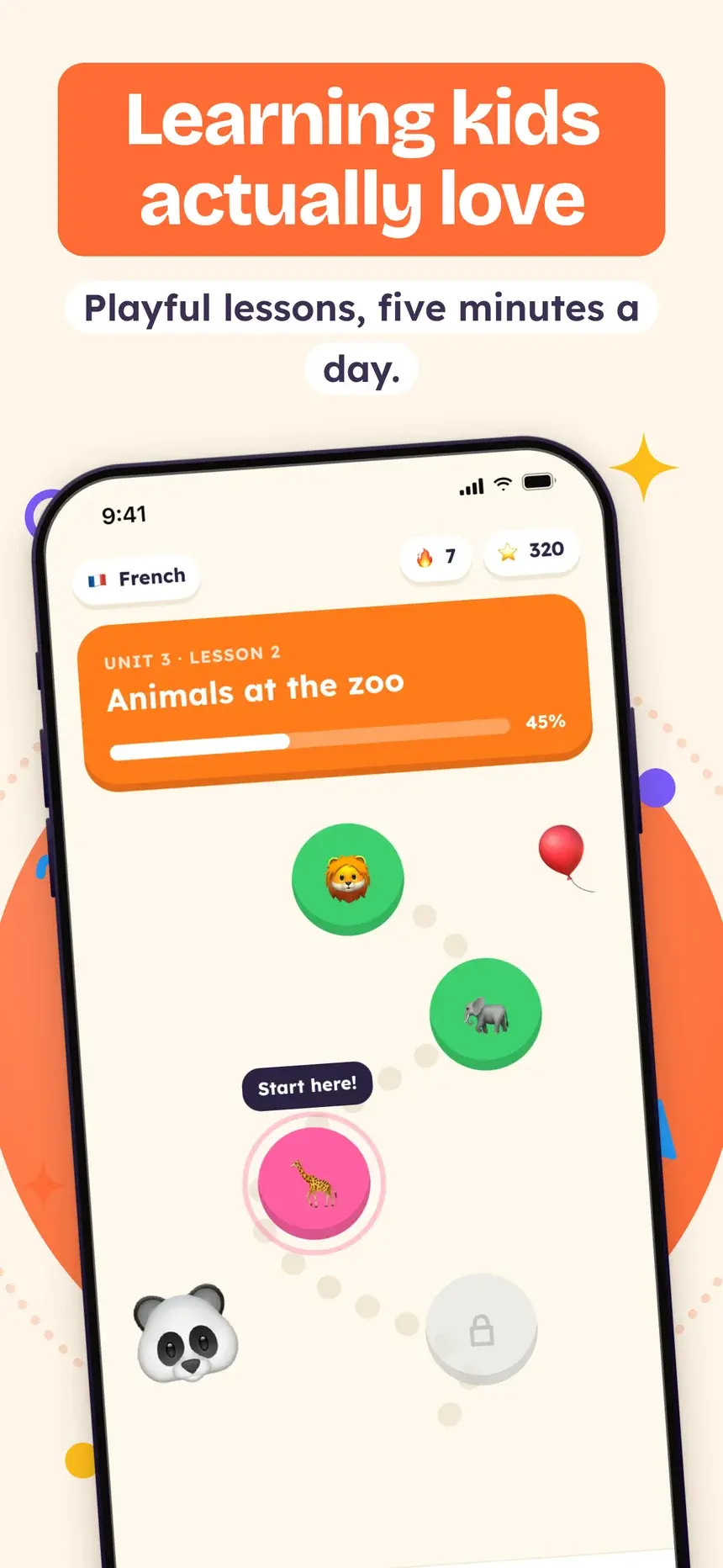
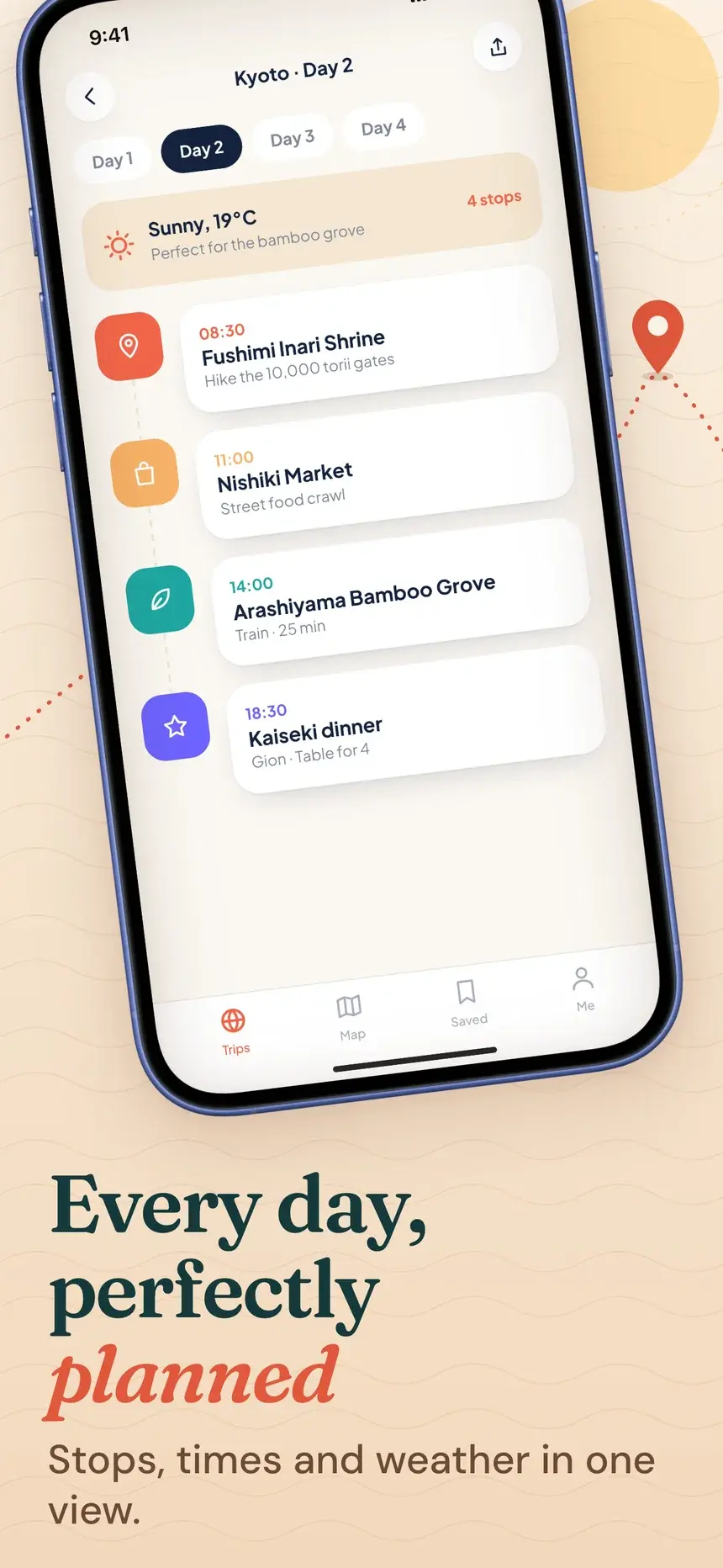
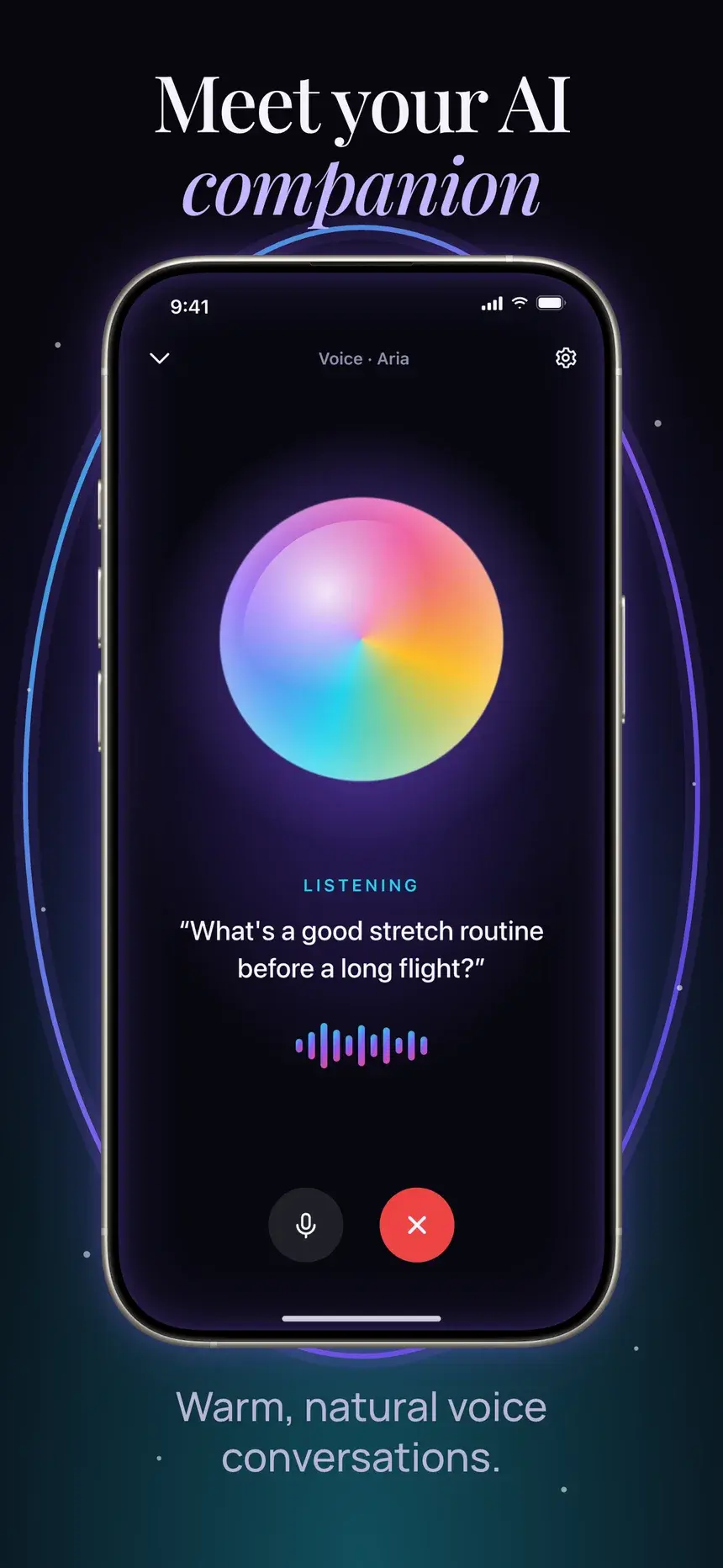
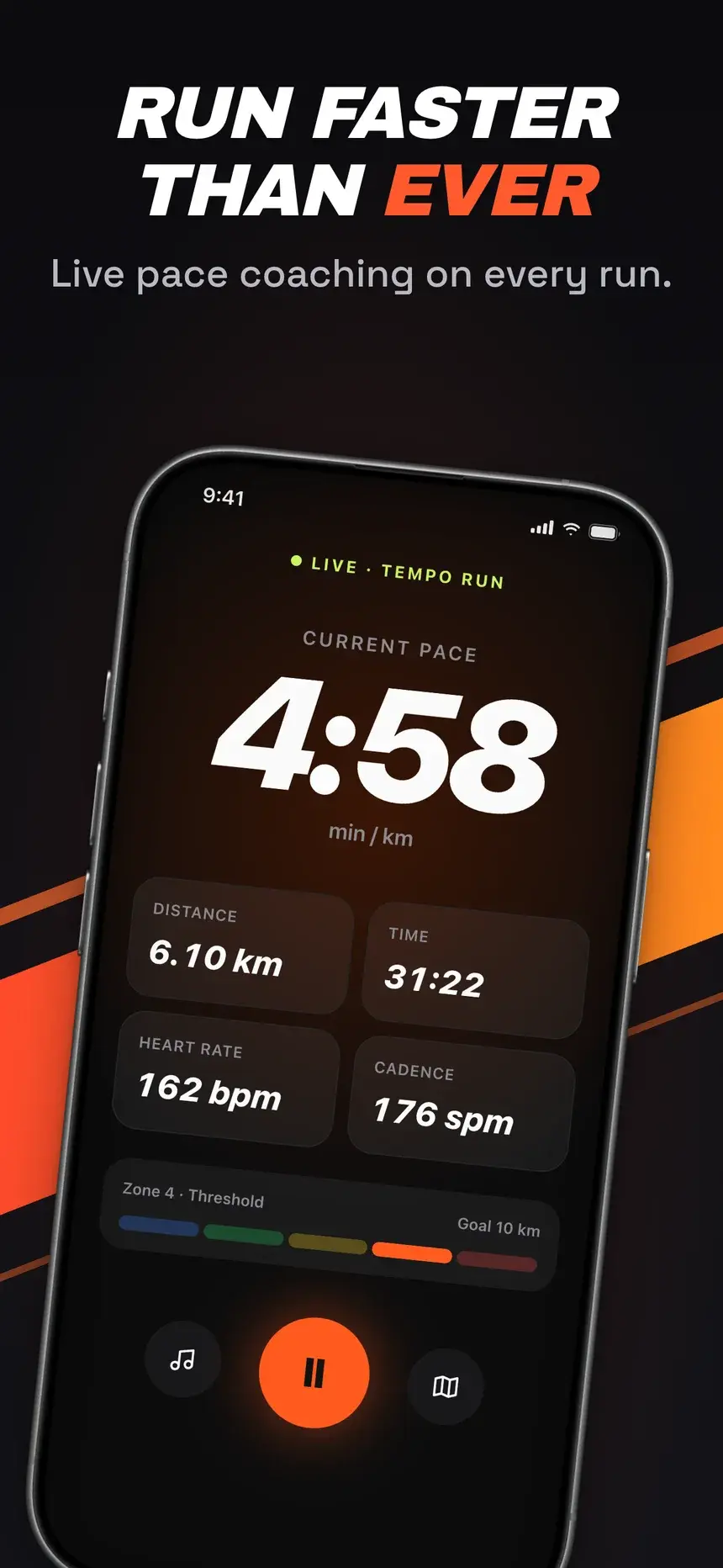
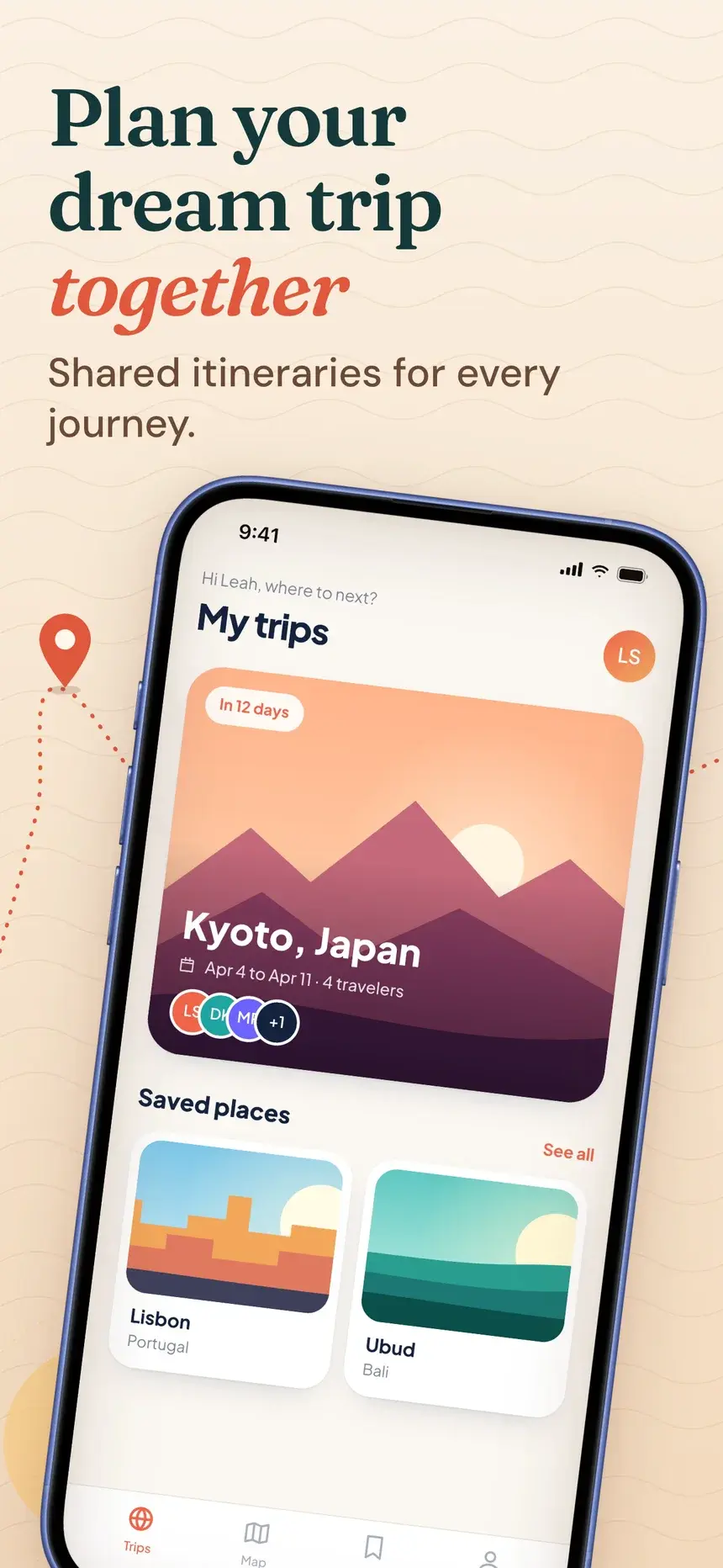
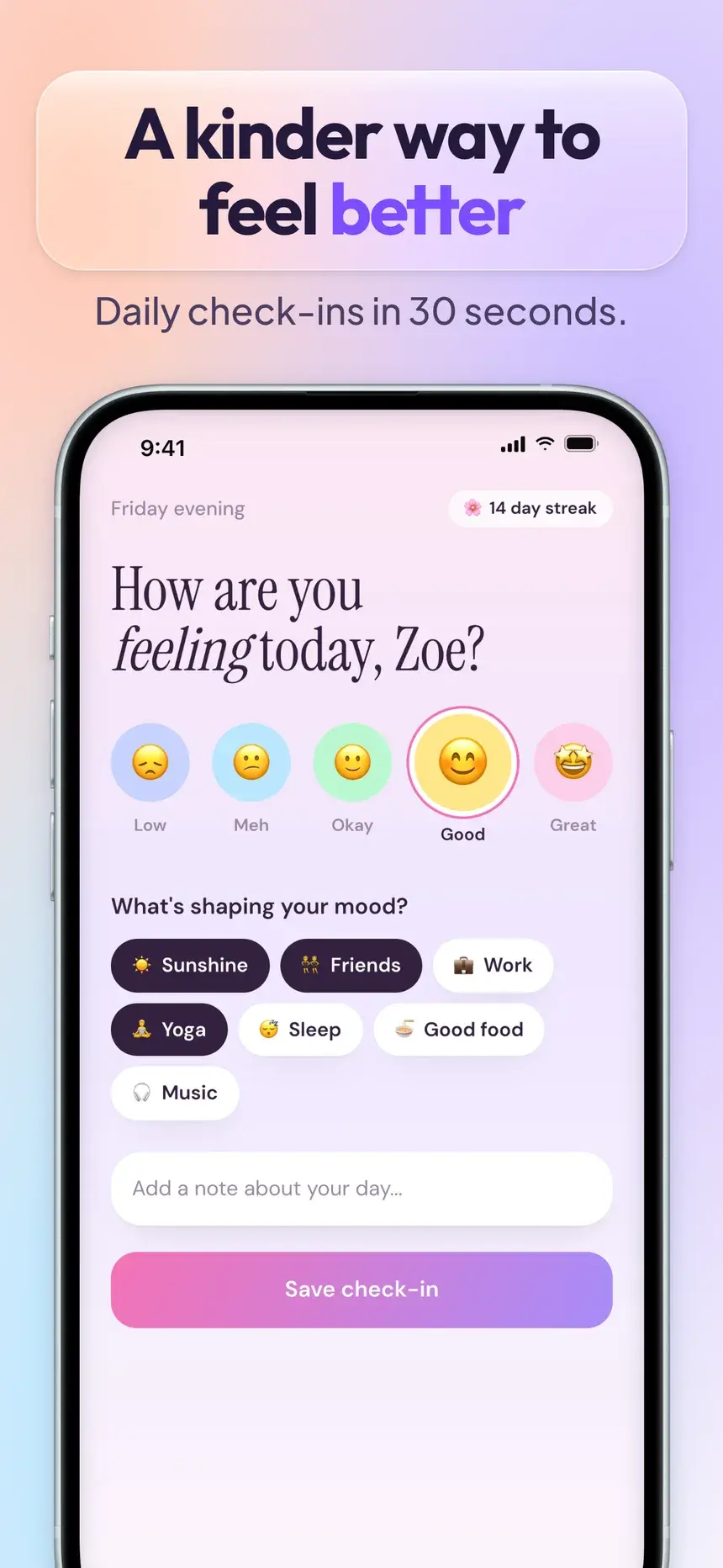
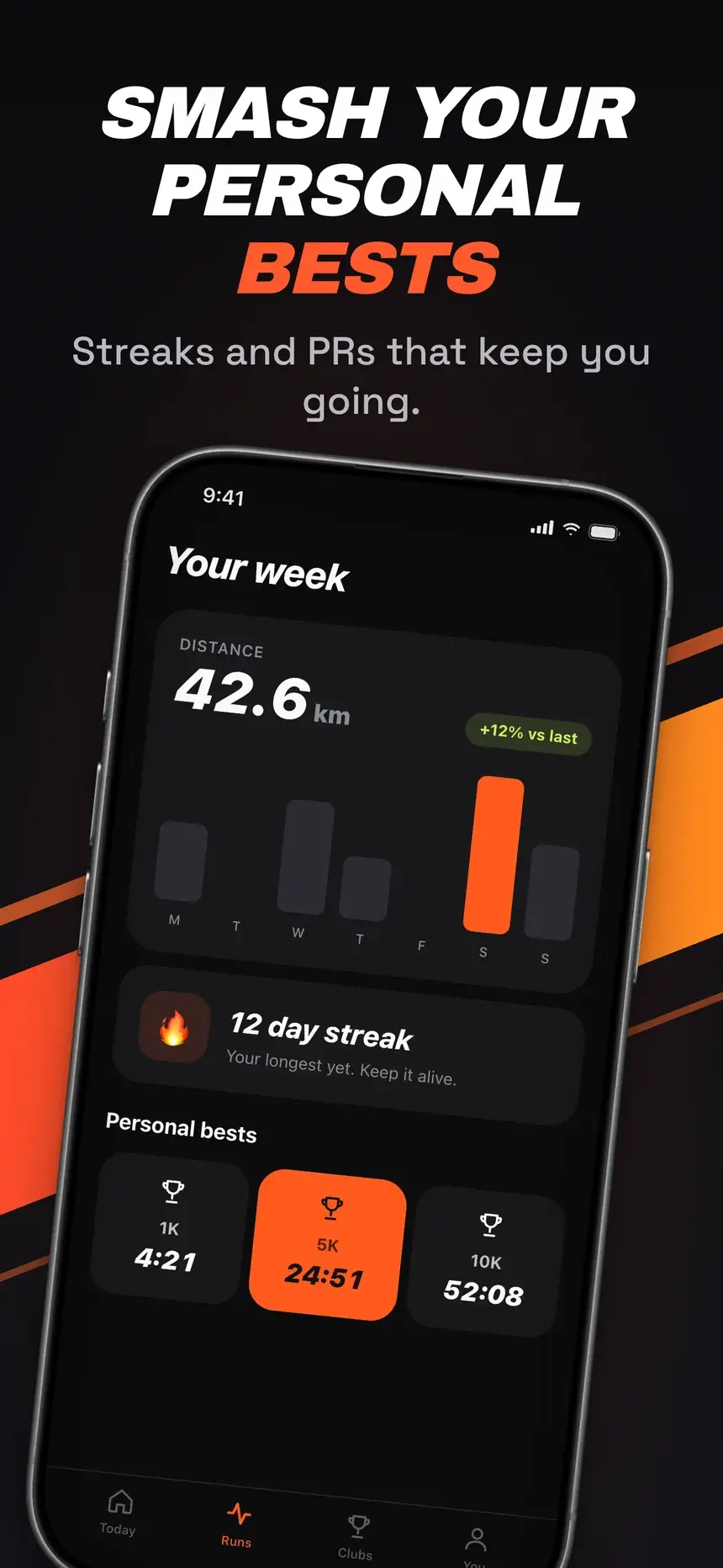
Drag and drop
Drop your screenshots. Get a deck.
Drag captures straight from Finder or File Explorer onto this page. Each image becomes a styled slide, in order, ready for headlines.
- PNG, JPG or WebP
- Sorted by filename
- One slide per image
- Never uploaded
Presets
35 looks. One click.
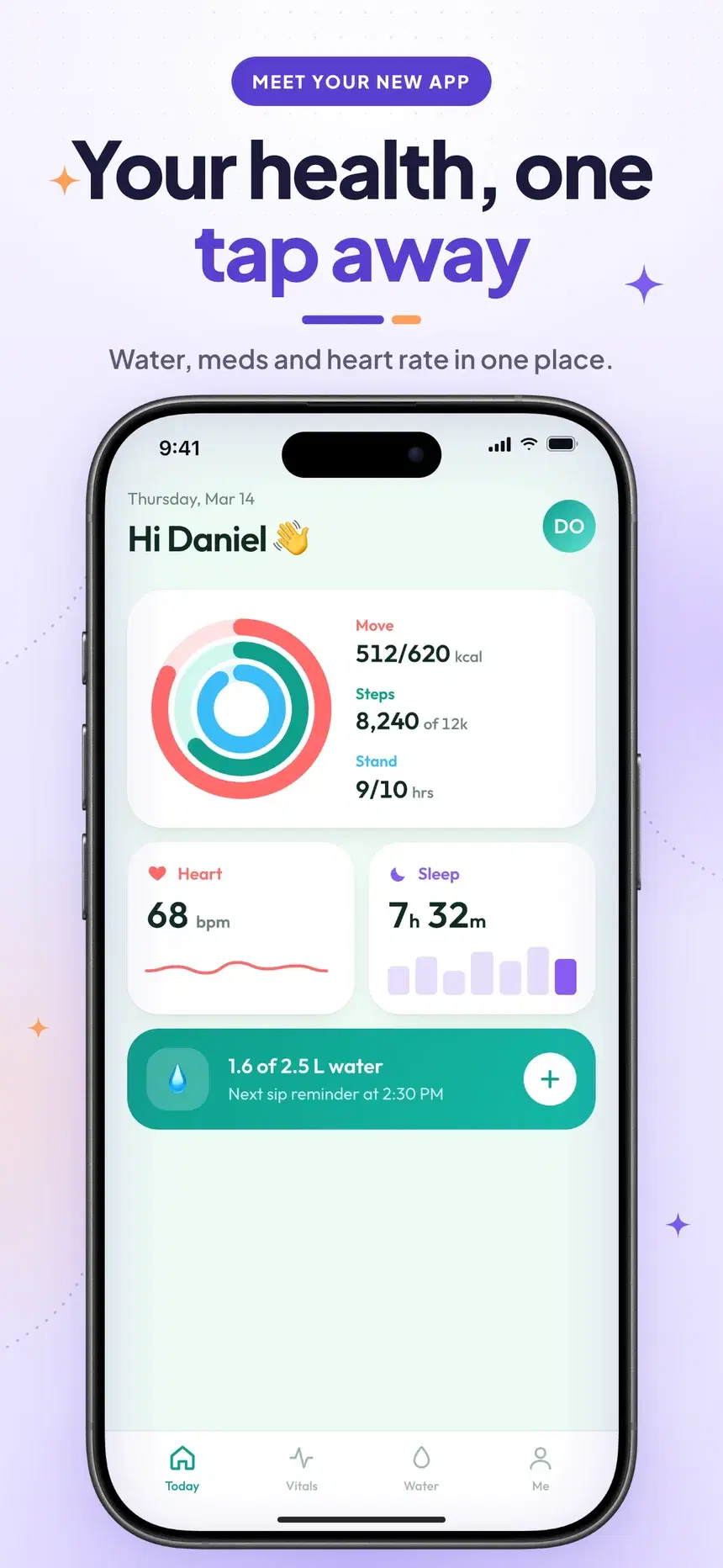
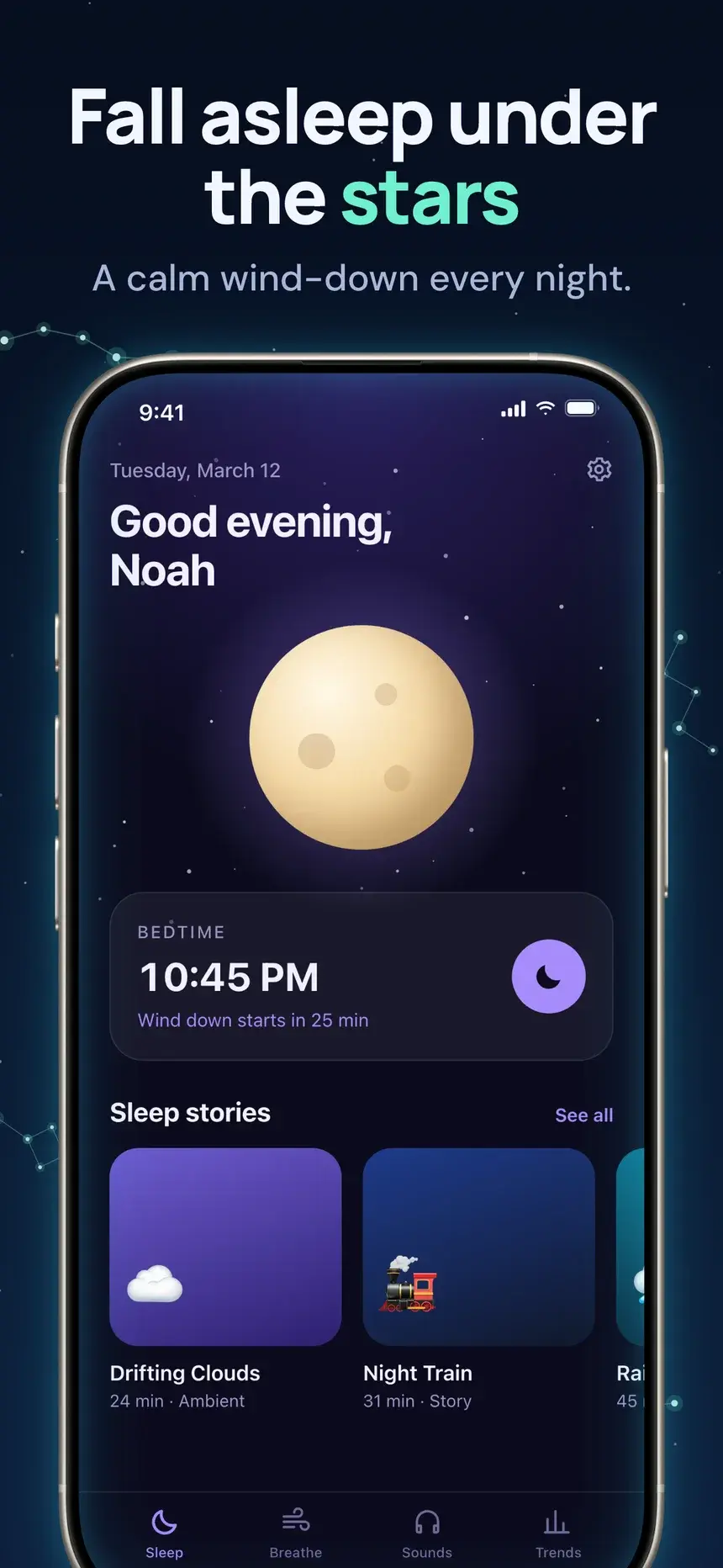
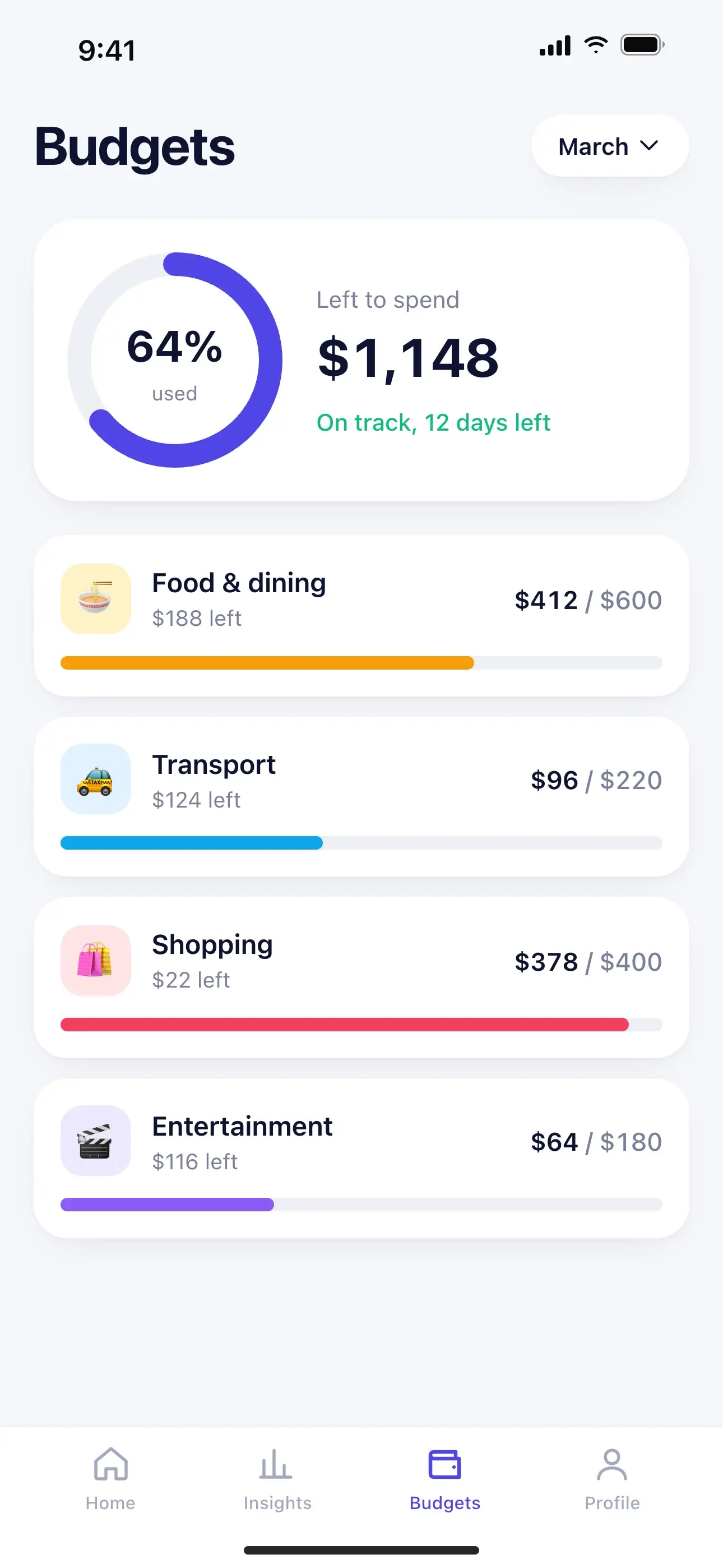
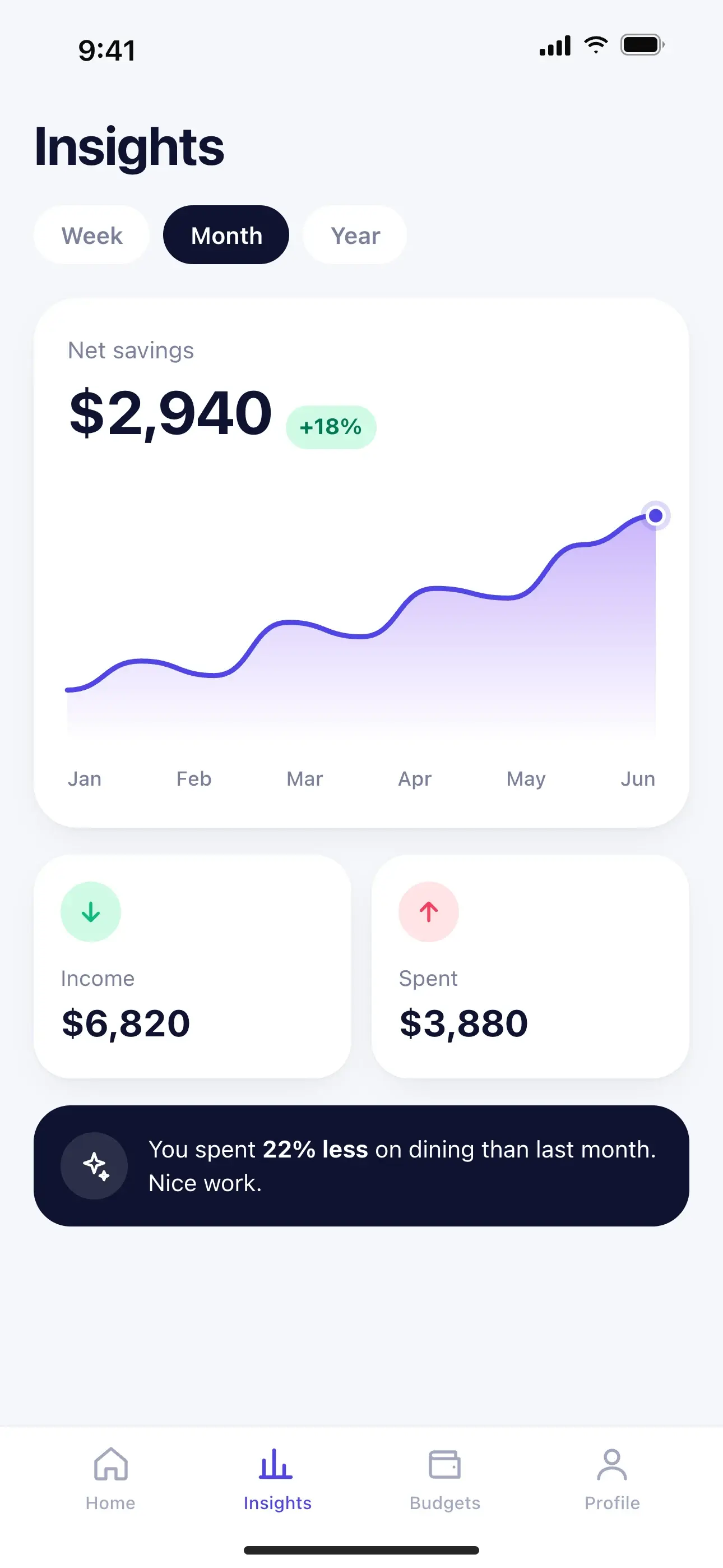
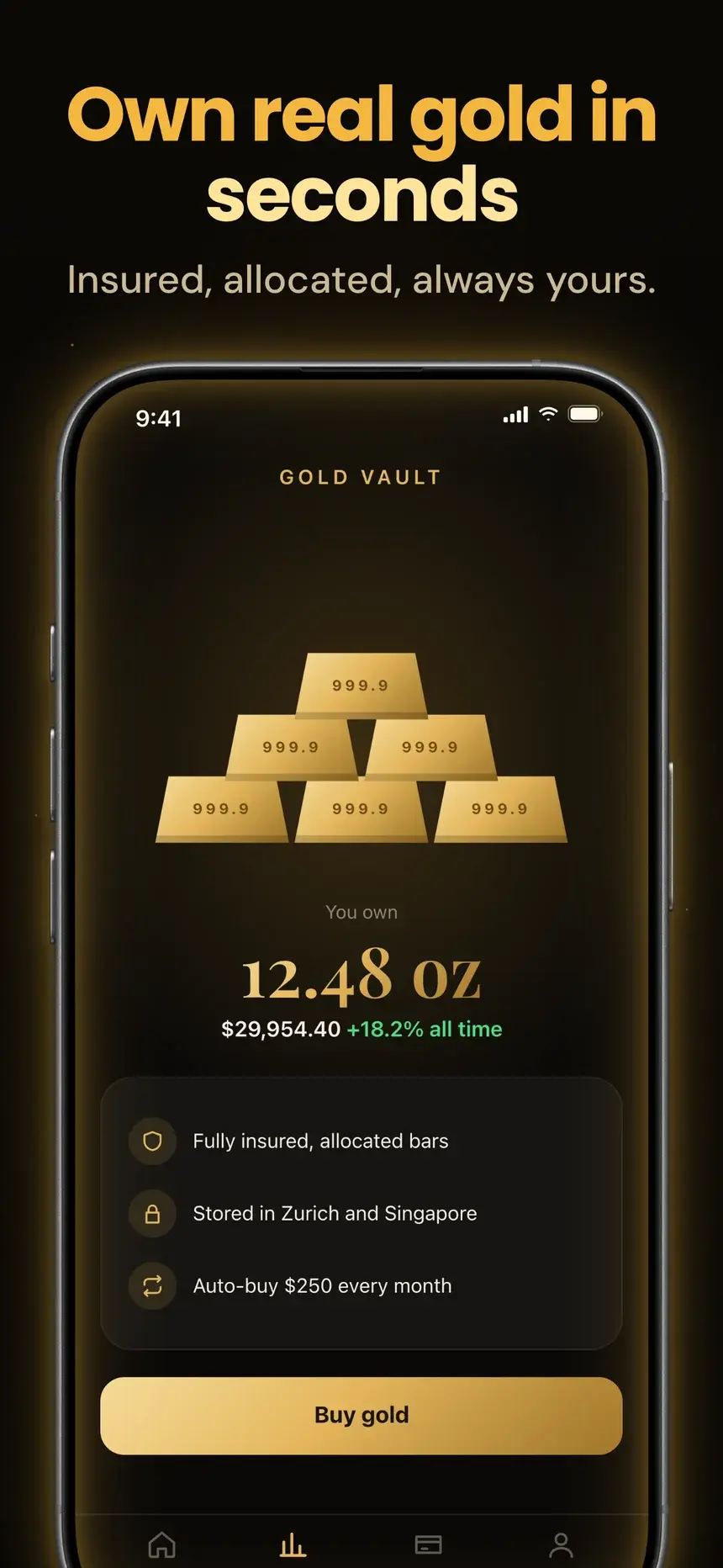
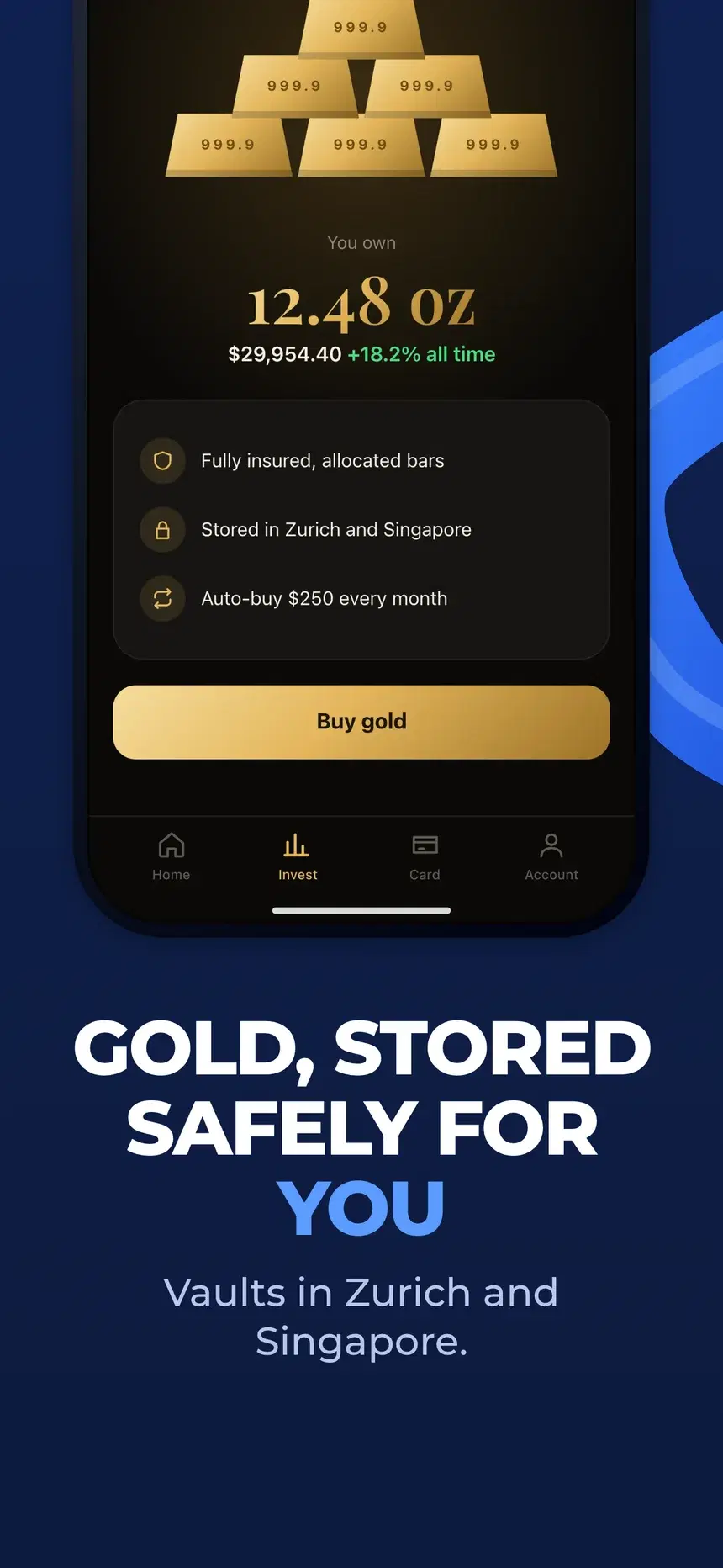
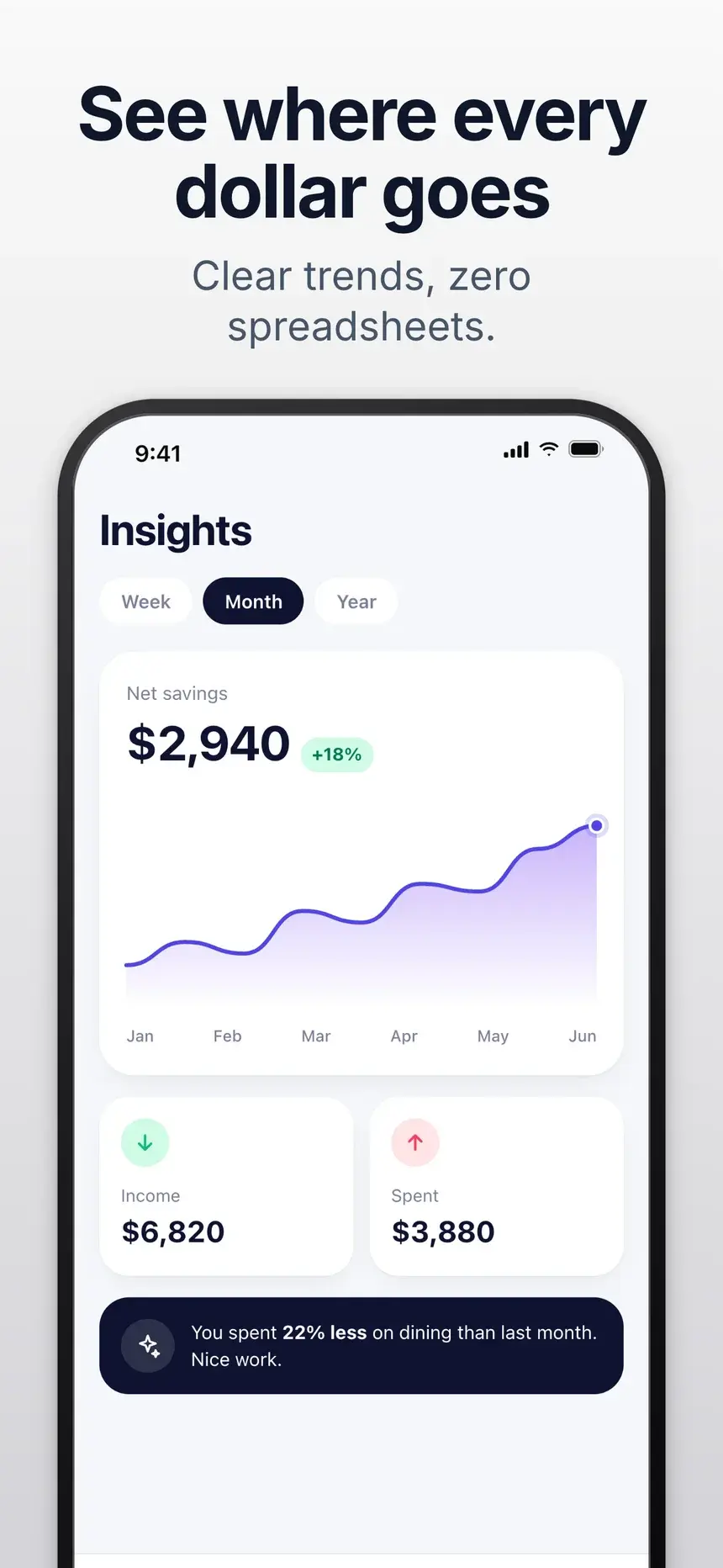
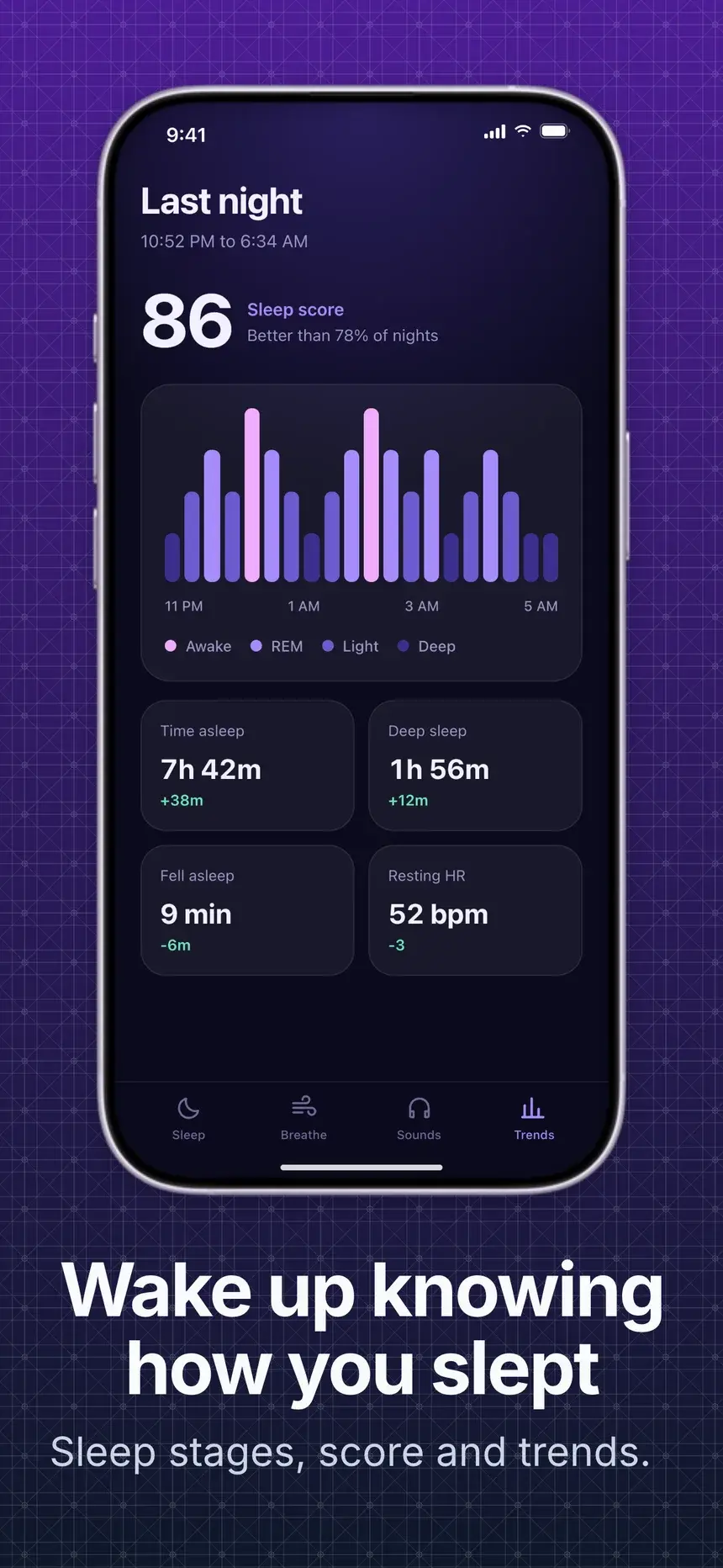
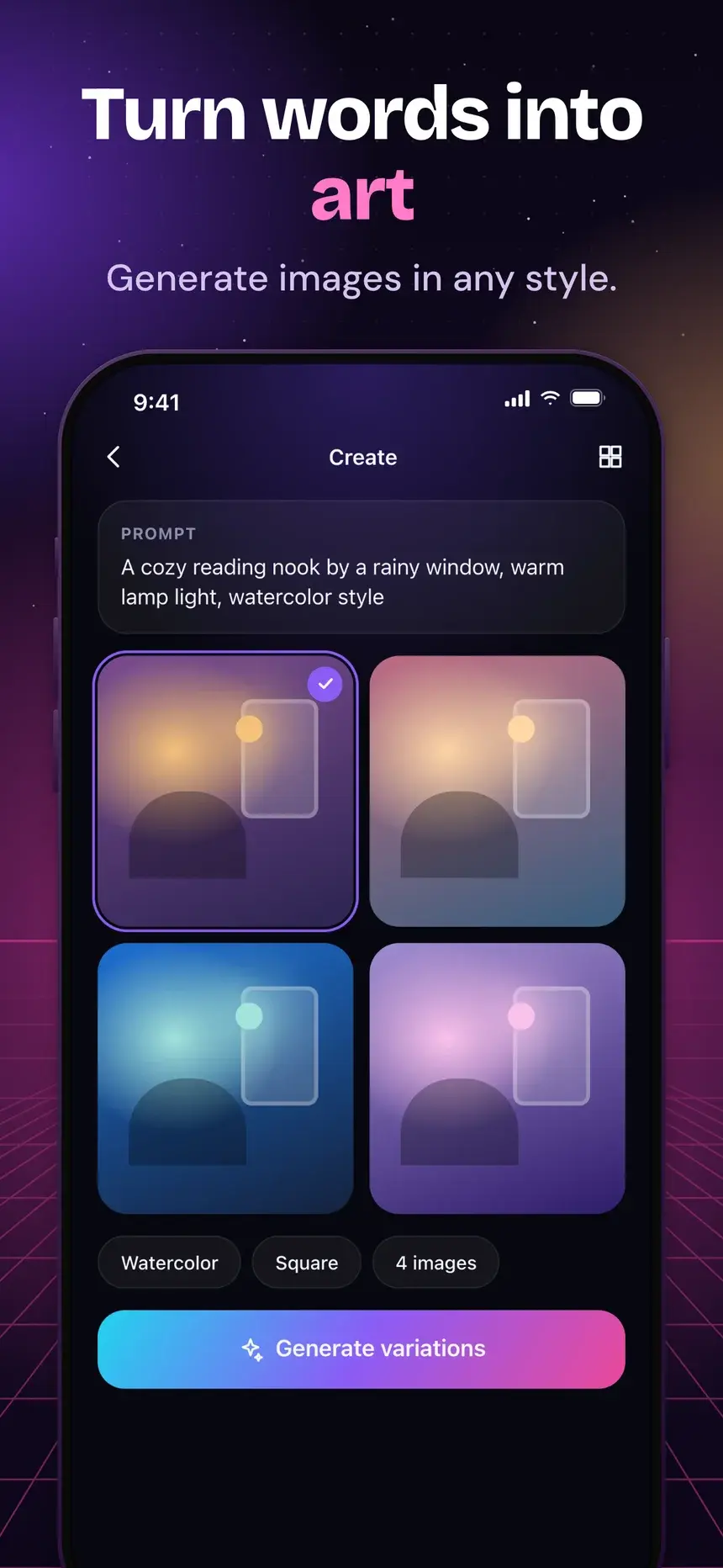
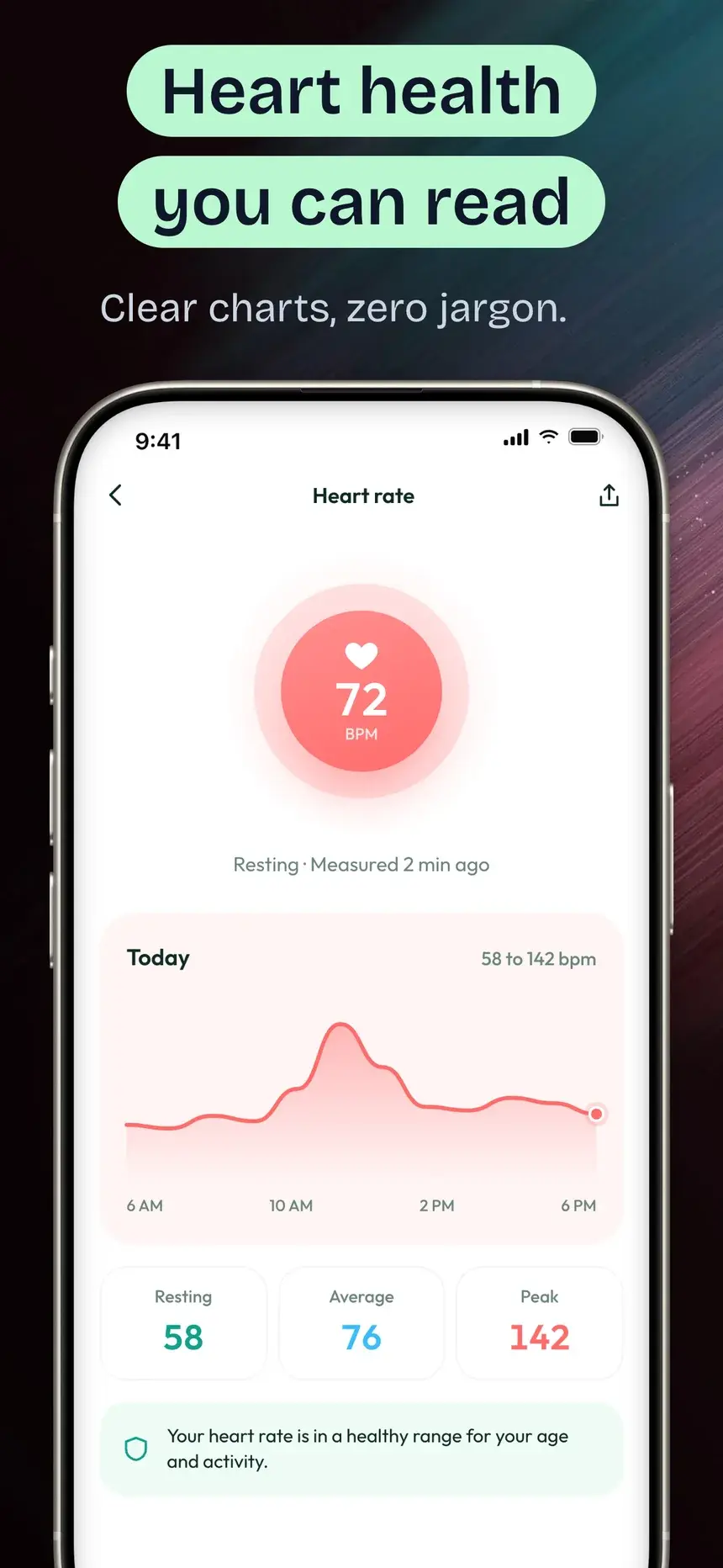
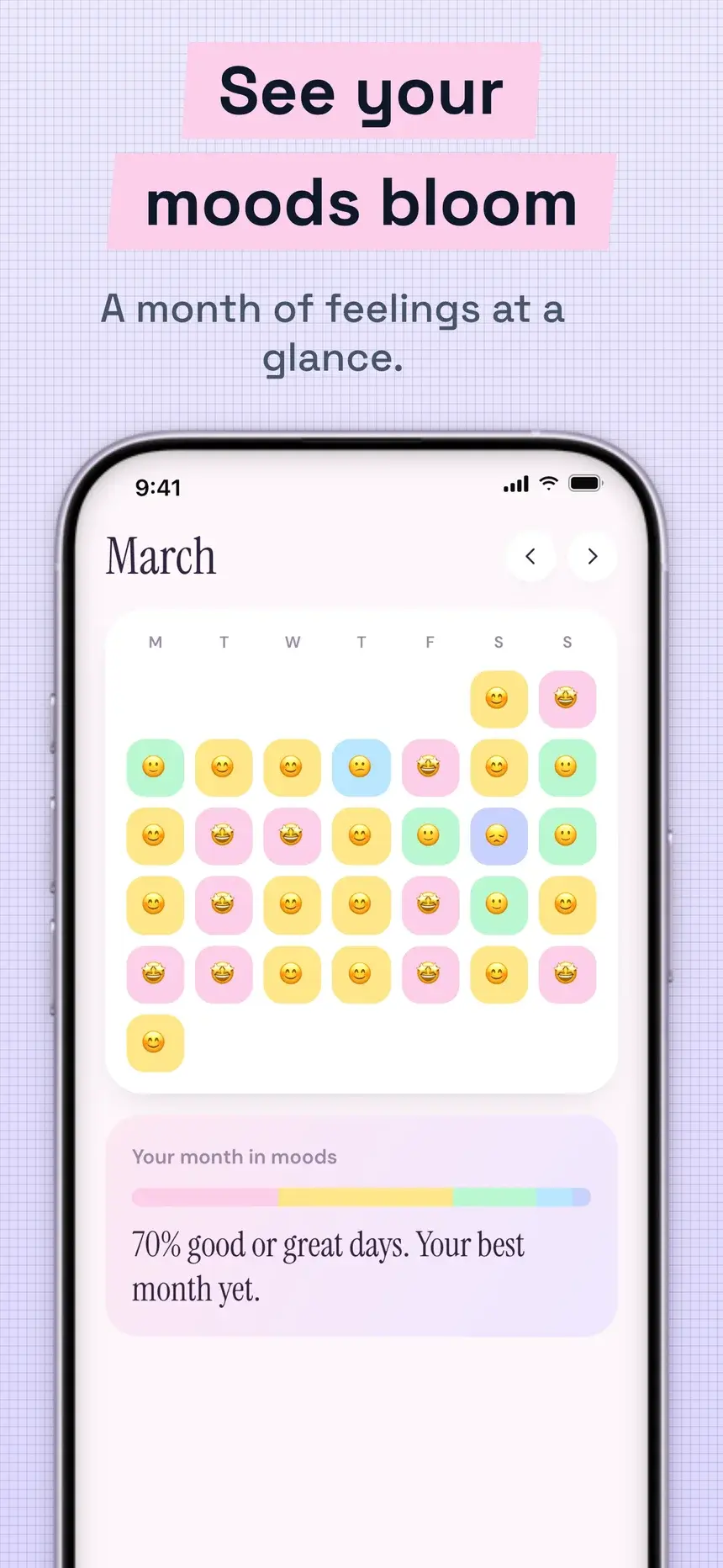
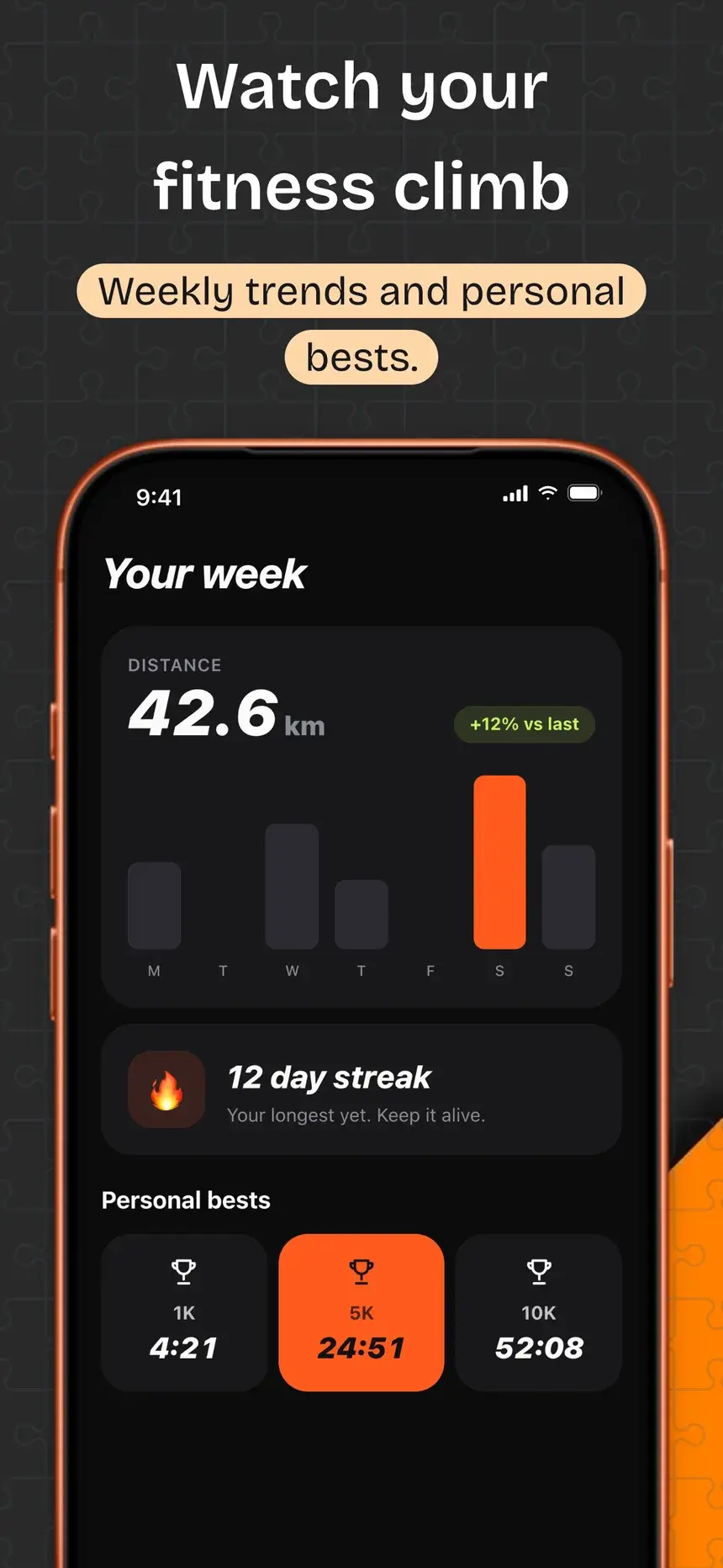
Every slide below is a real export from AppScreenPro. Pick a preset and your whole deck restyles at once: background, frames, type and layout.
Lilac Launch
ProNew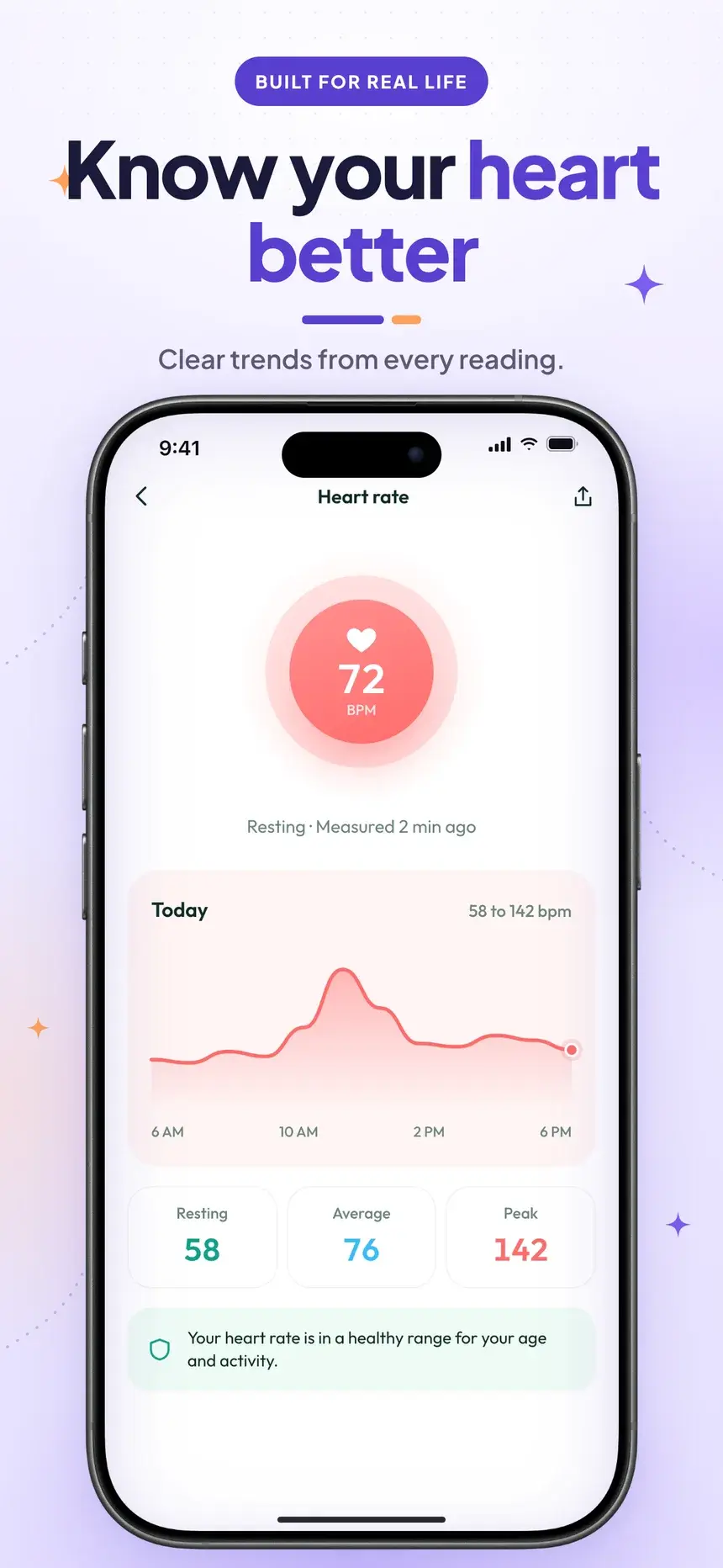
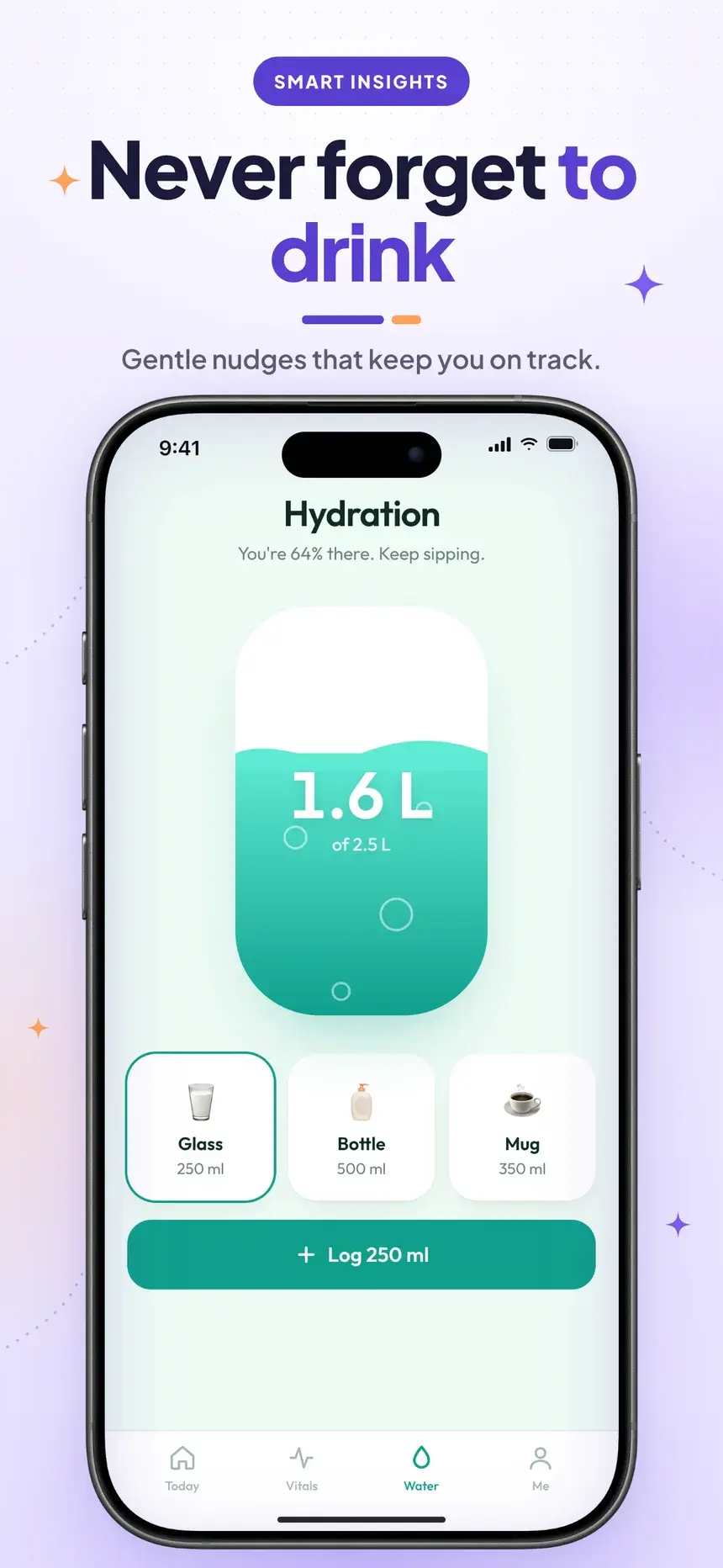
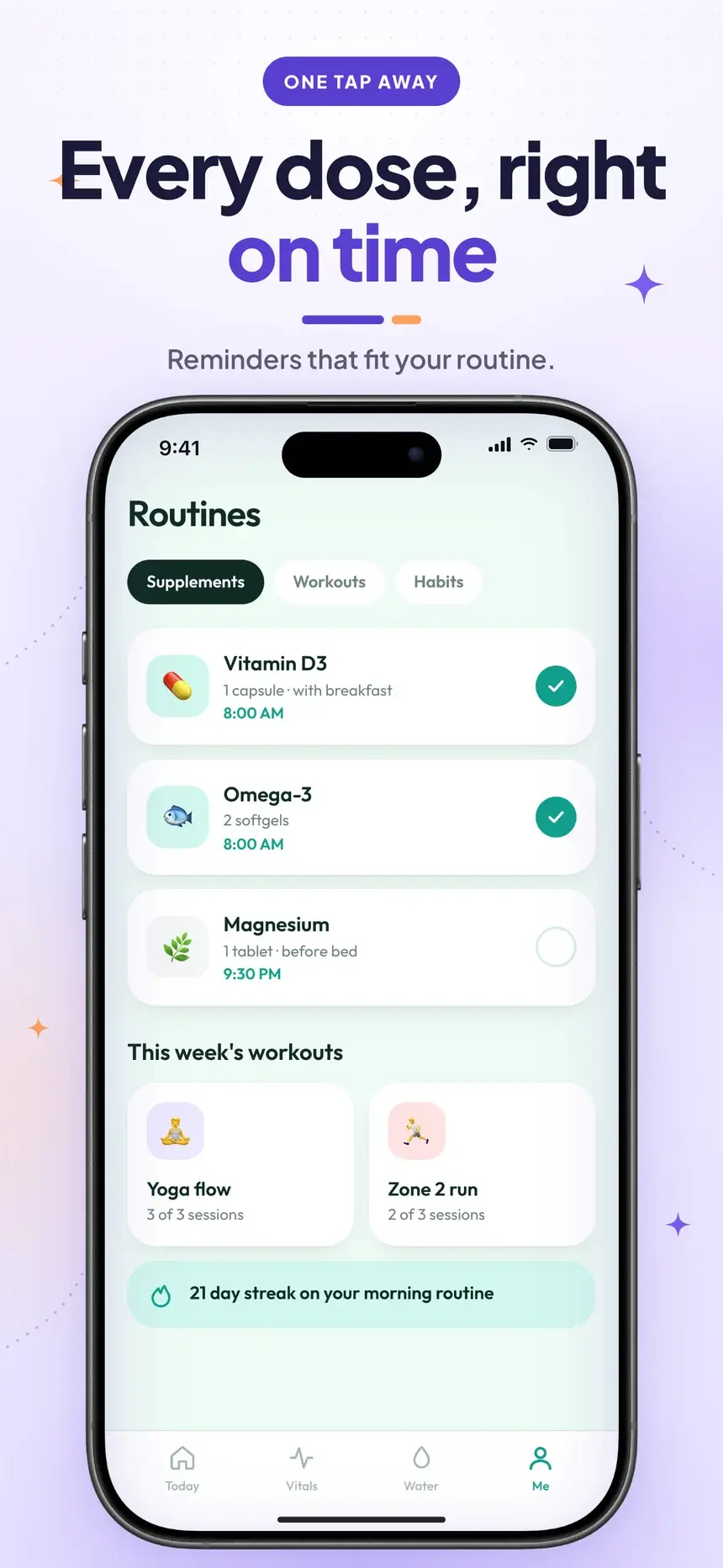
Eyebrow pill, huge two-tone headline with an accent dash, and a large phone on a soft lilac glow. Shown with Pulse, a demo health & fitness app.
3 presets are free forever. The other 32 come with Pro, and new looks keep landing.
How it works
From raw capture to store-ready in minutes.
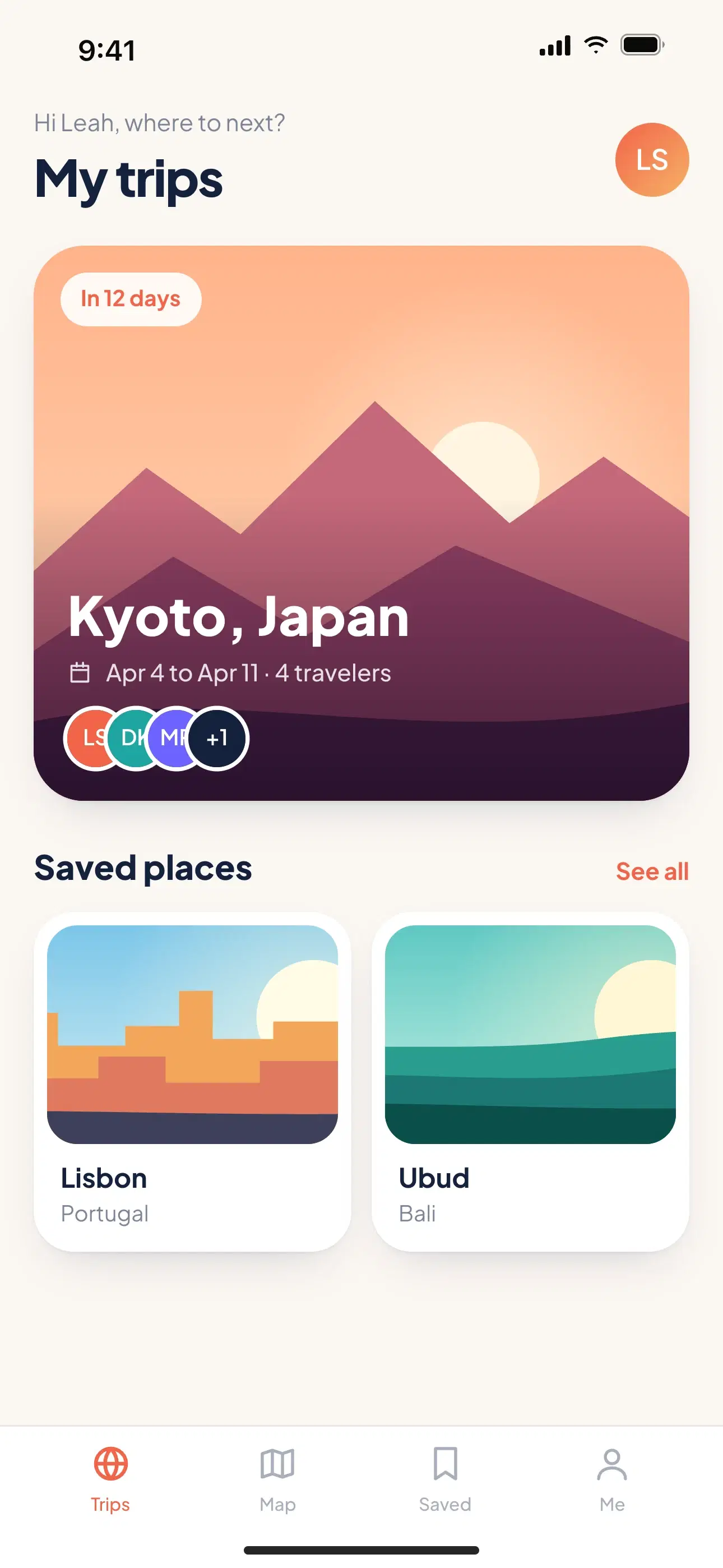
No design file, no templates to wrangle, no export settings to look up. Drag the slider to see what one preset does to a plain screenshot.
- 01Drop your screensDrag raw PNG, JPG or WebP captures anywhere on this page. Each one becomes a slide, in filename order.
- 02Pick a look, make it yoursApply any preset to restyle the whole deck at once, then tune headlines, frames, colors and layout.
- 03Export every sizeDownload crisp PNGs or a single ZIP at the exact pixels App Store Connect and Play Console accept.
Showcase
Built for every kind of app.
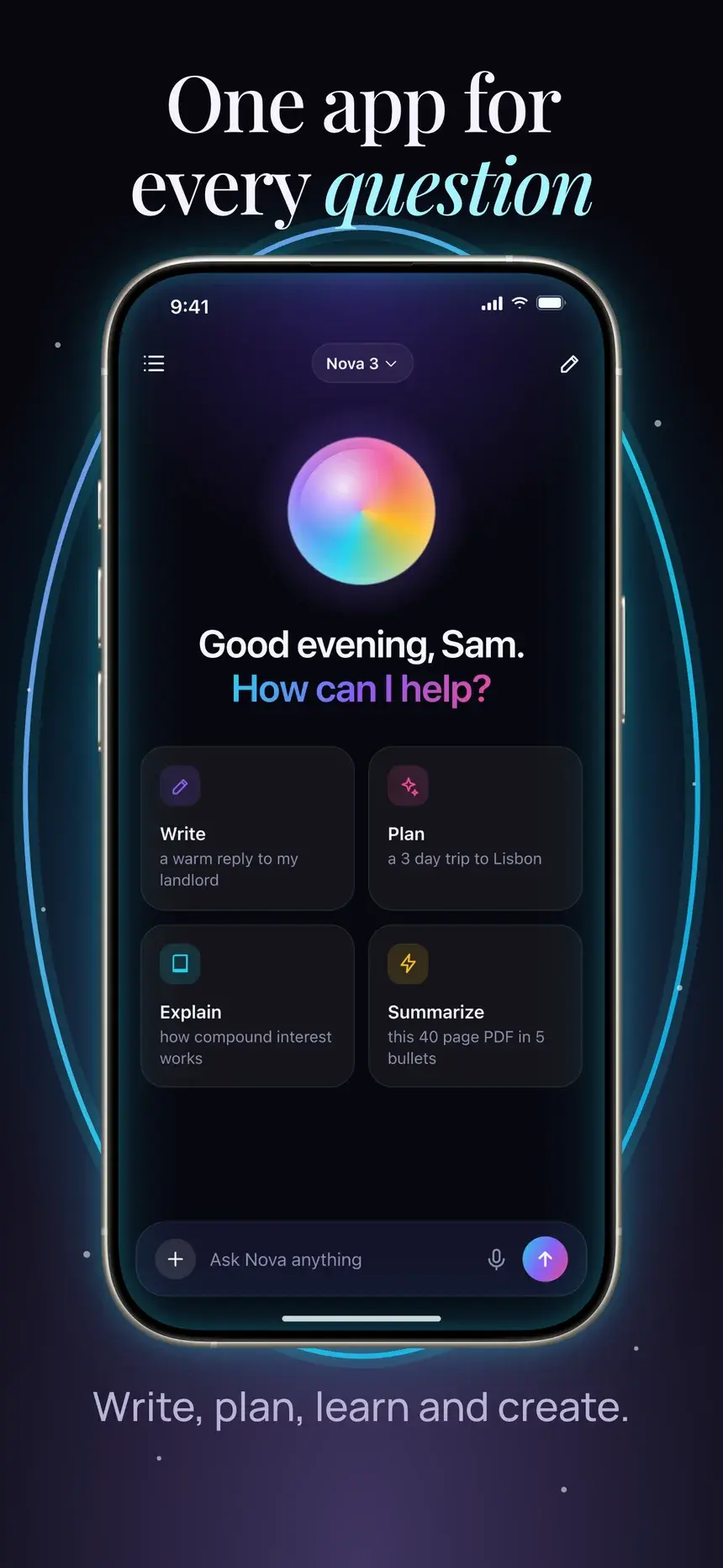
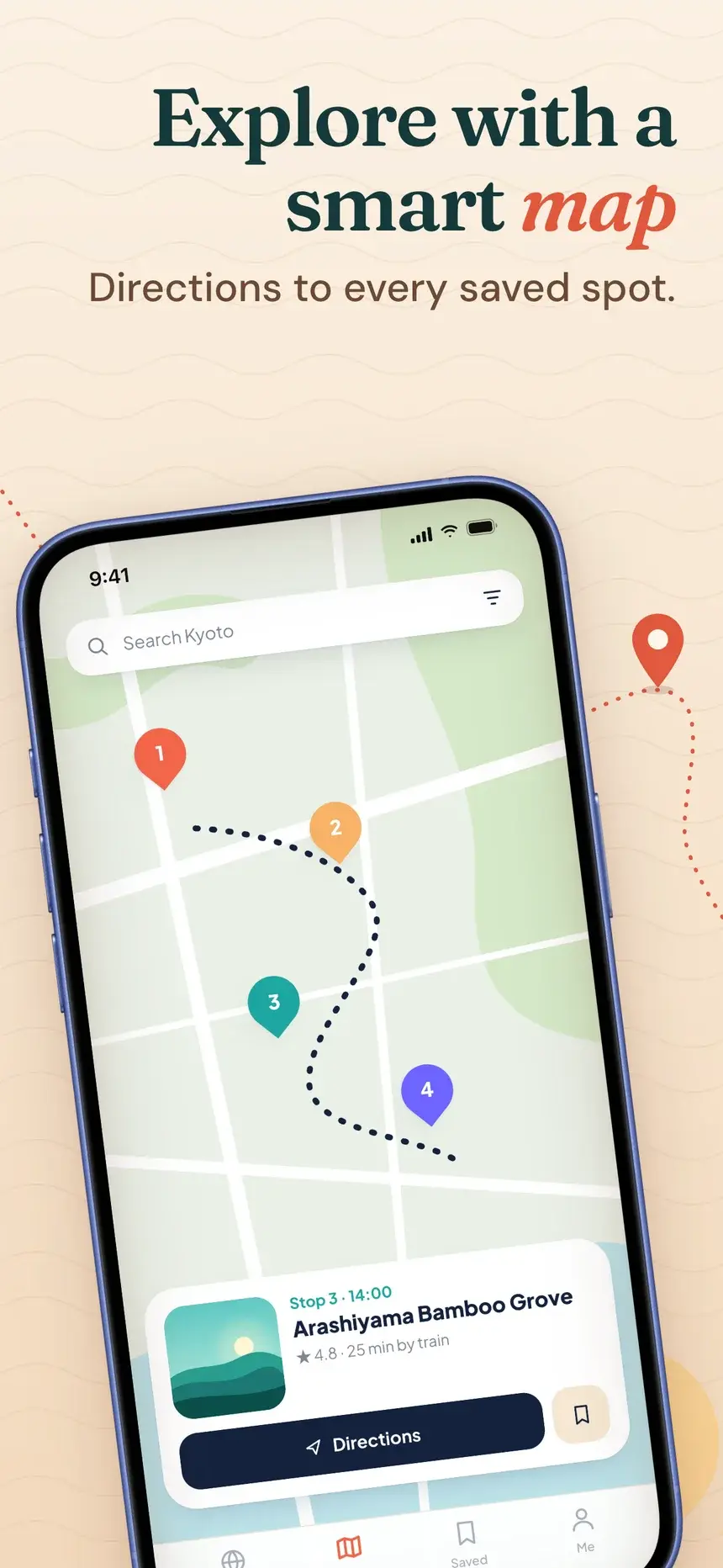
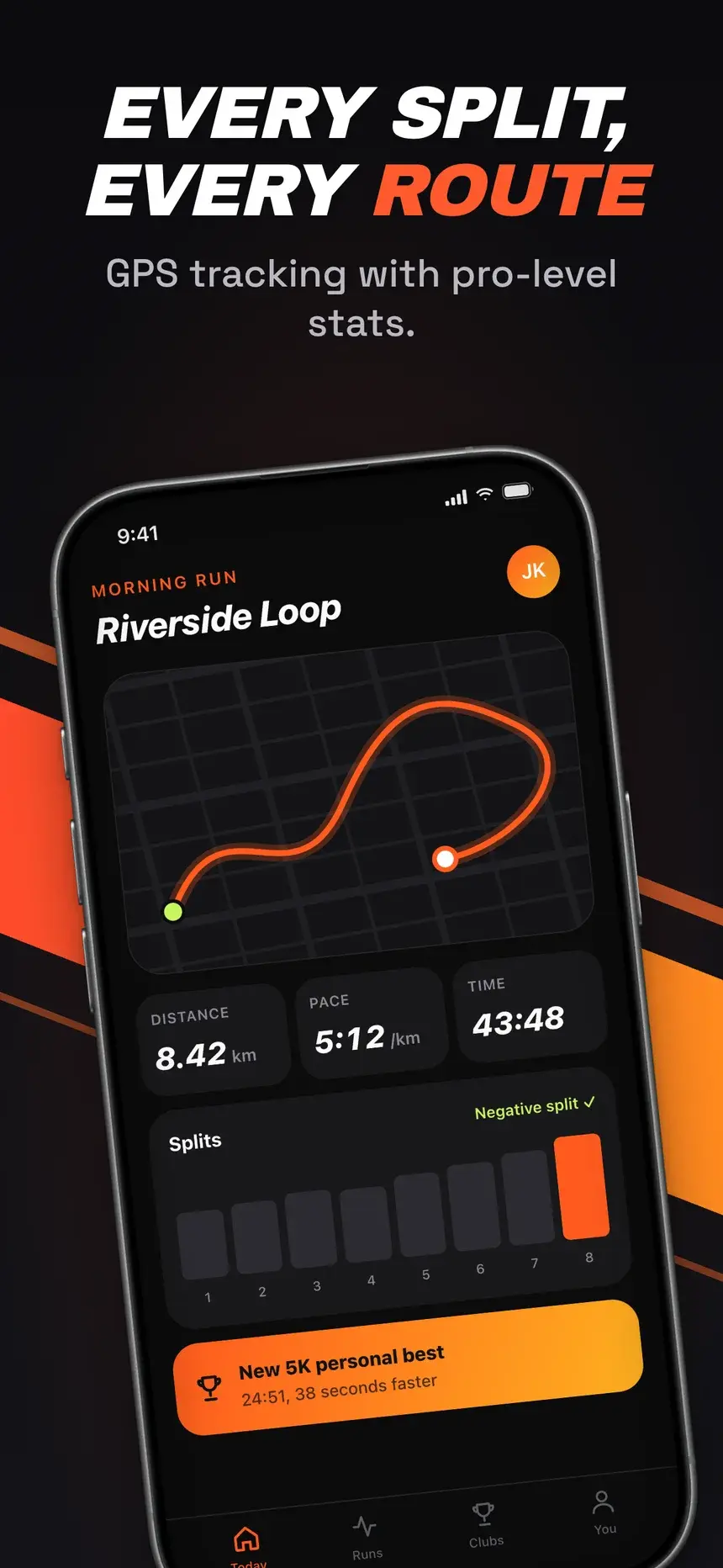
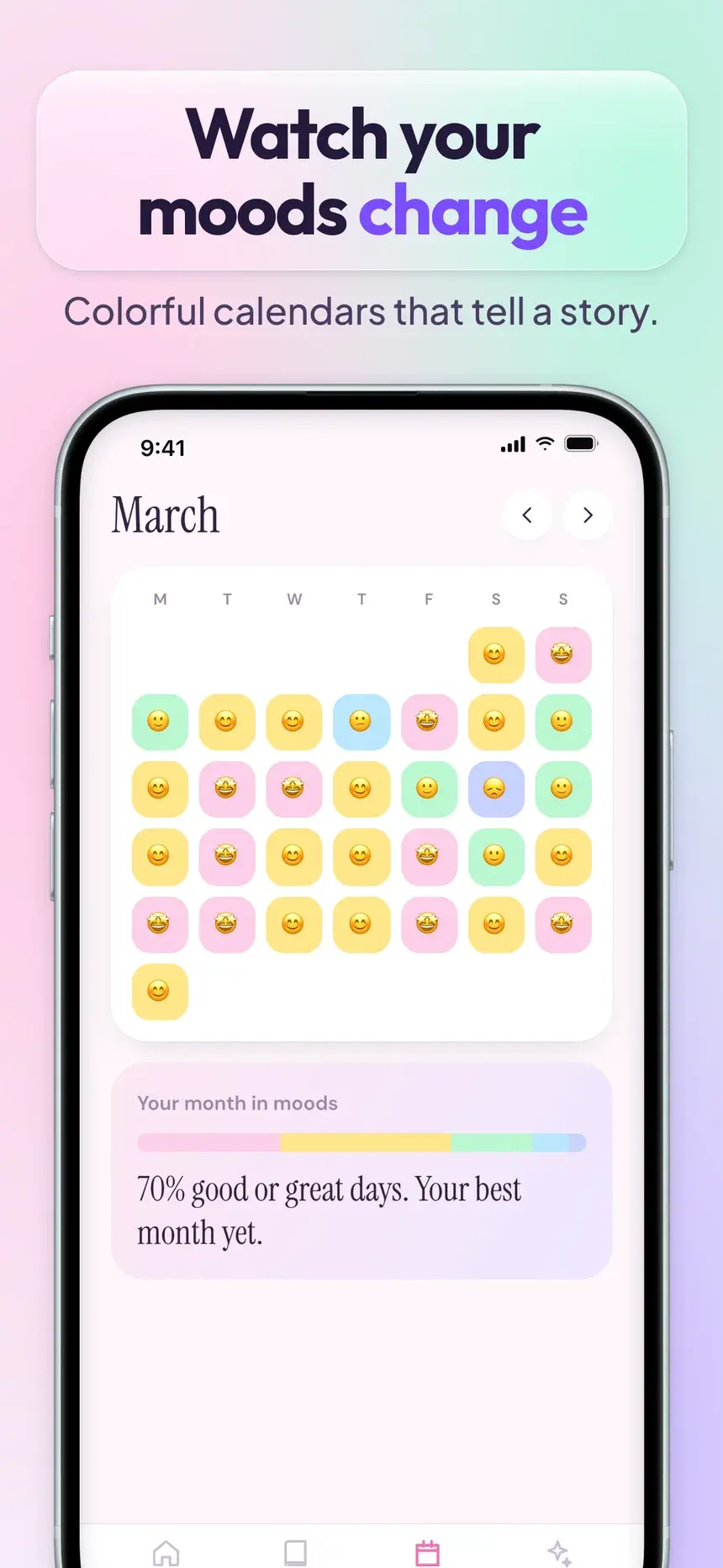
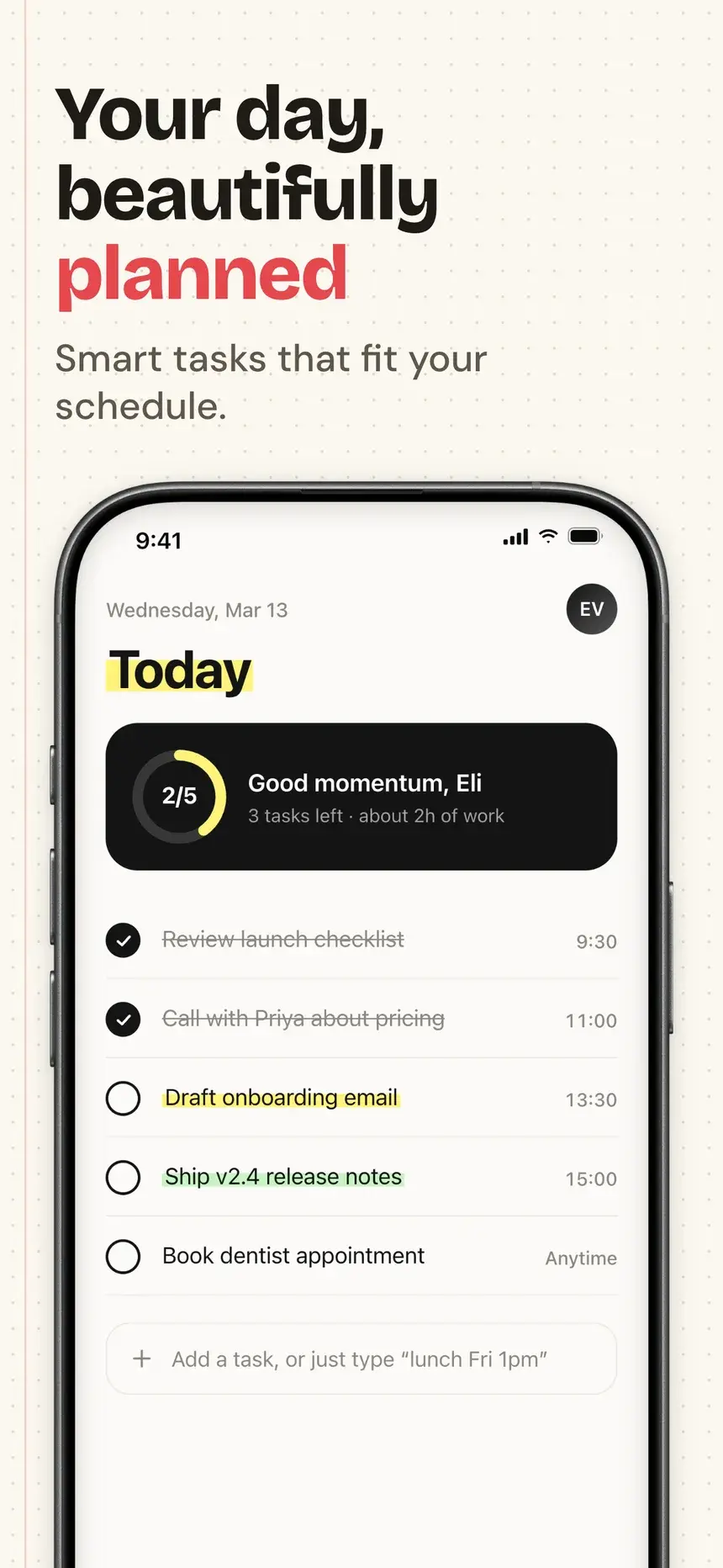
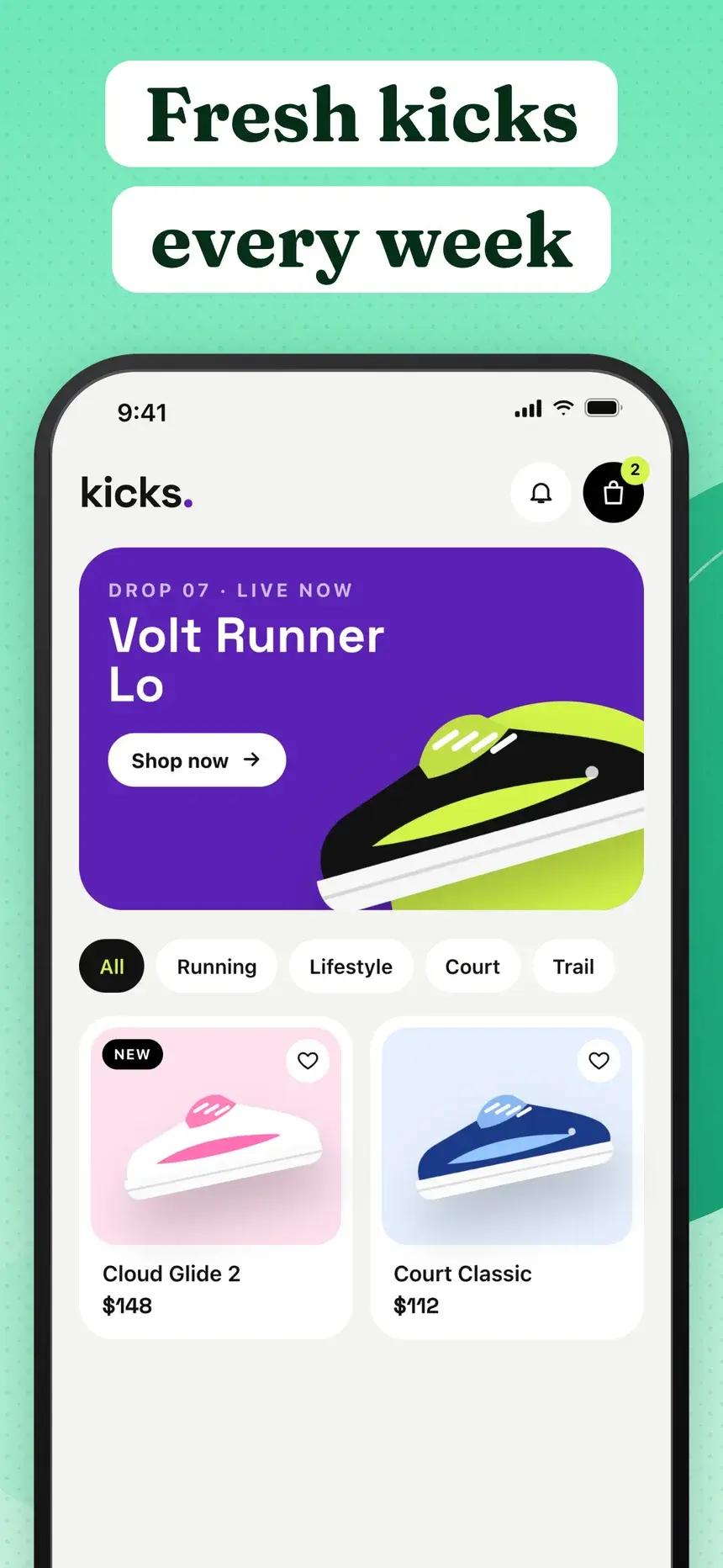
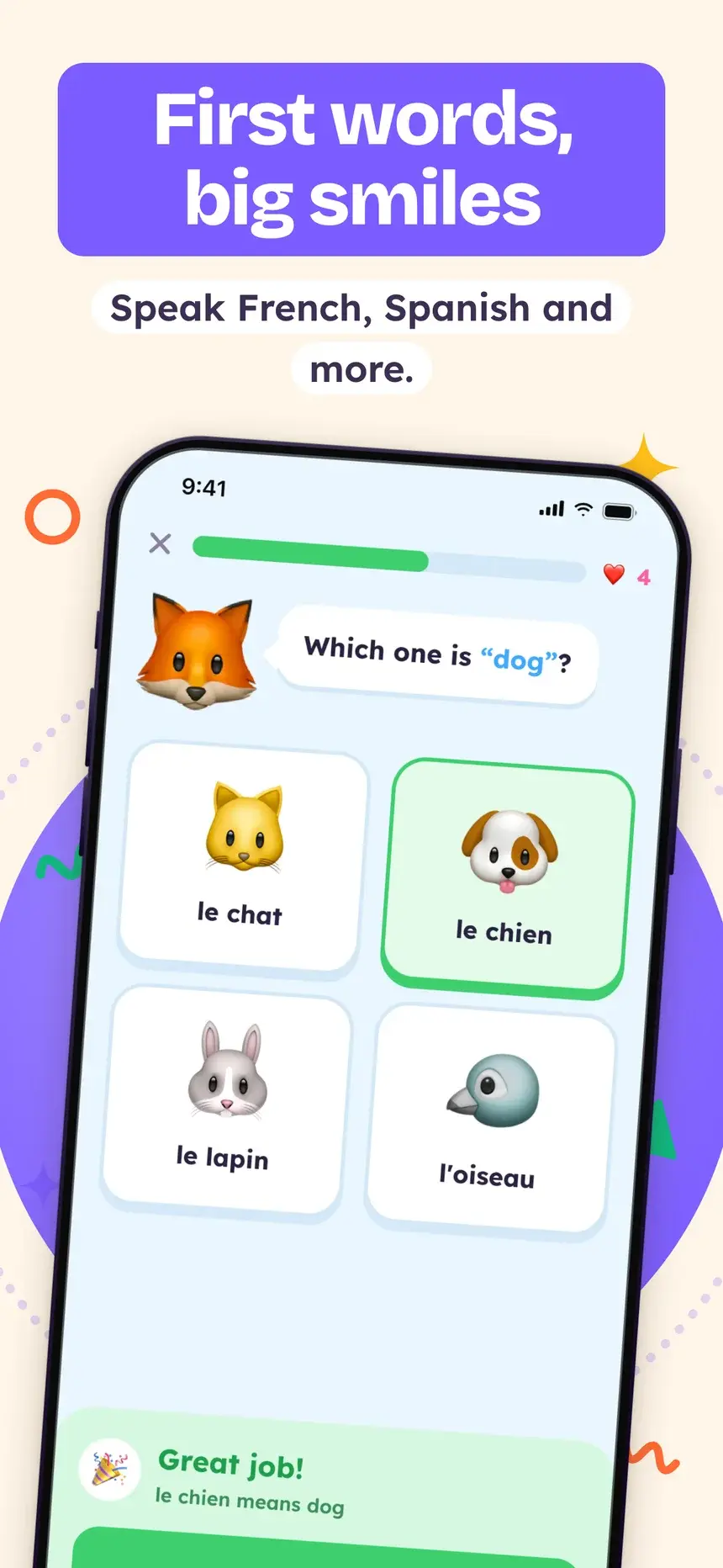
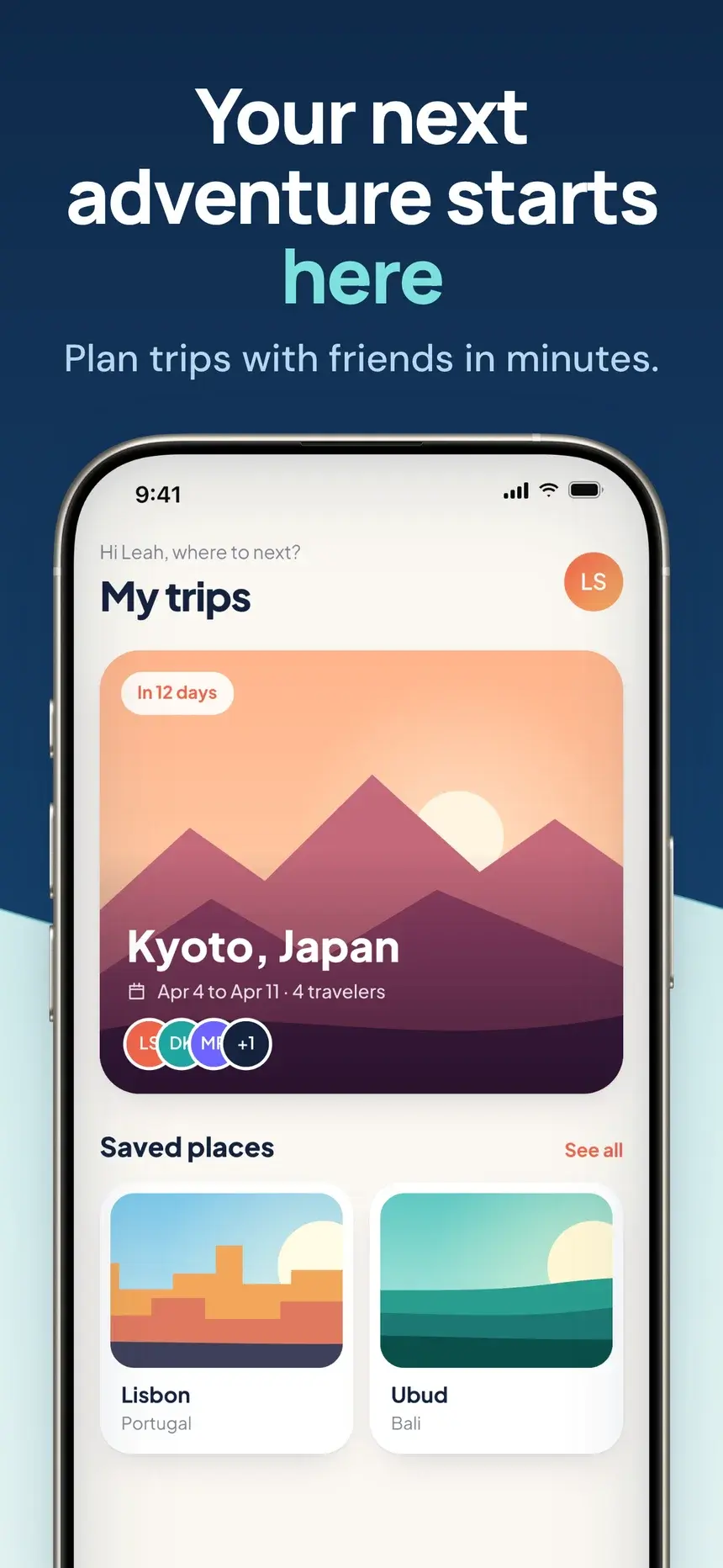
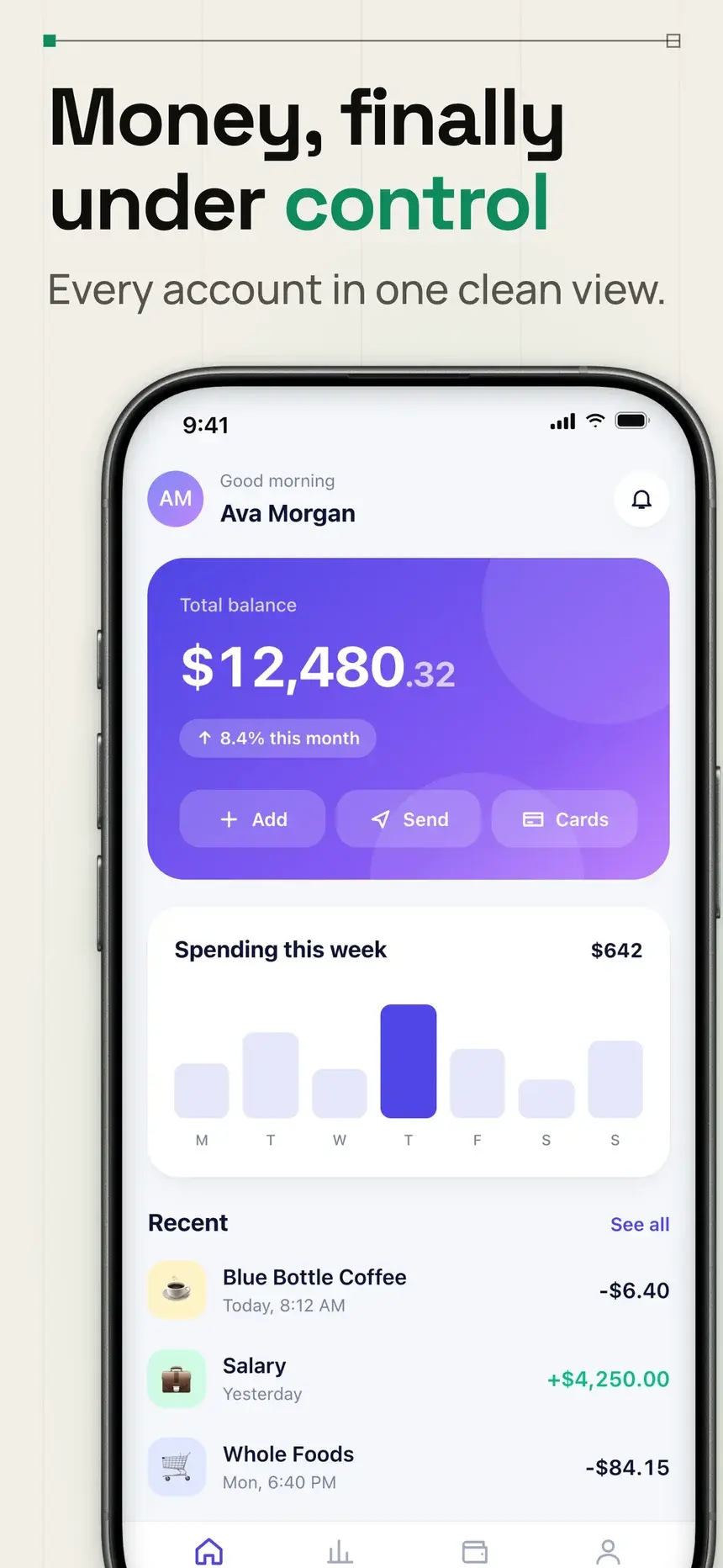
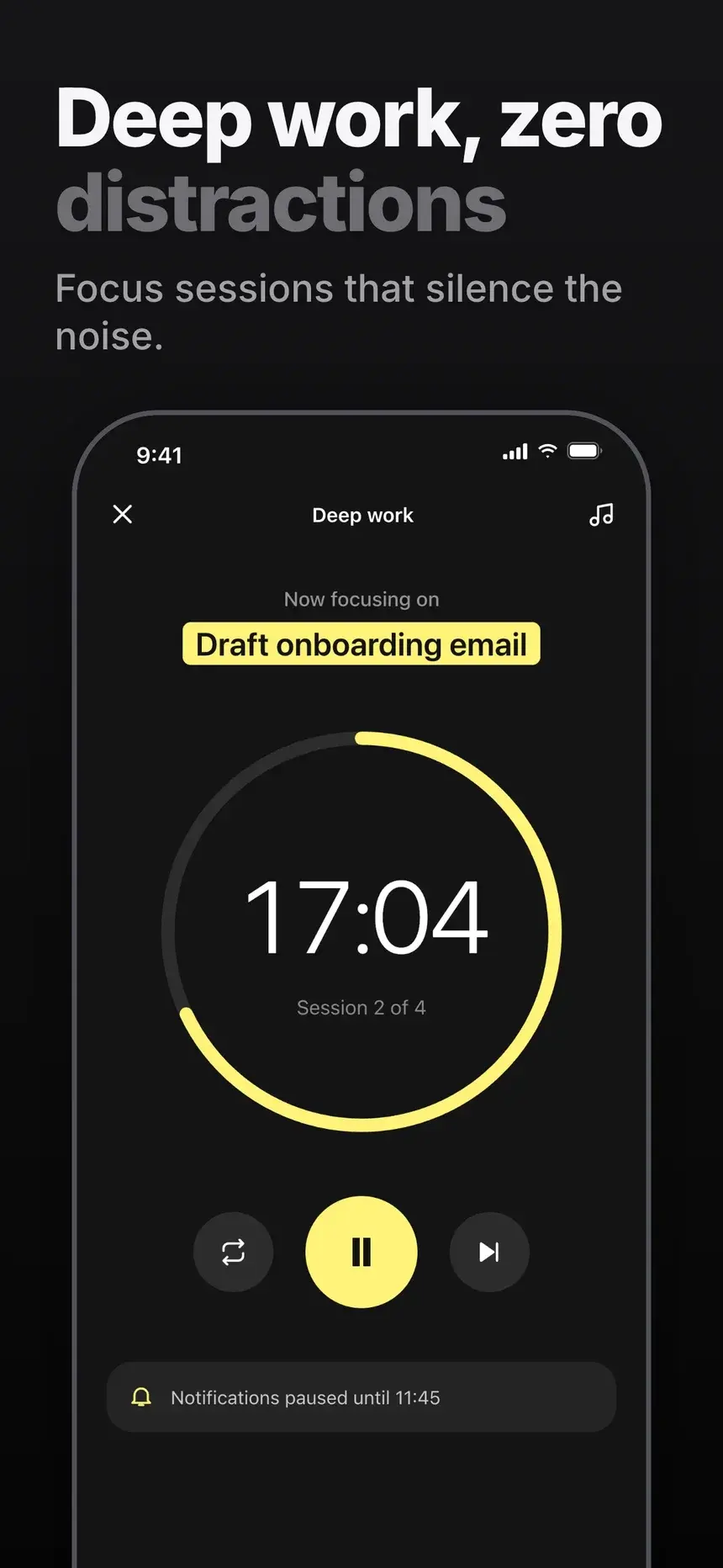
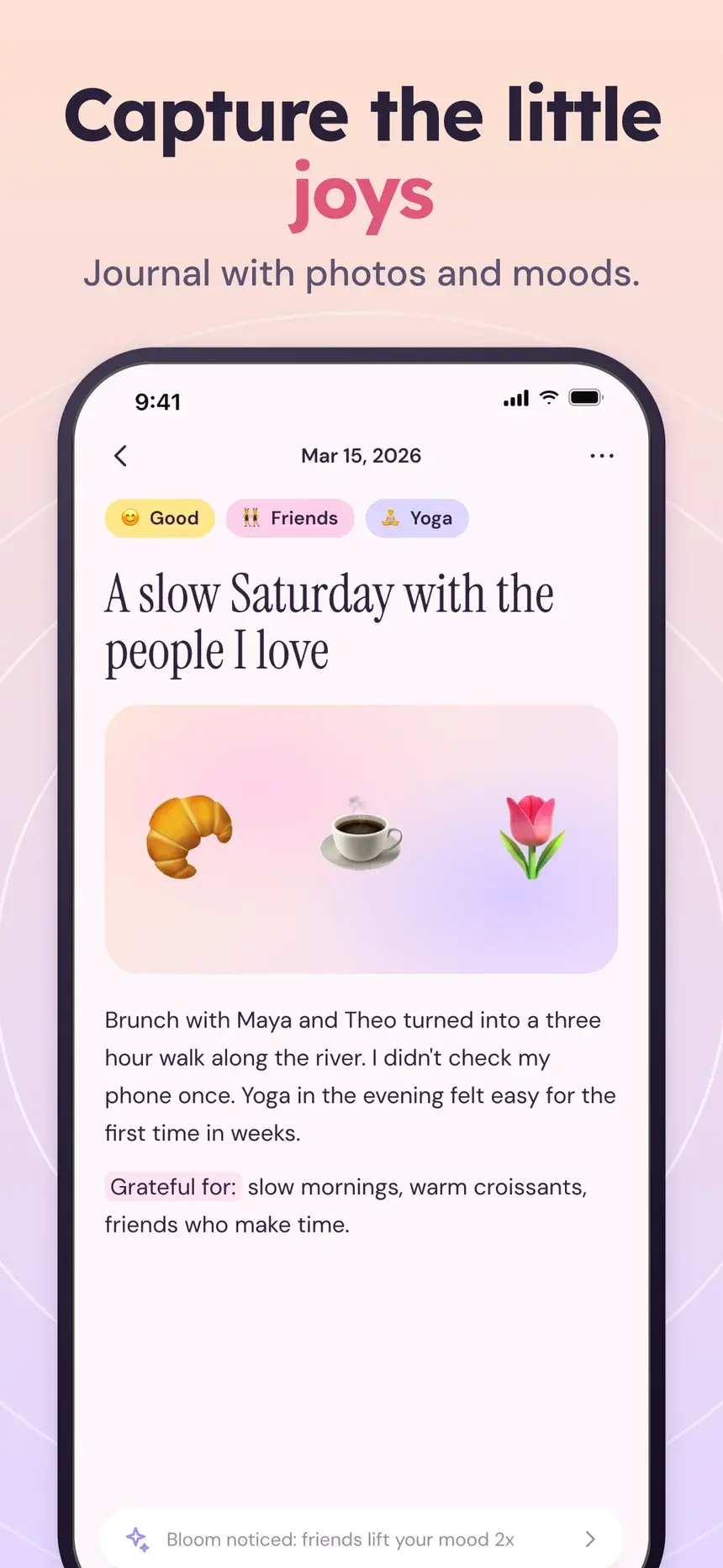
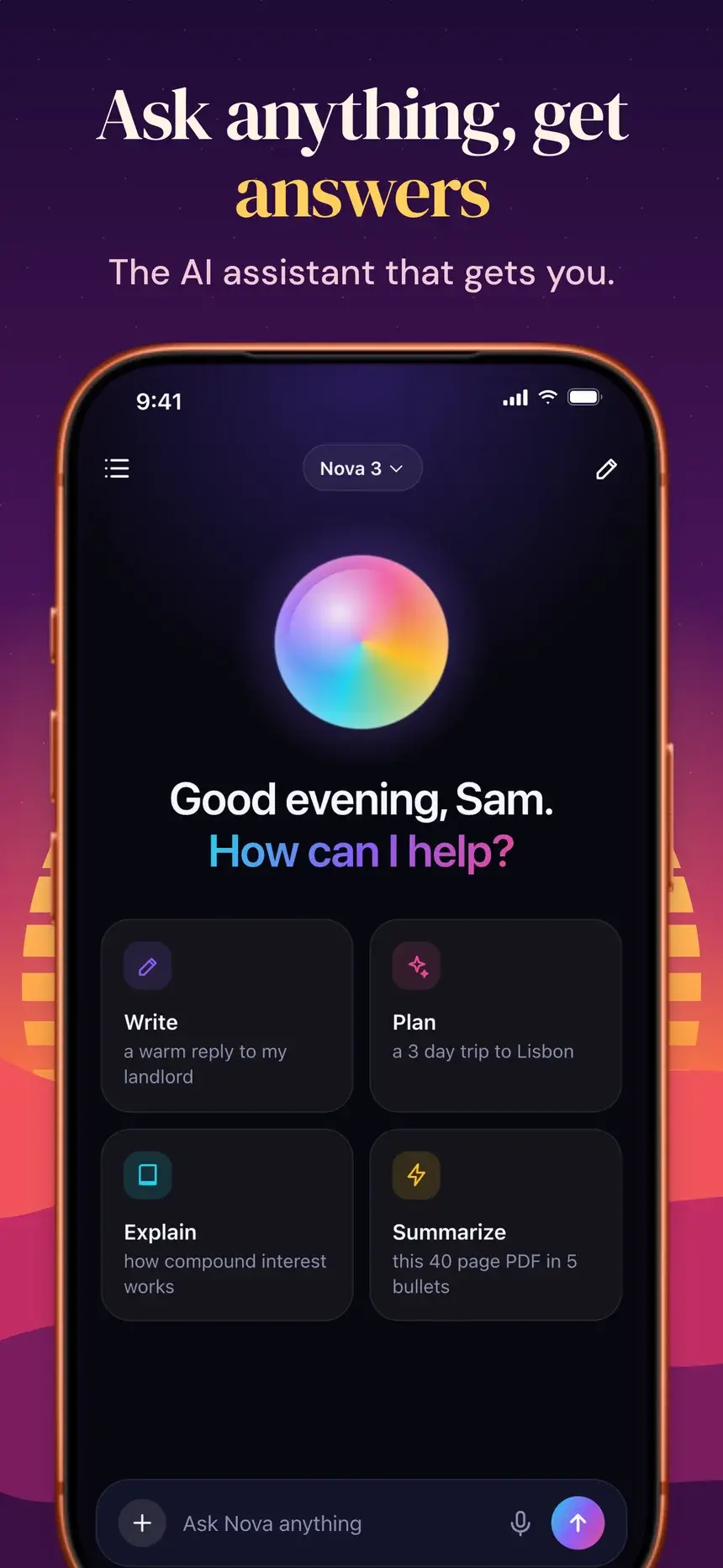
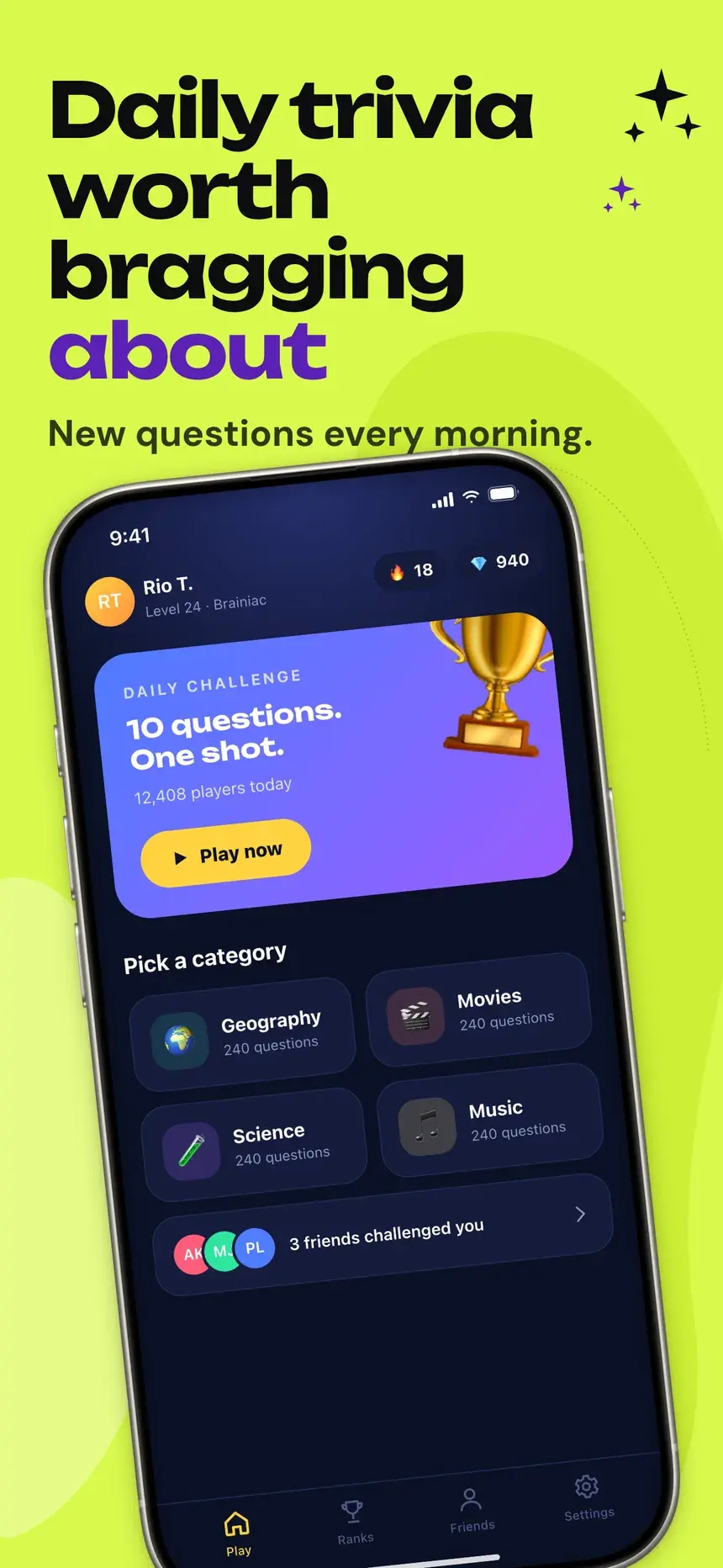
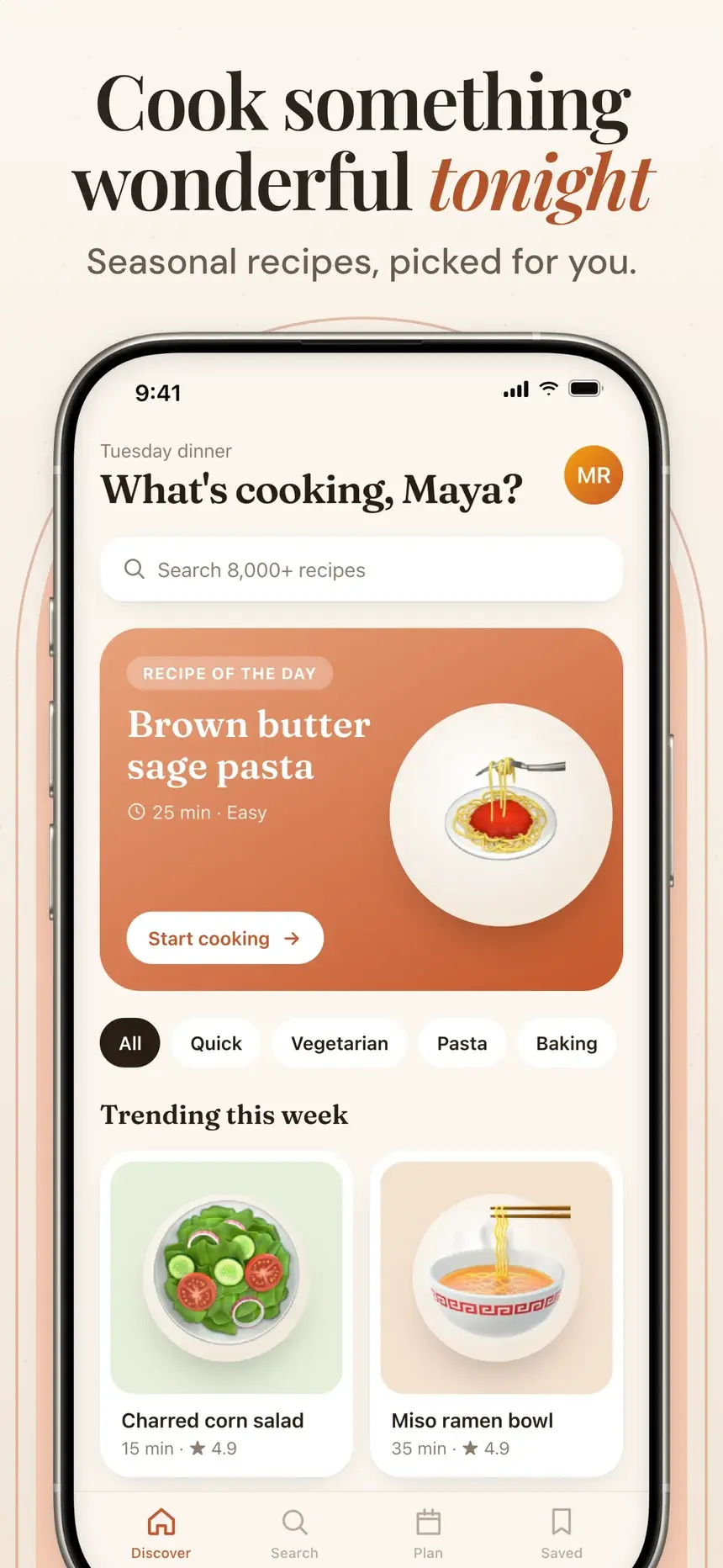
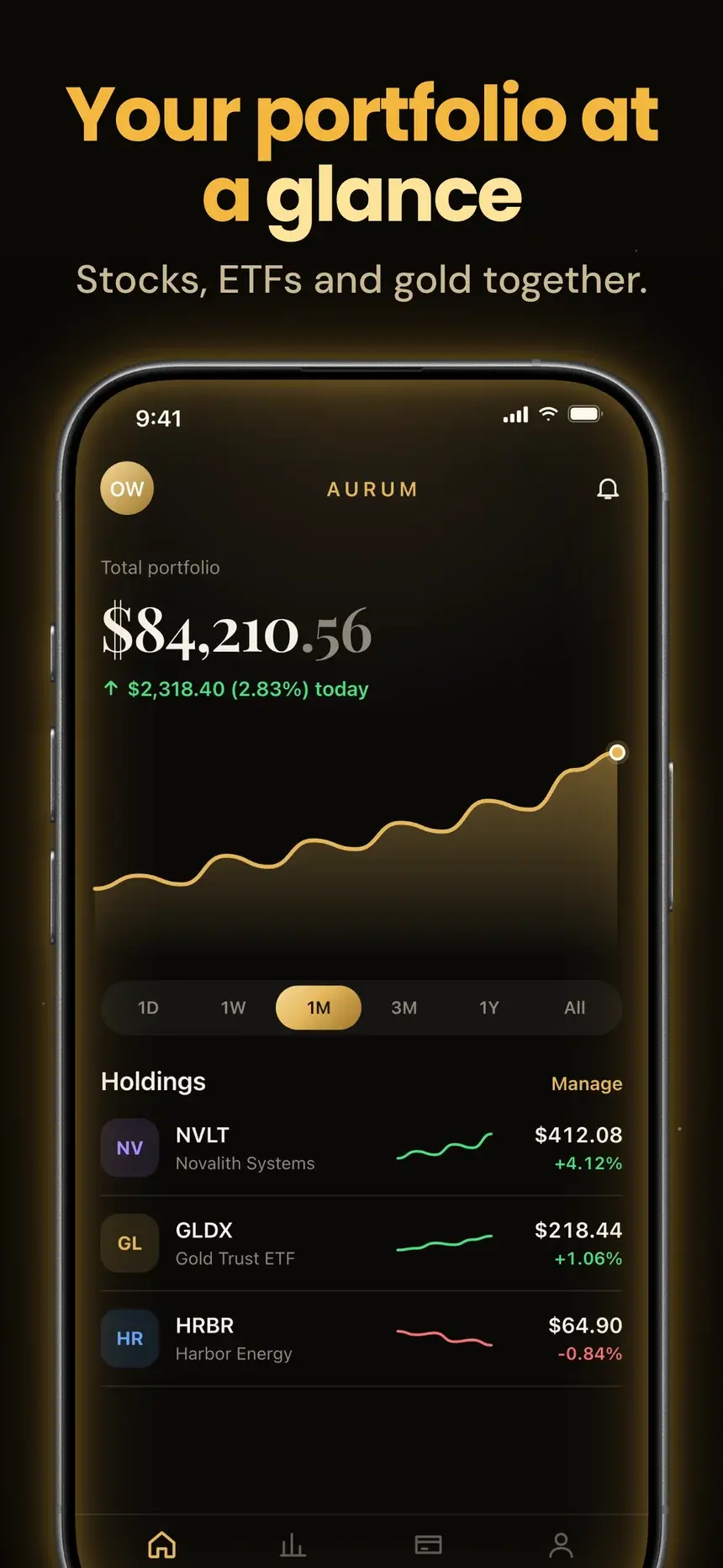
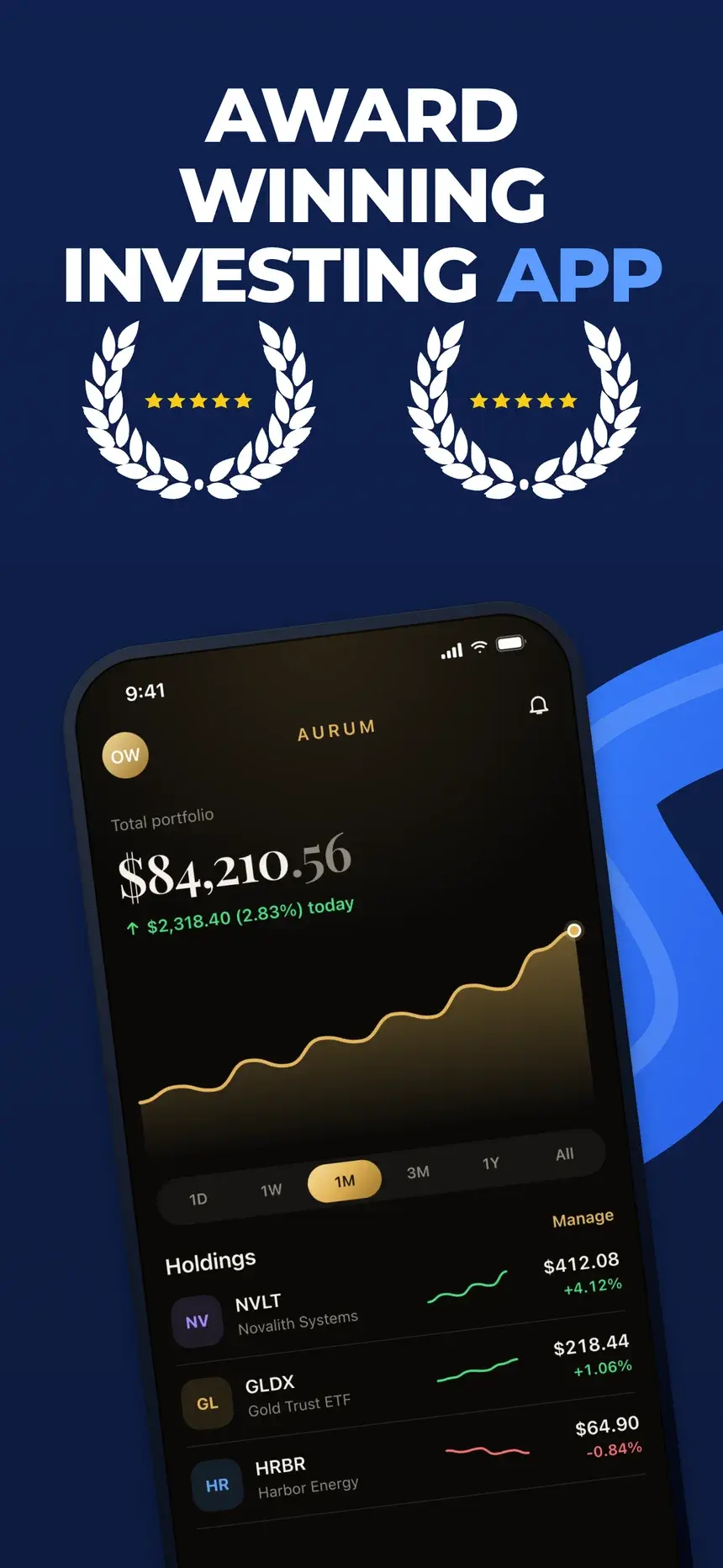
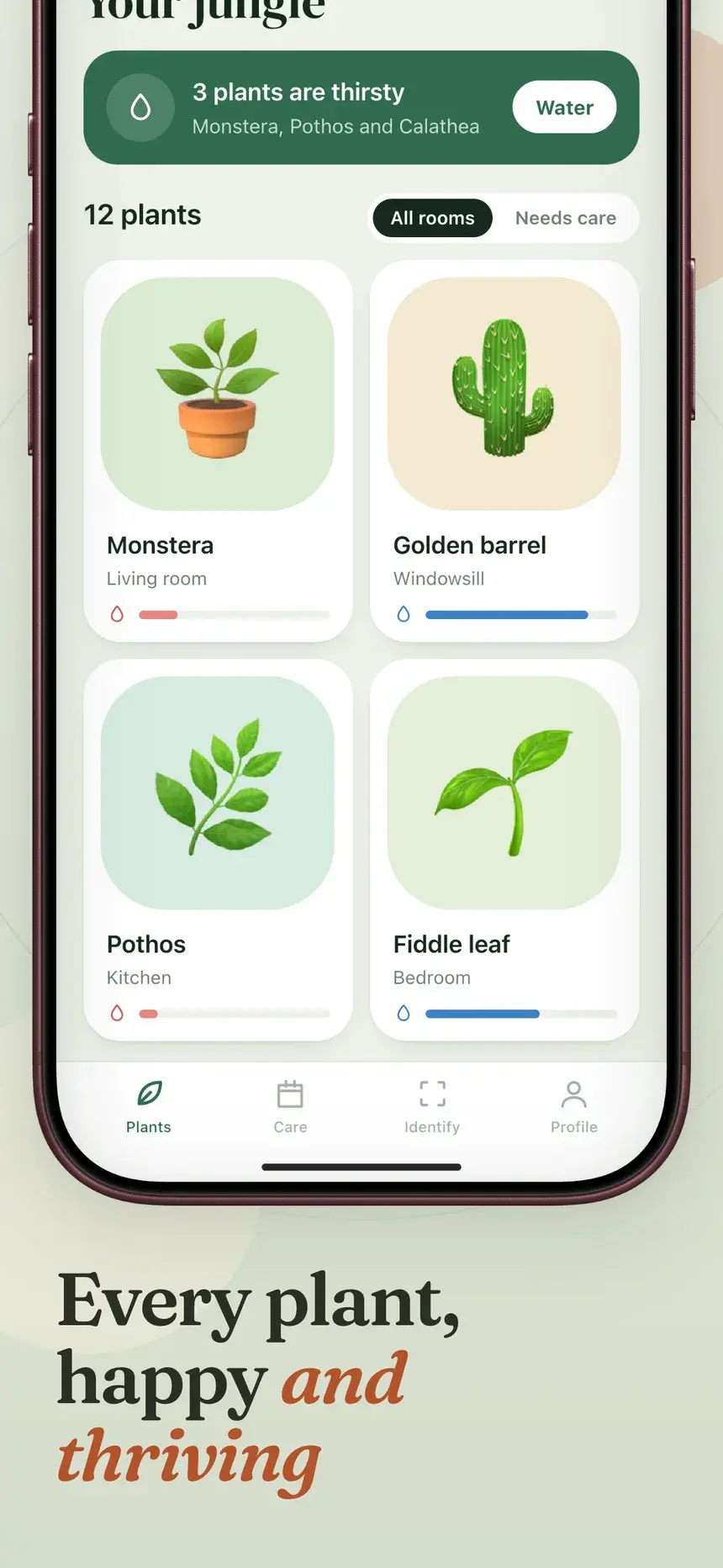
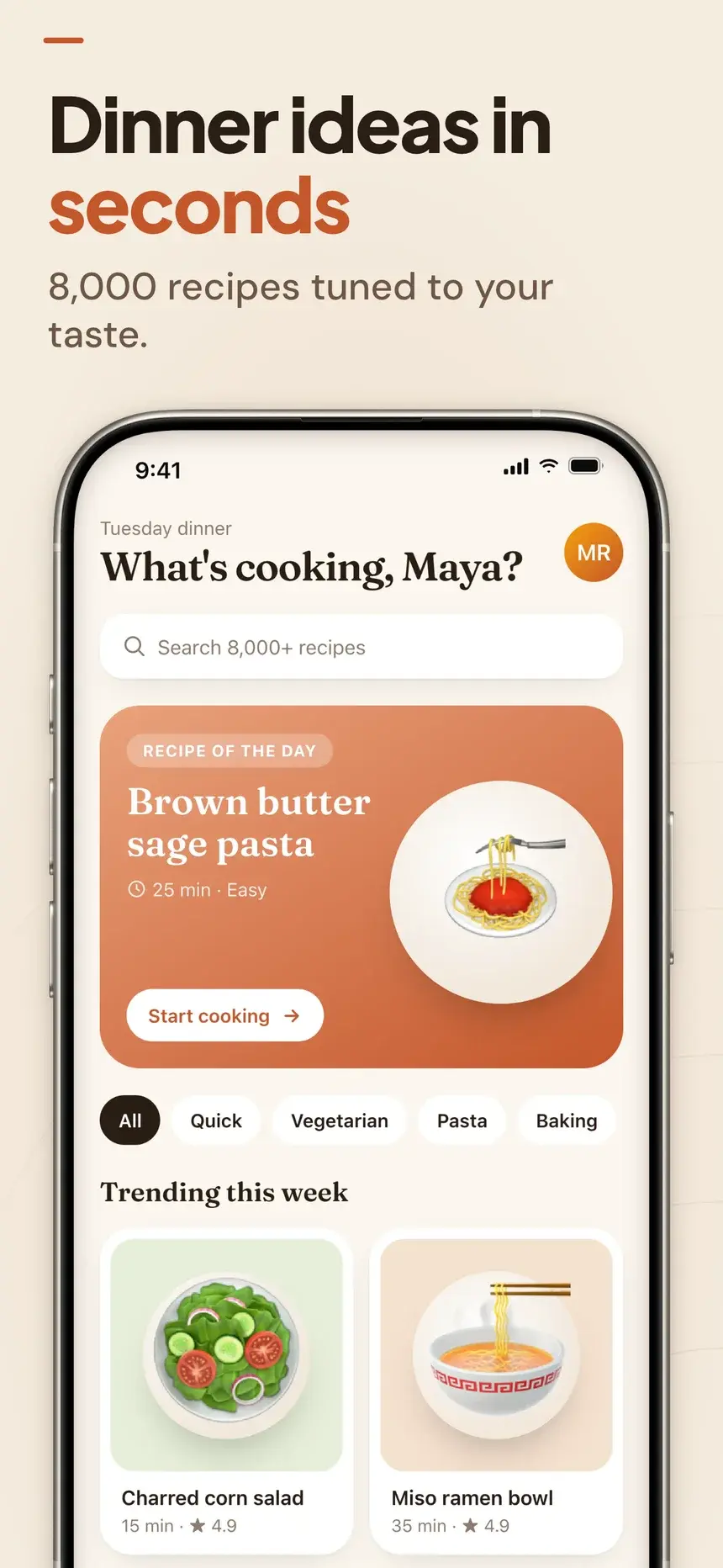
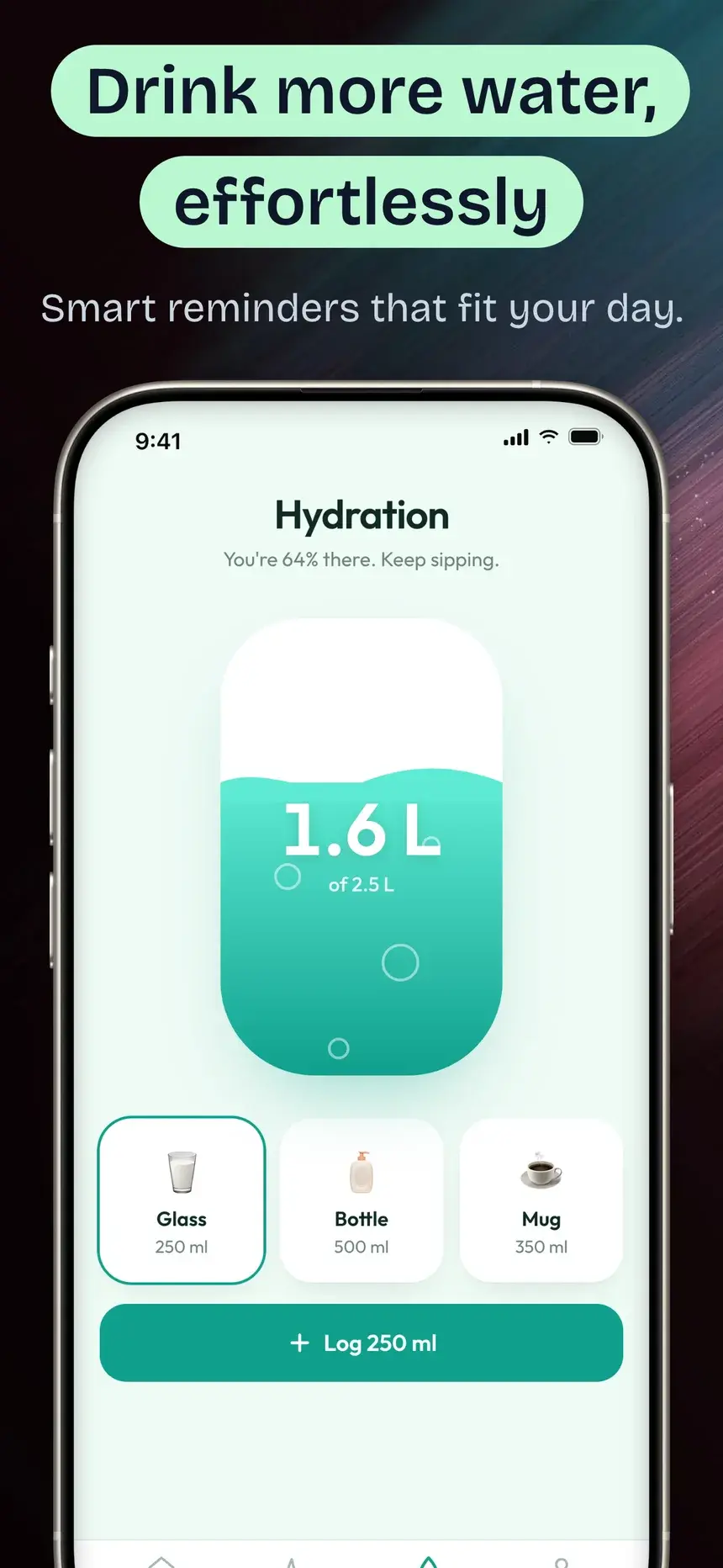
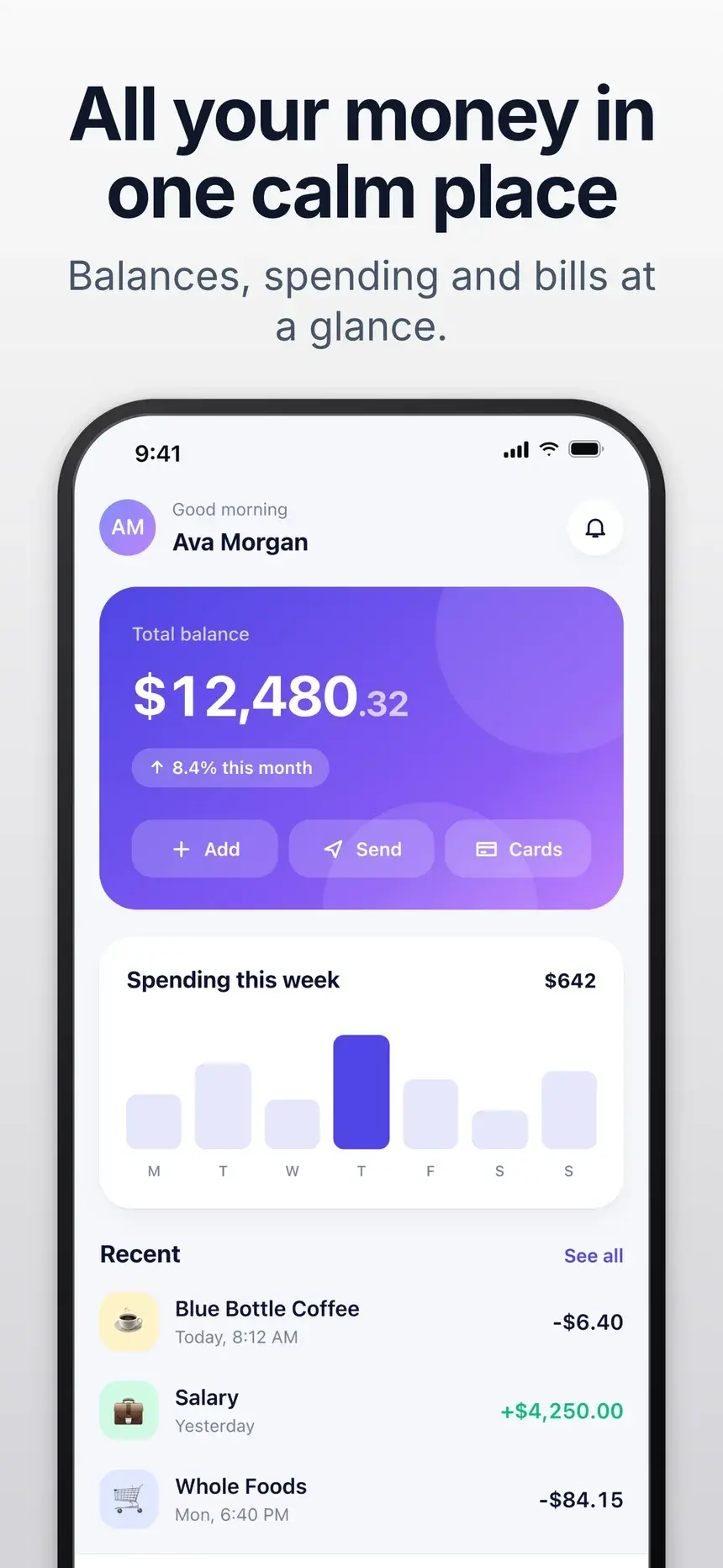
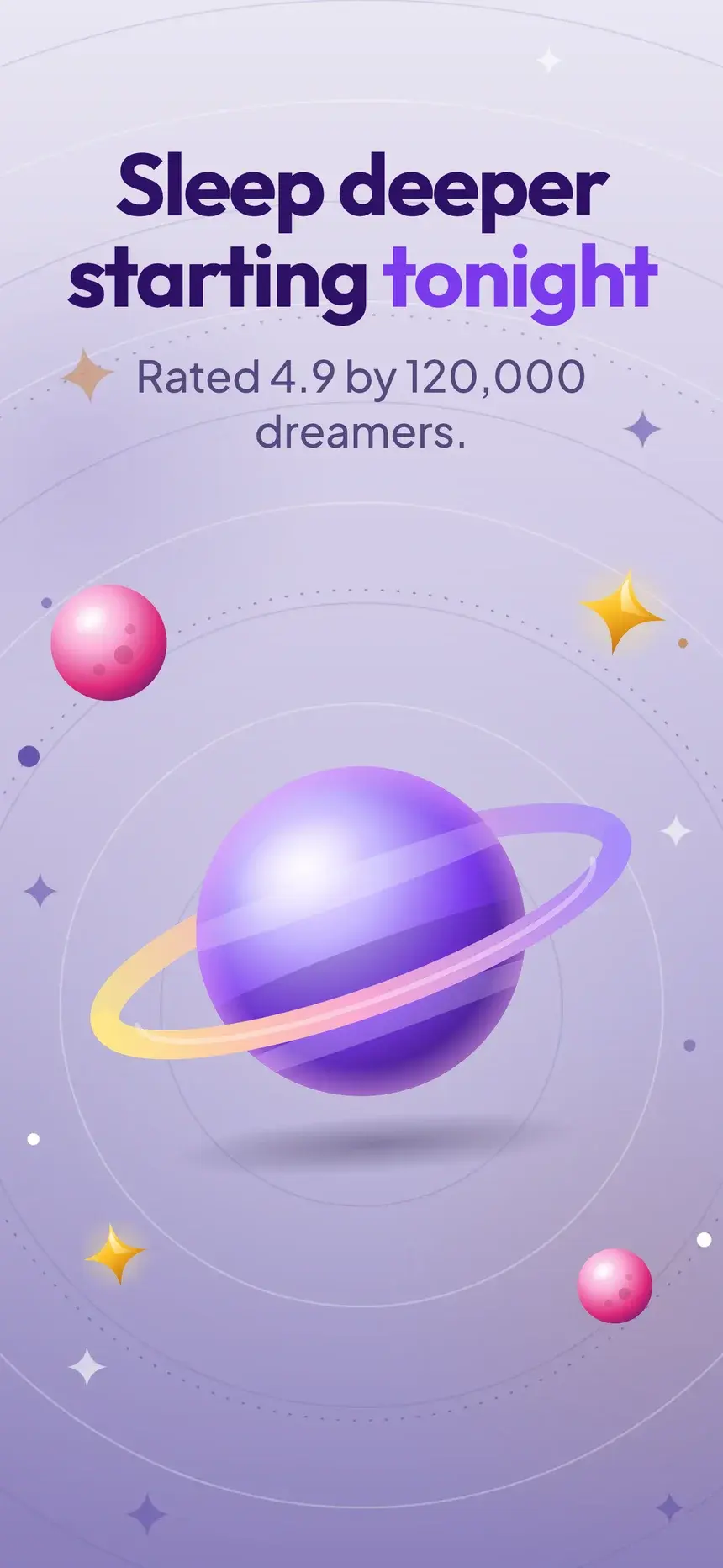
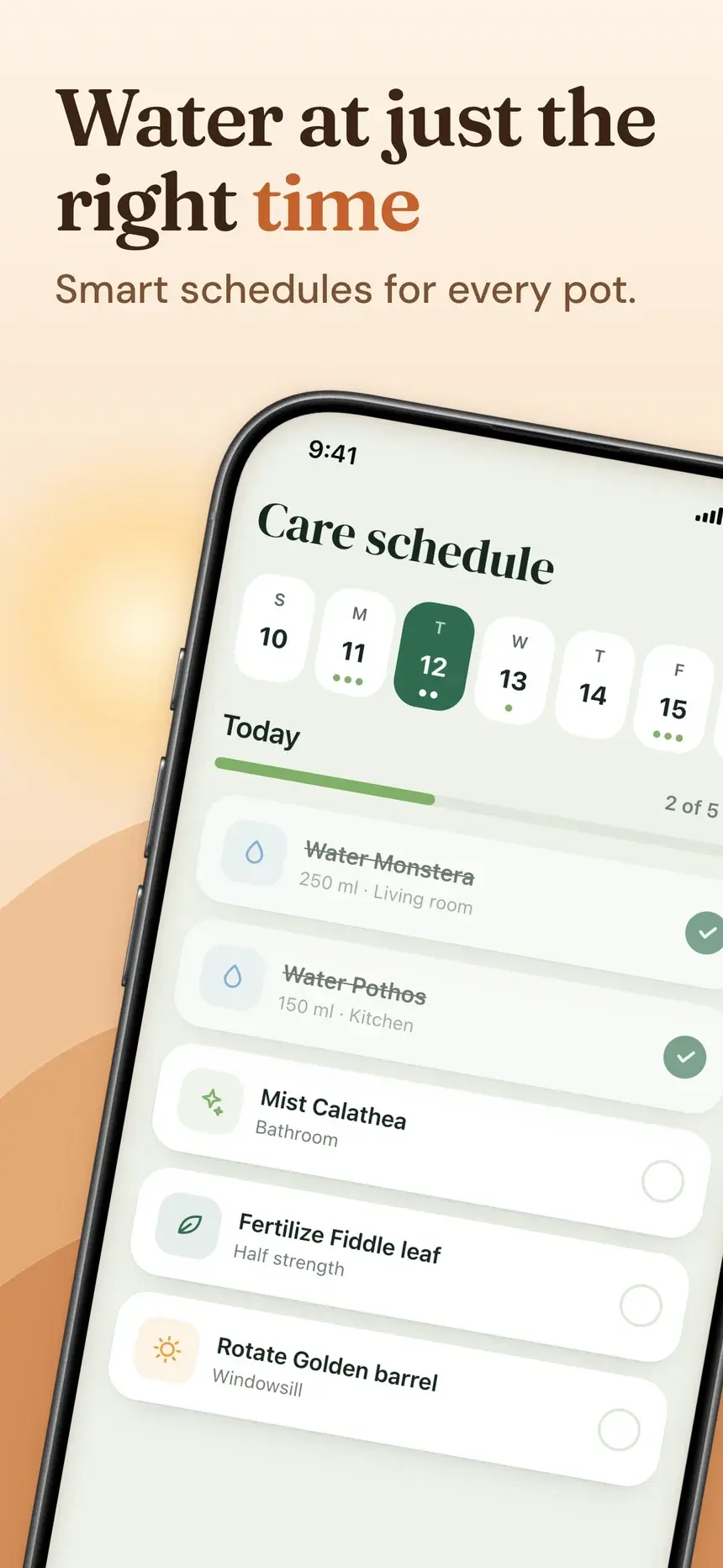
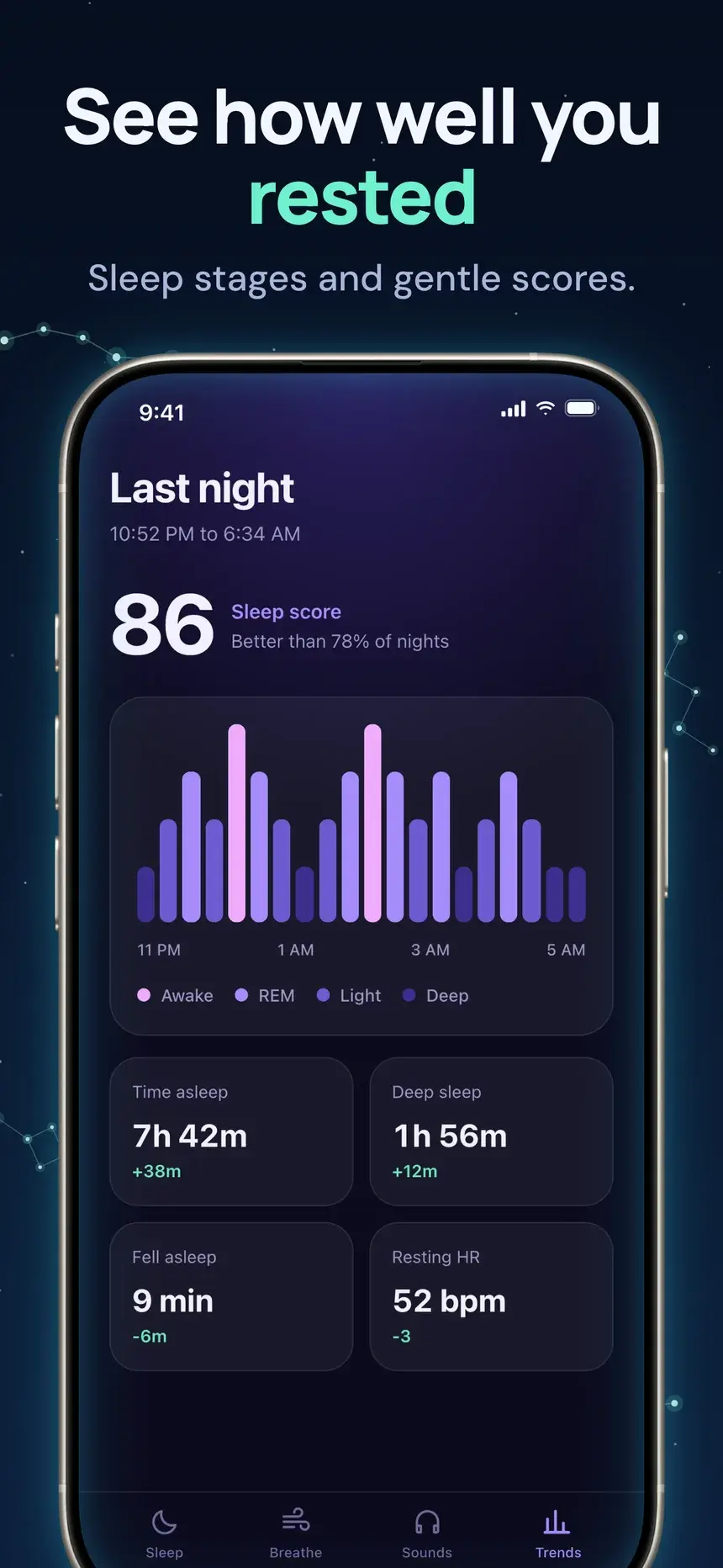
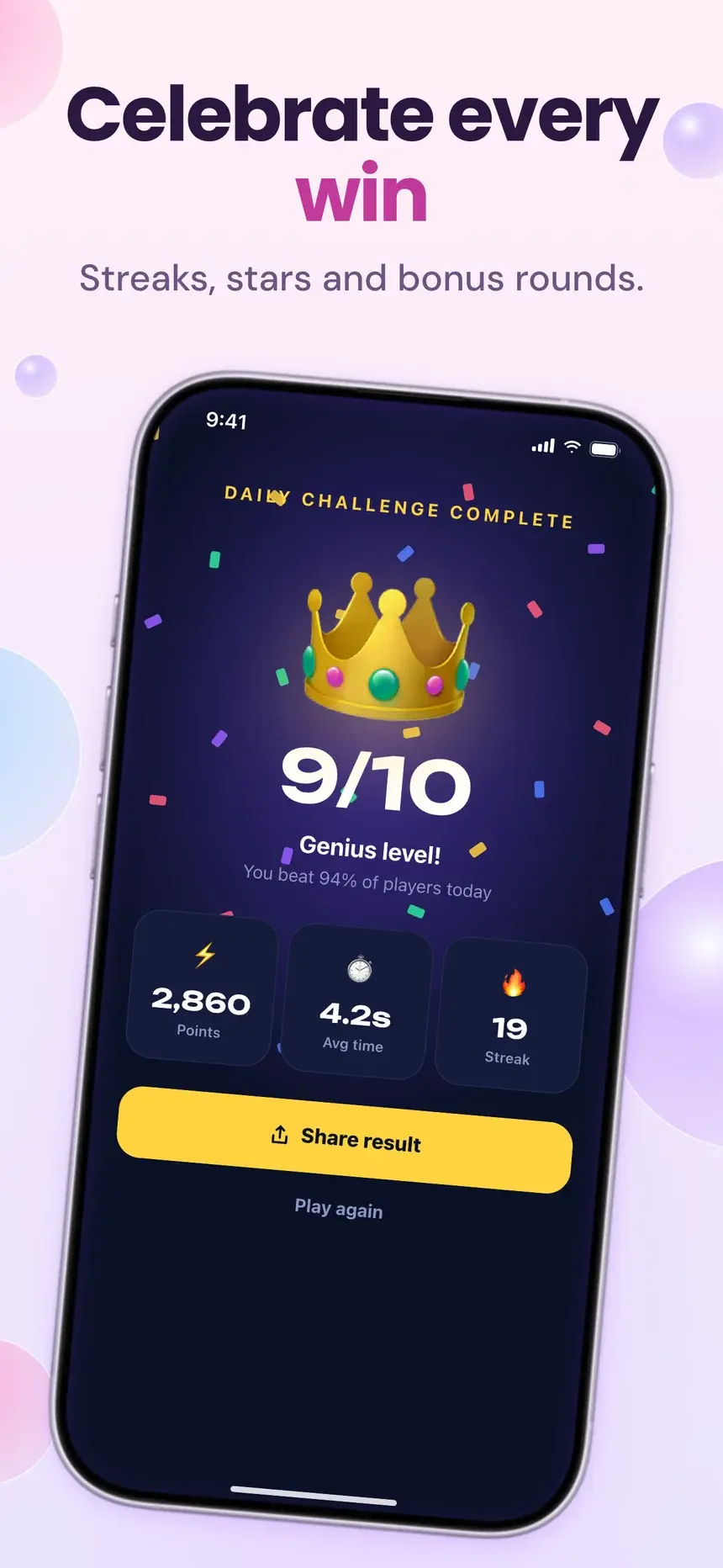
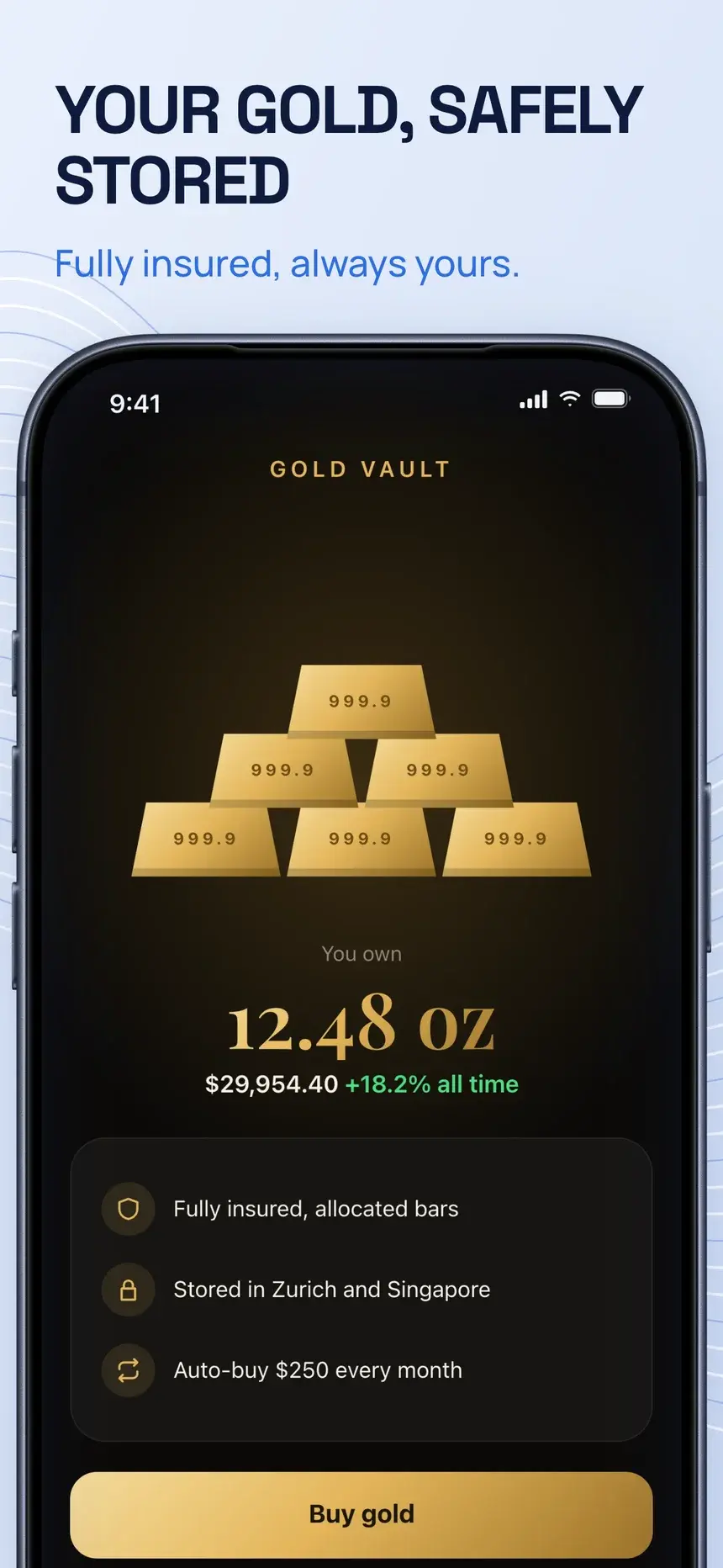
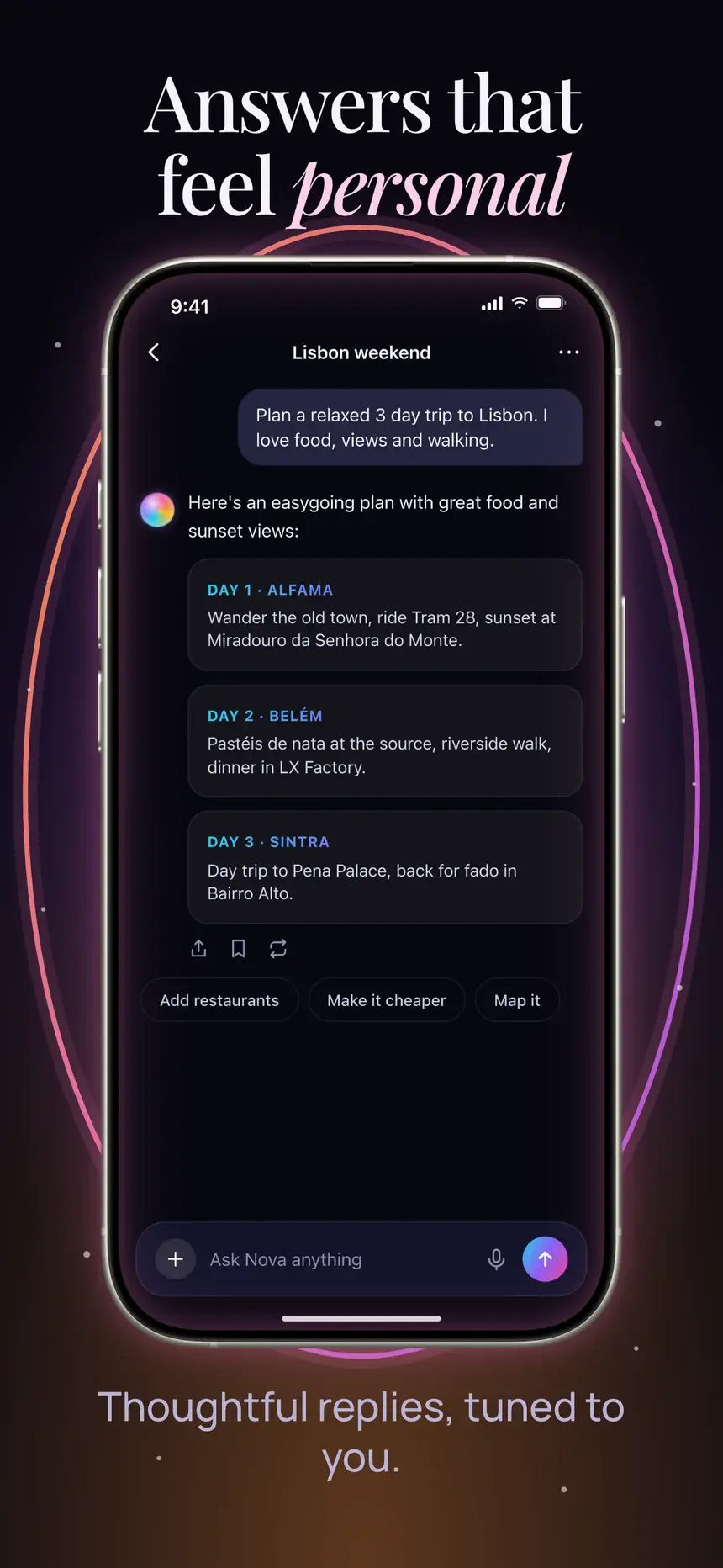
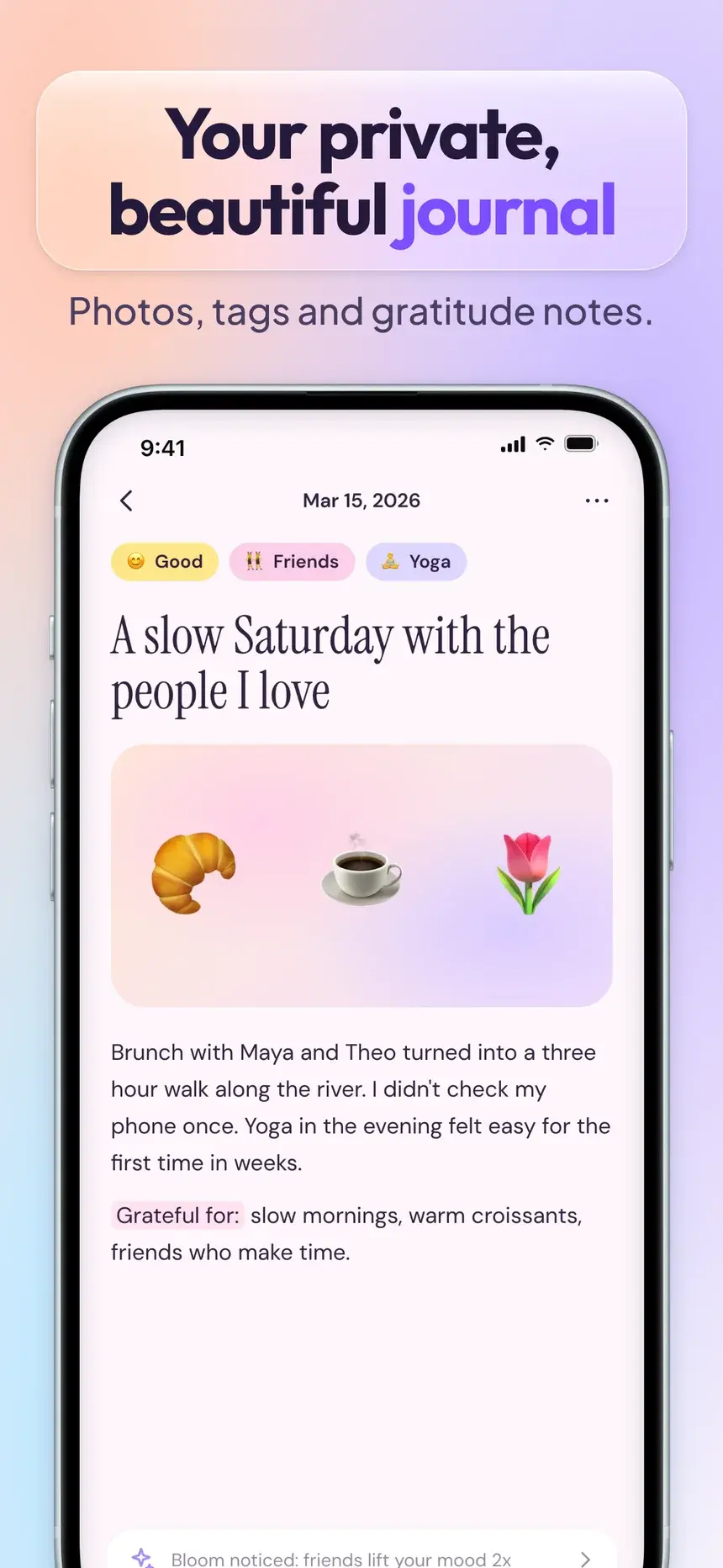
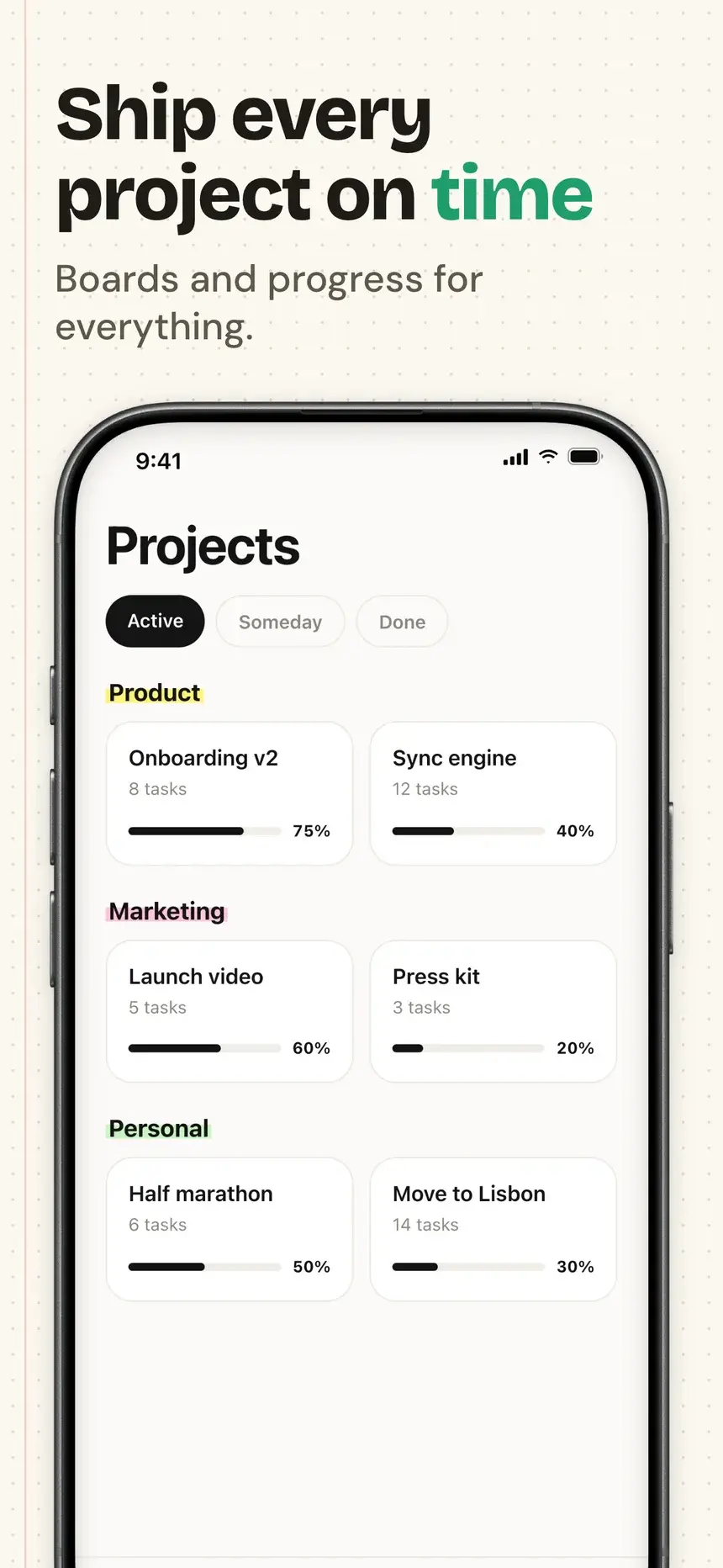
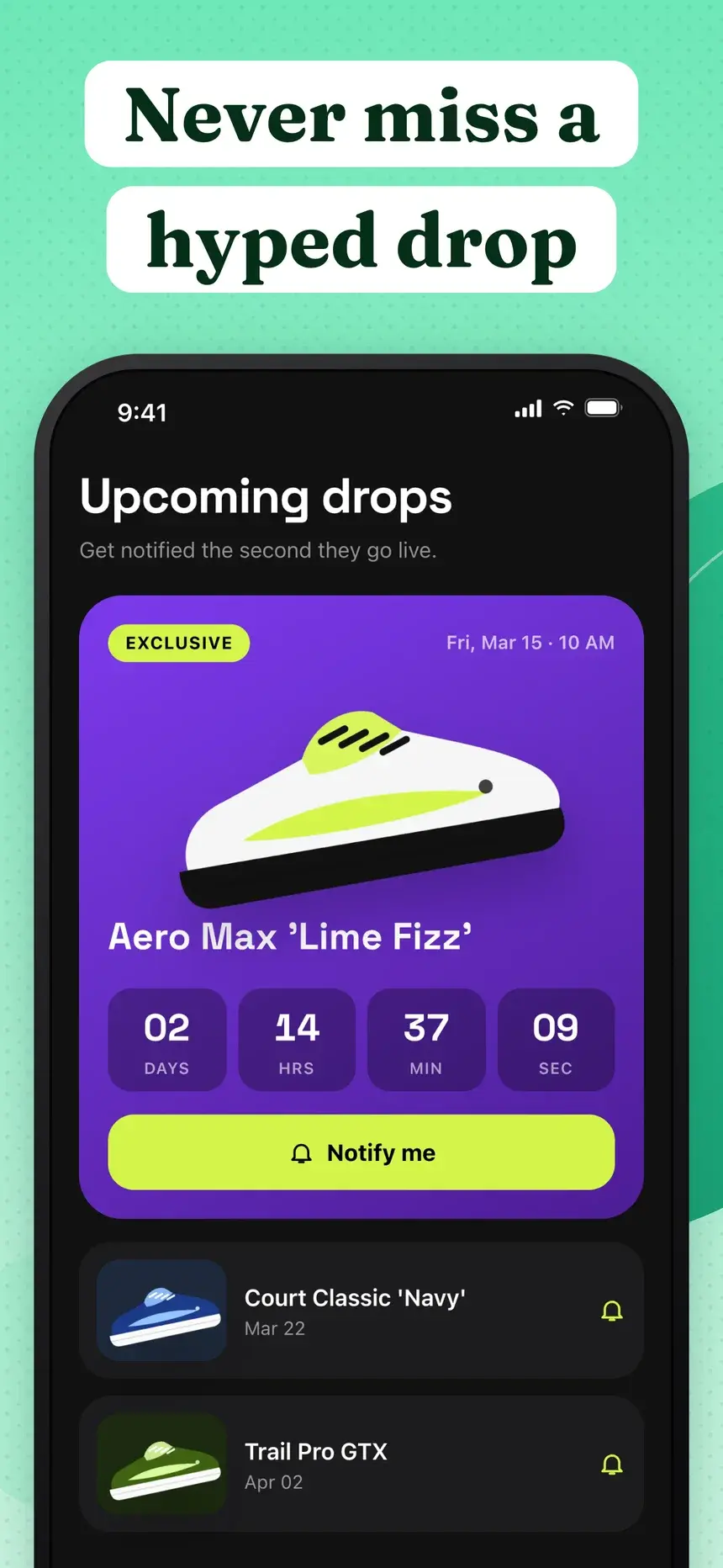
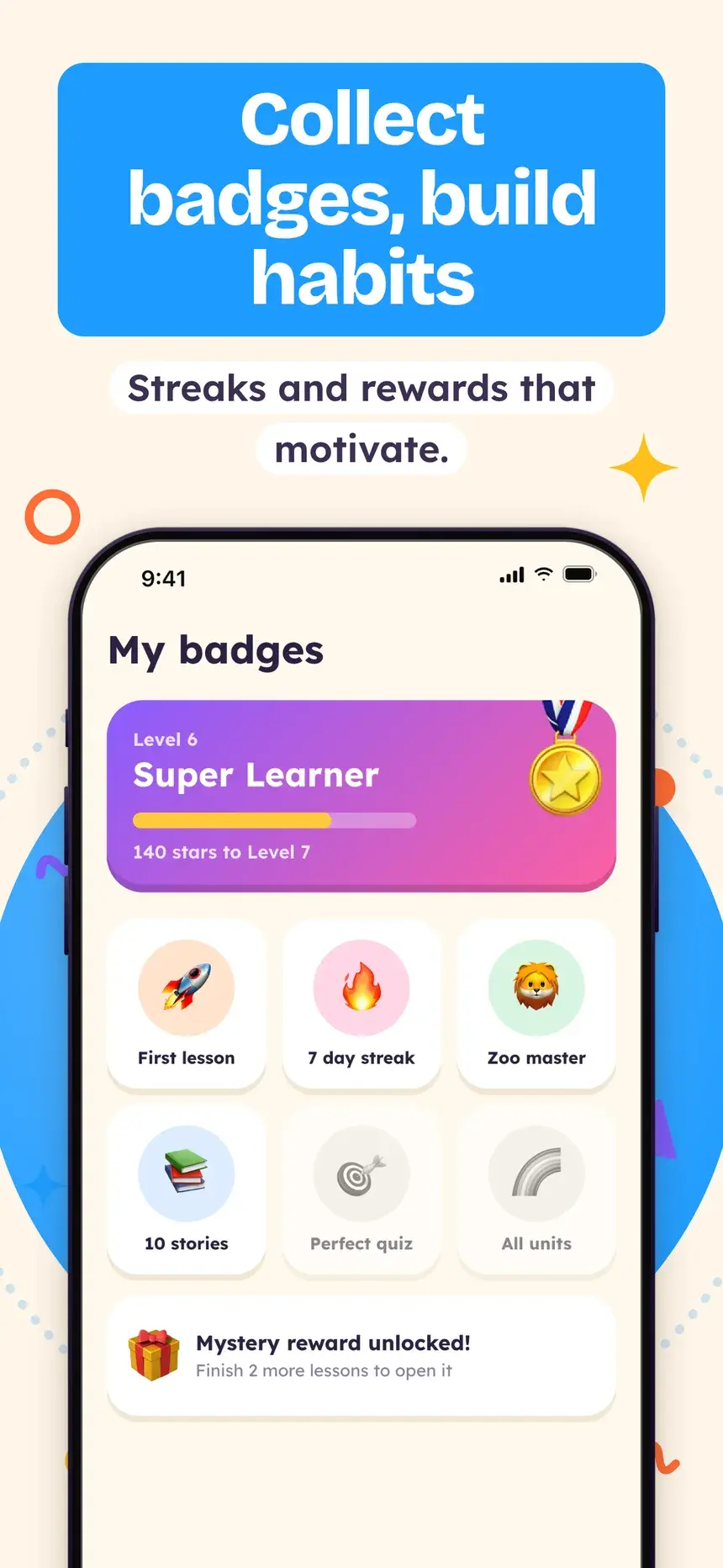
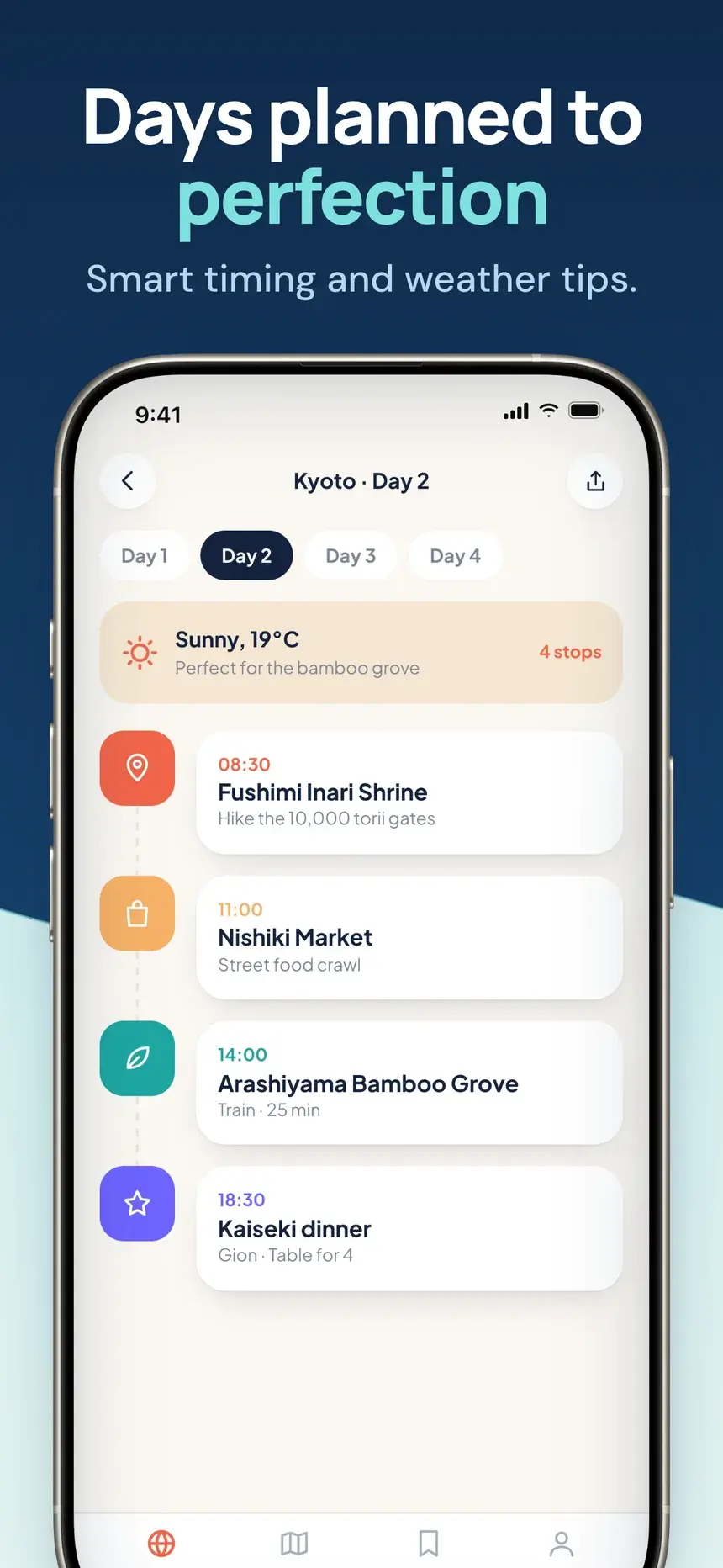
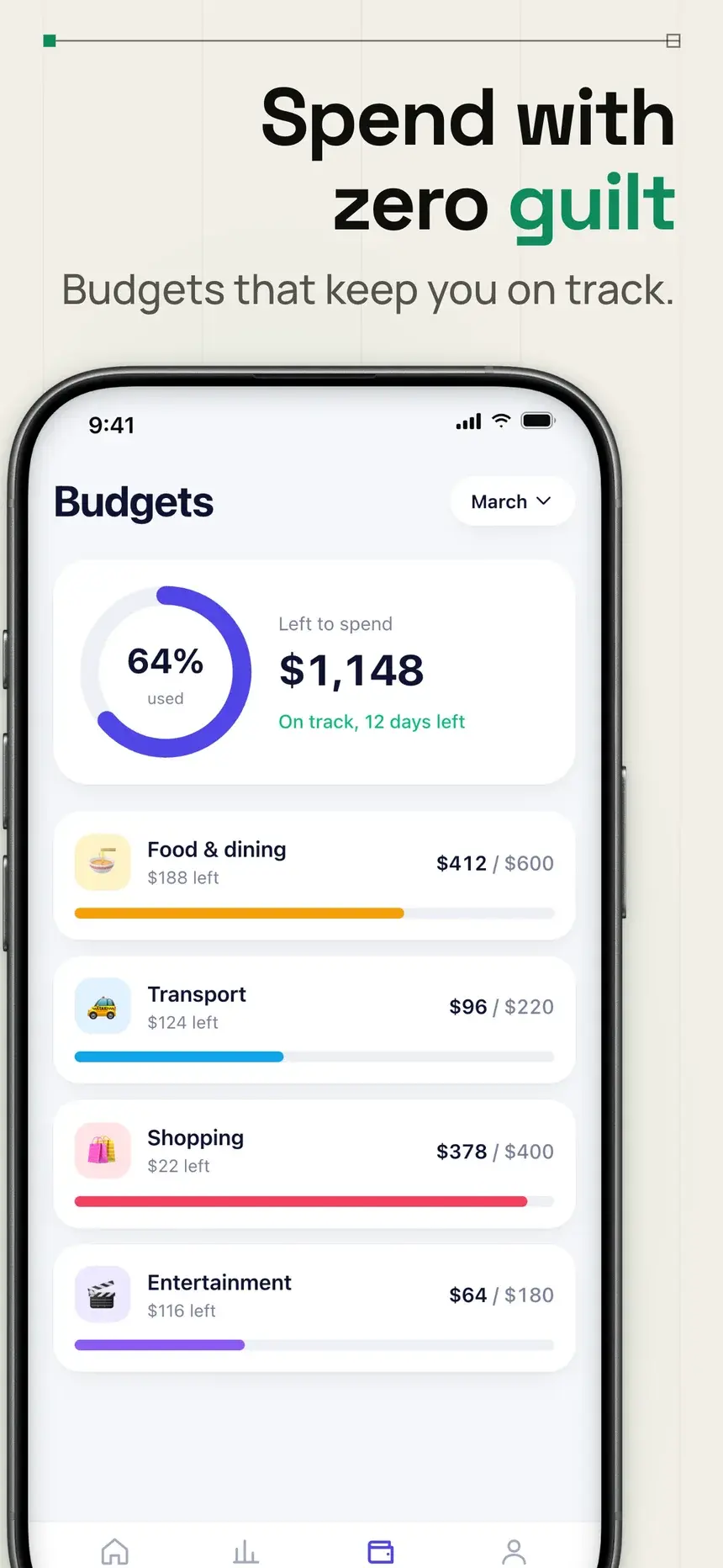
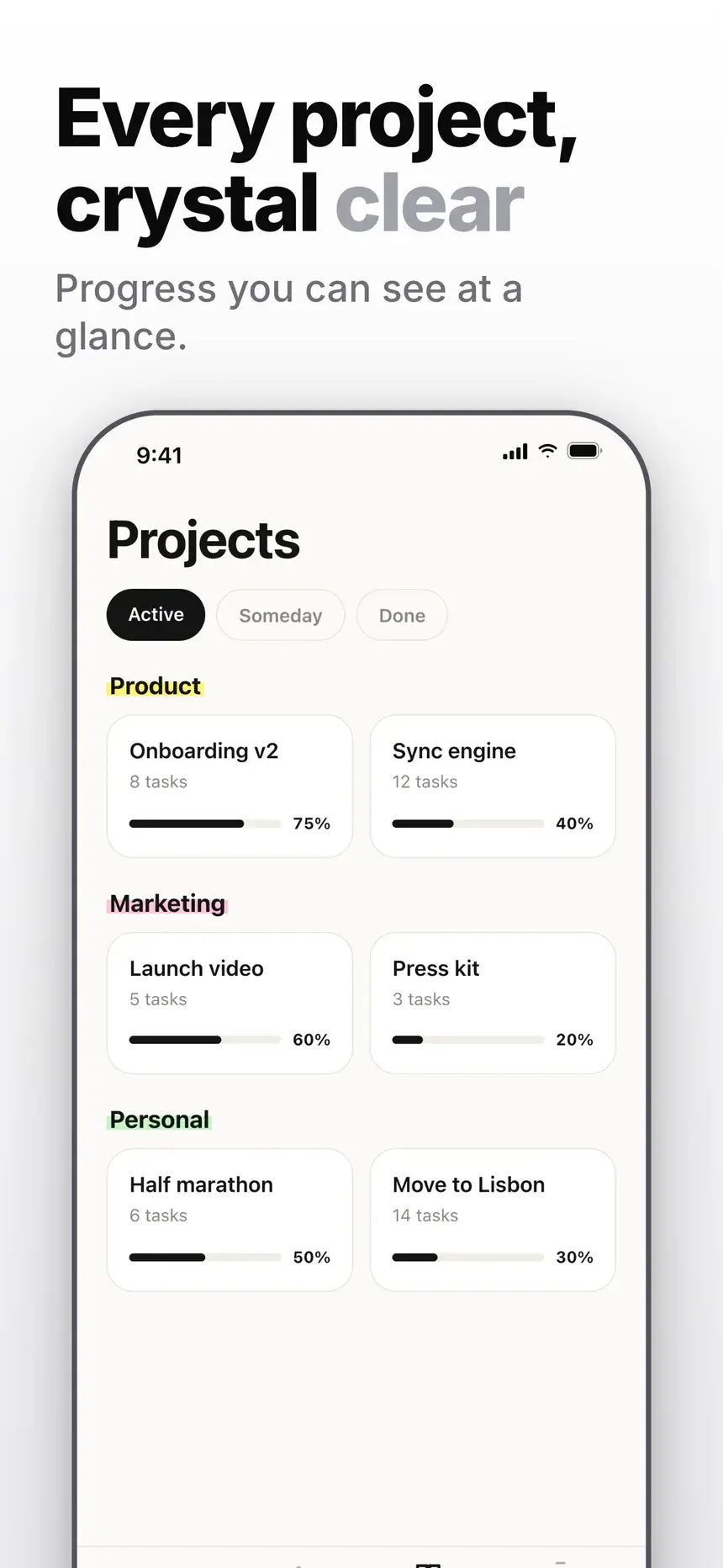
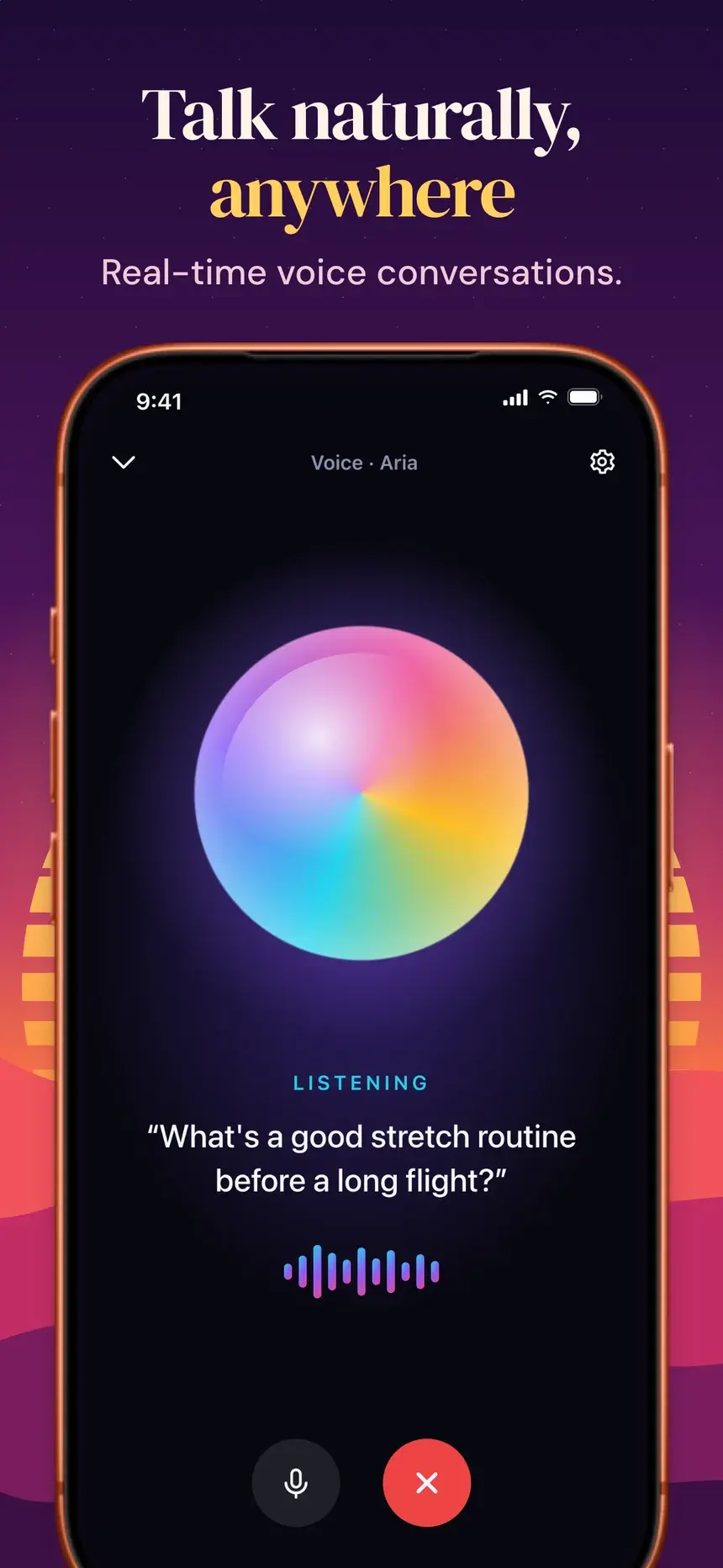
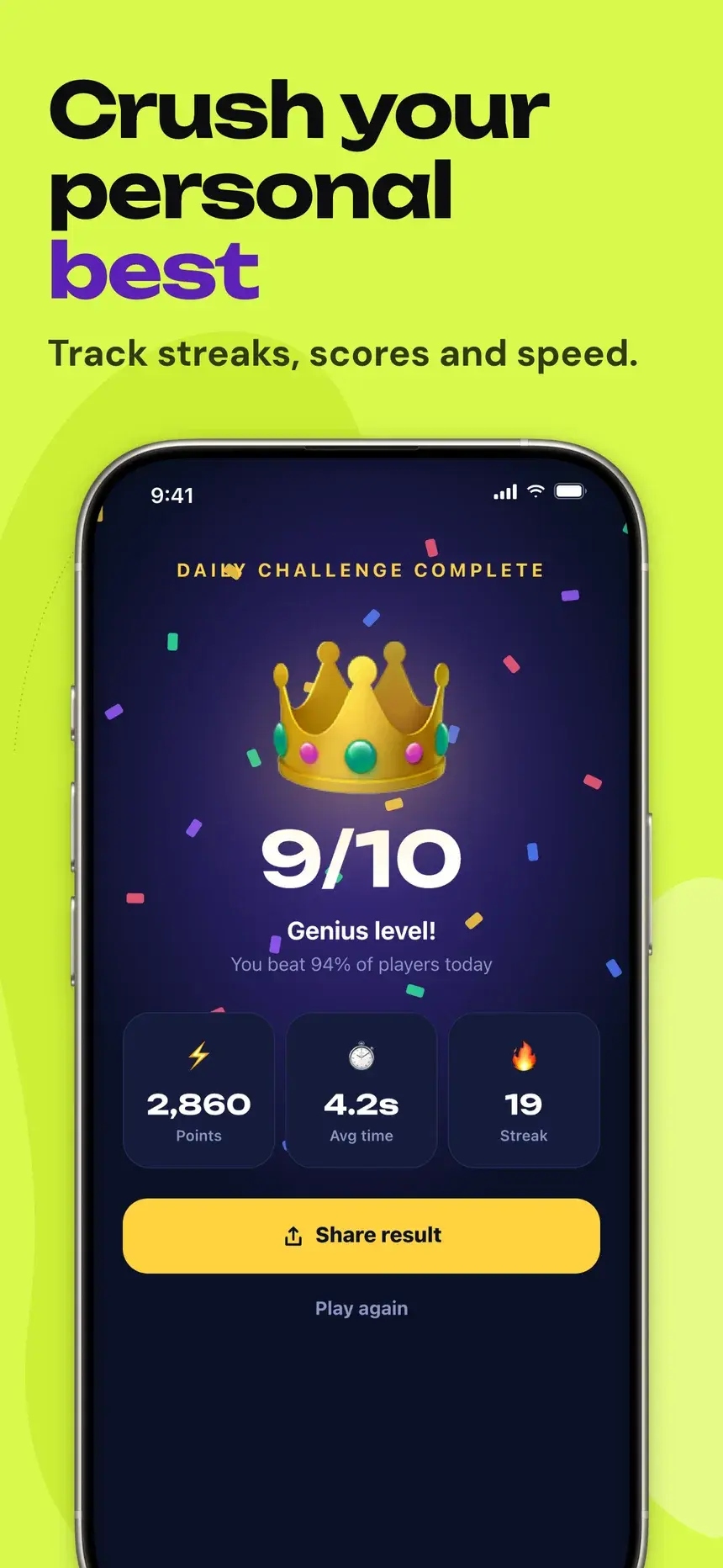
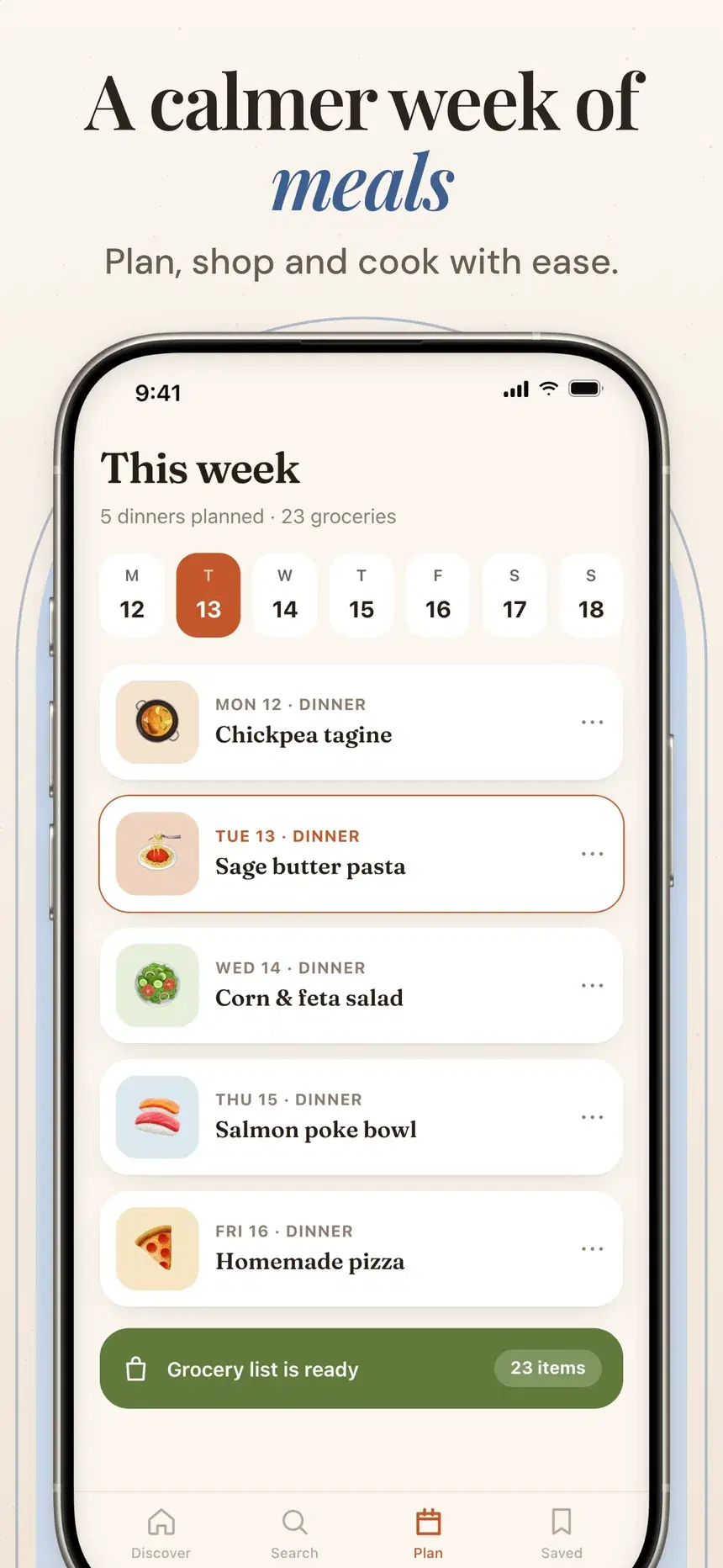
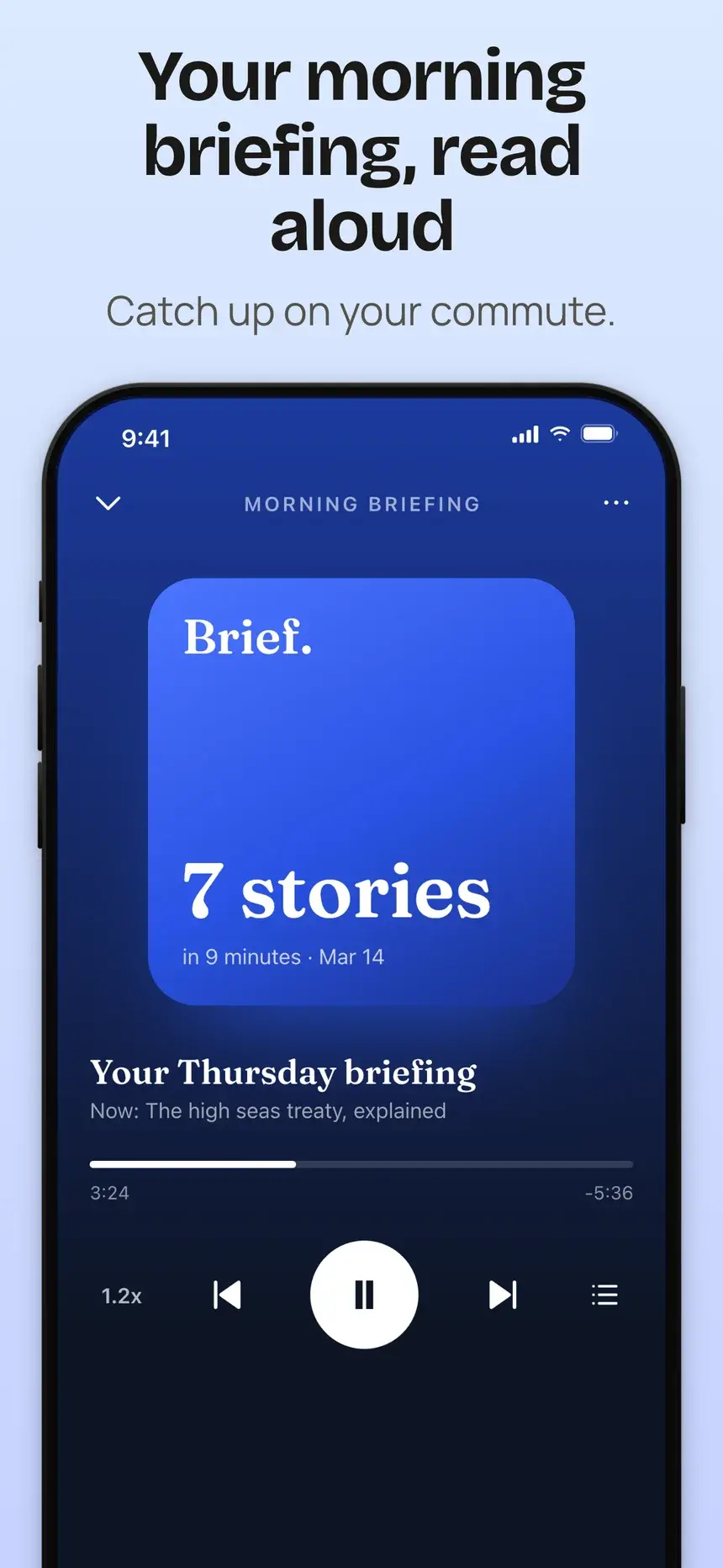
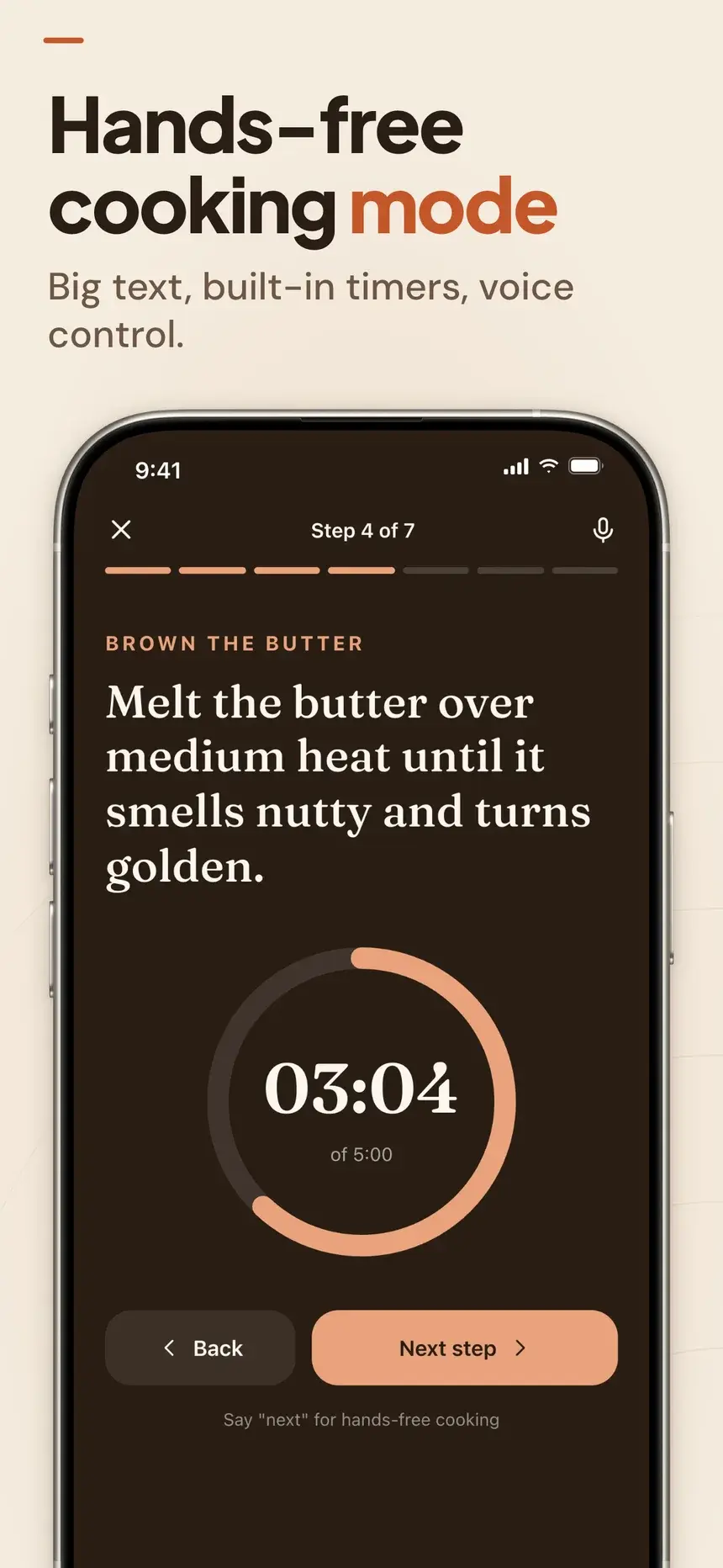
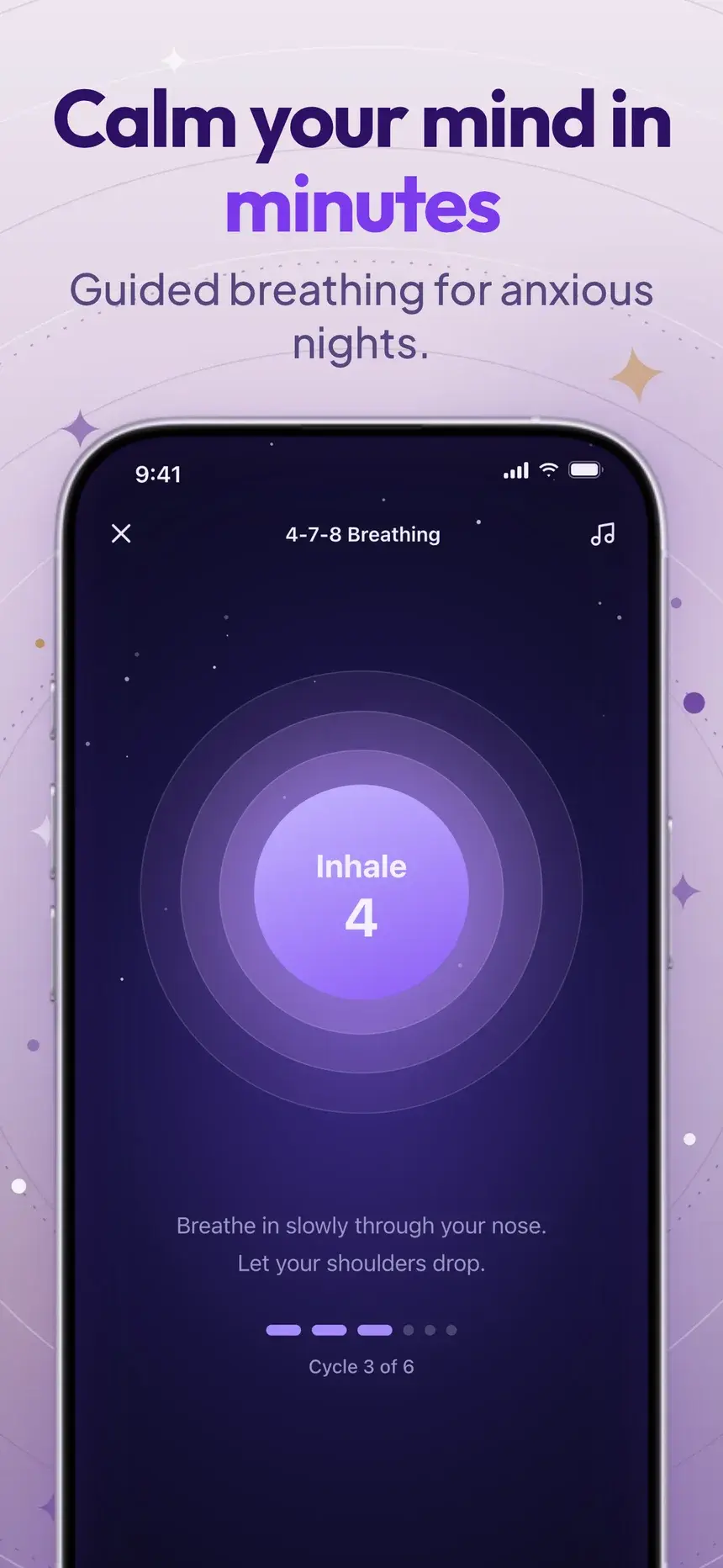
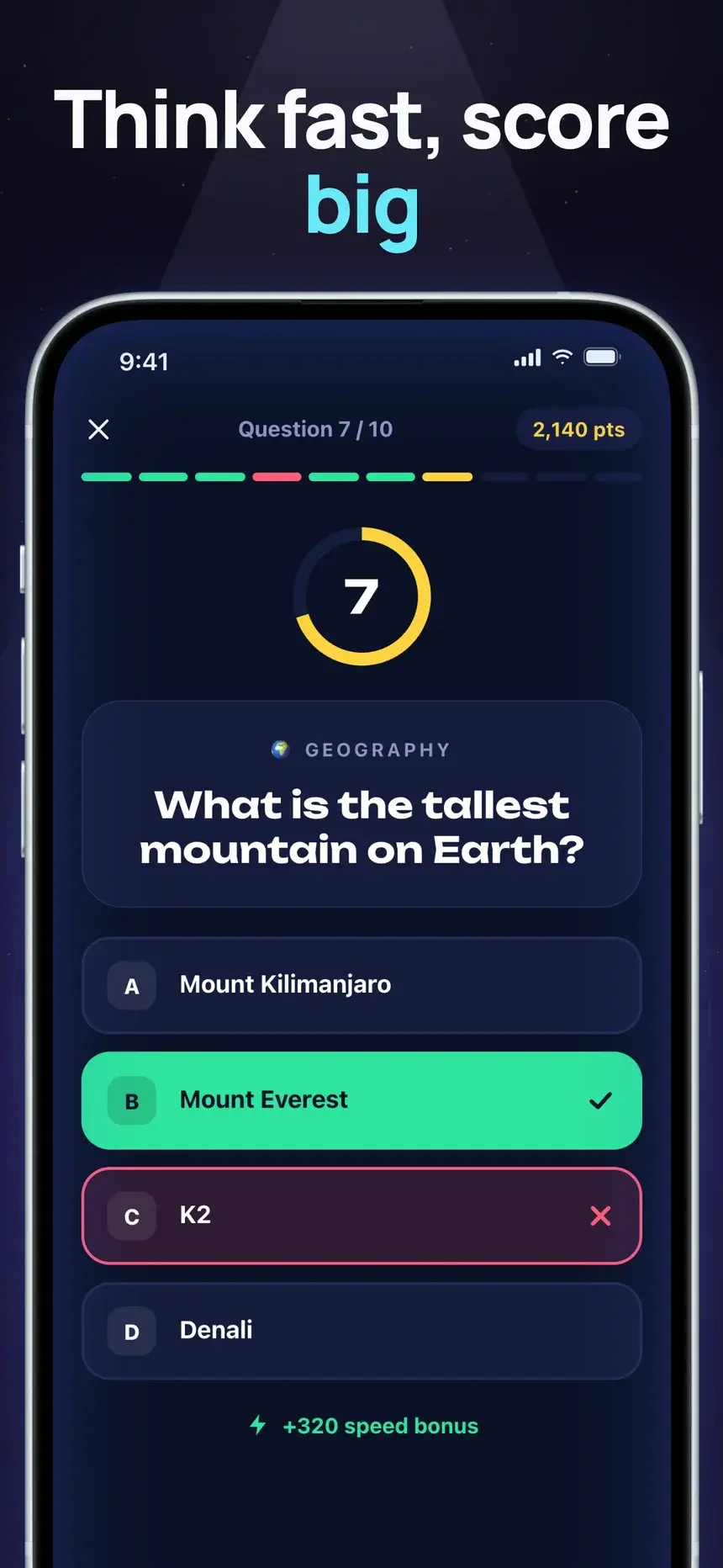
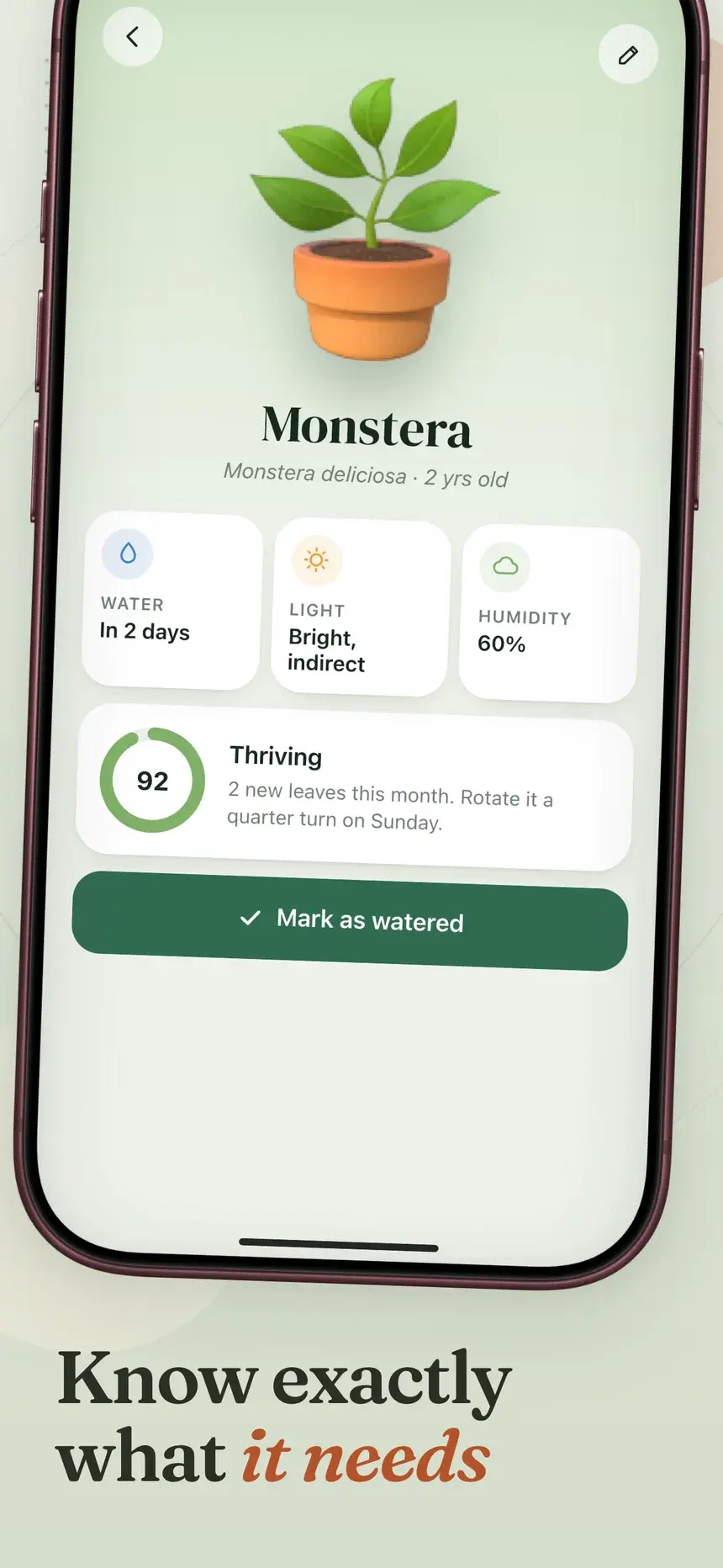
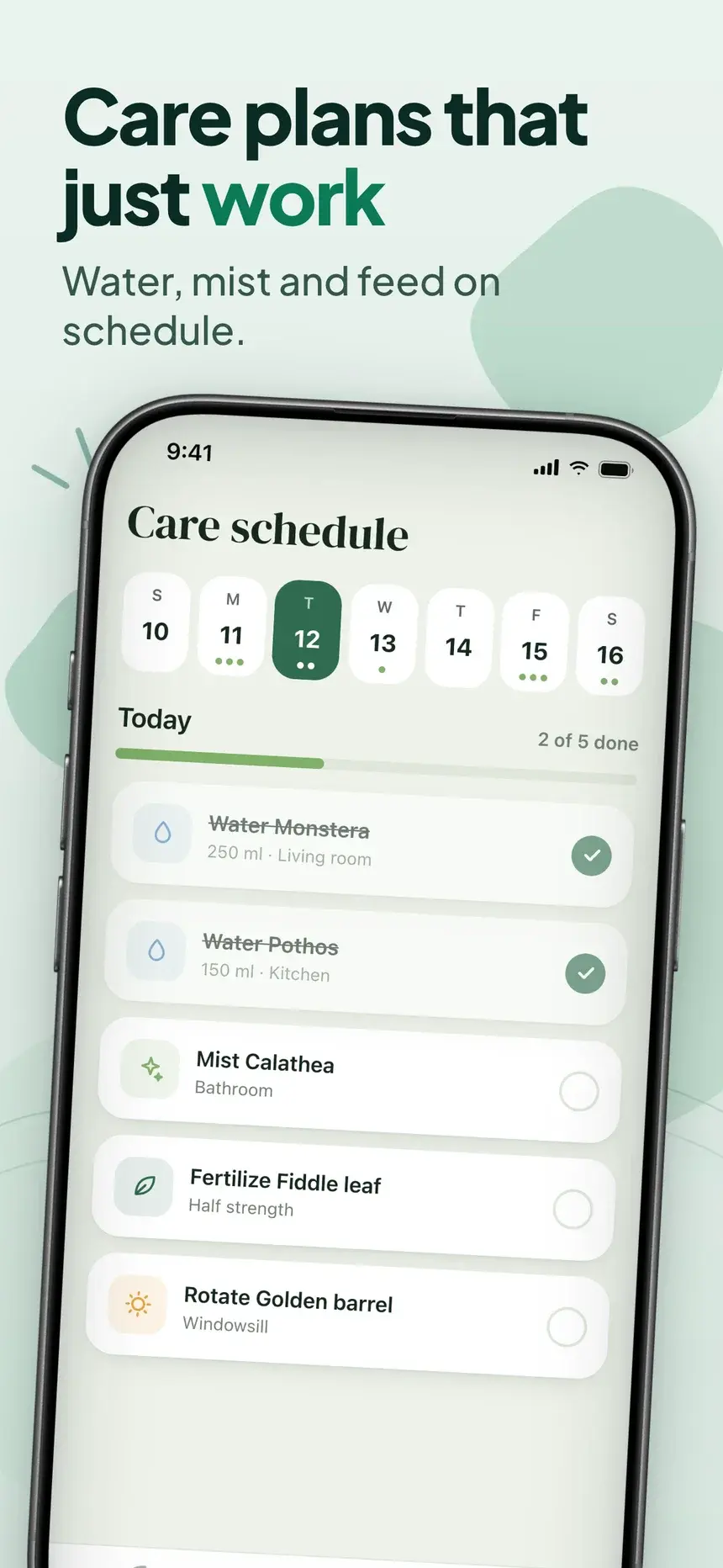
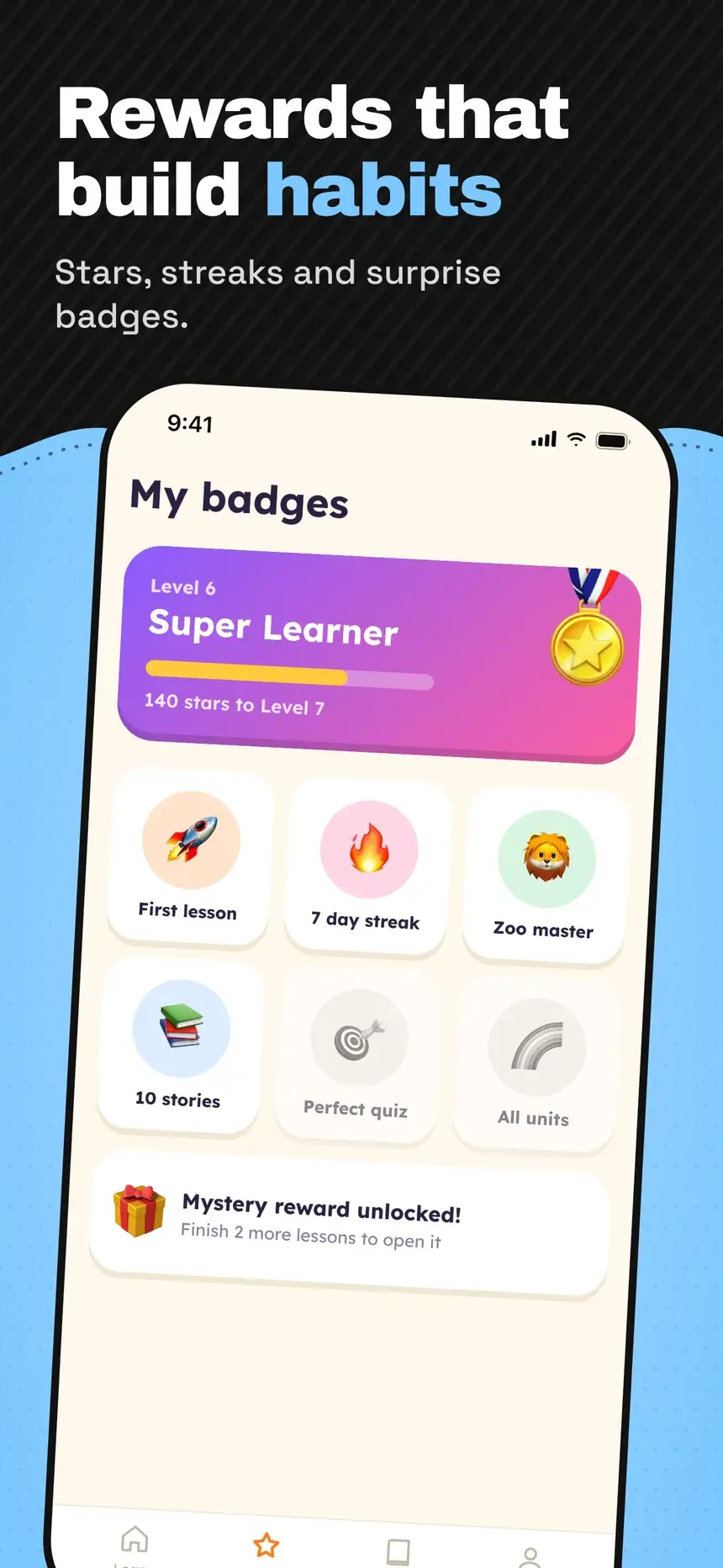
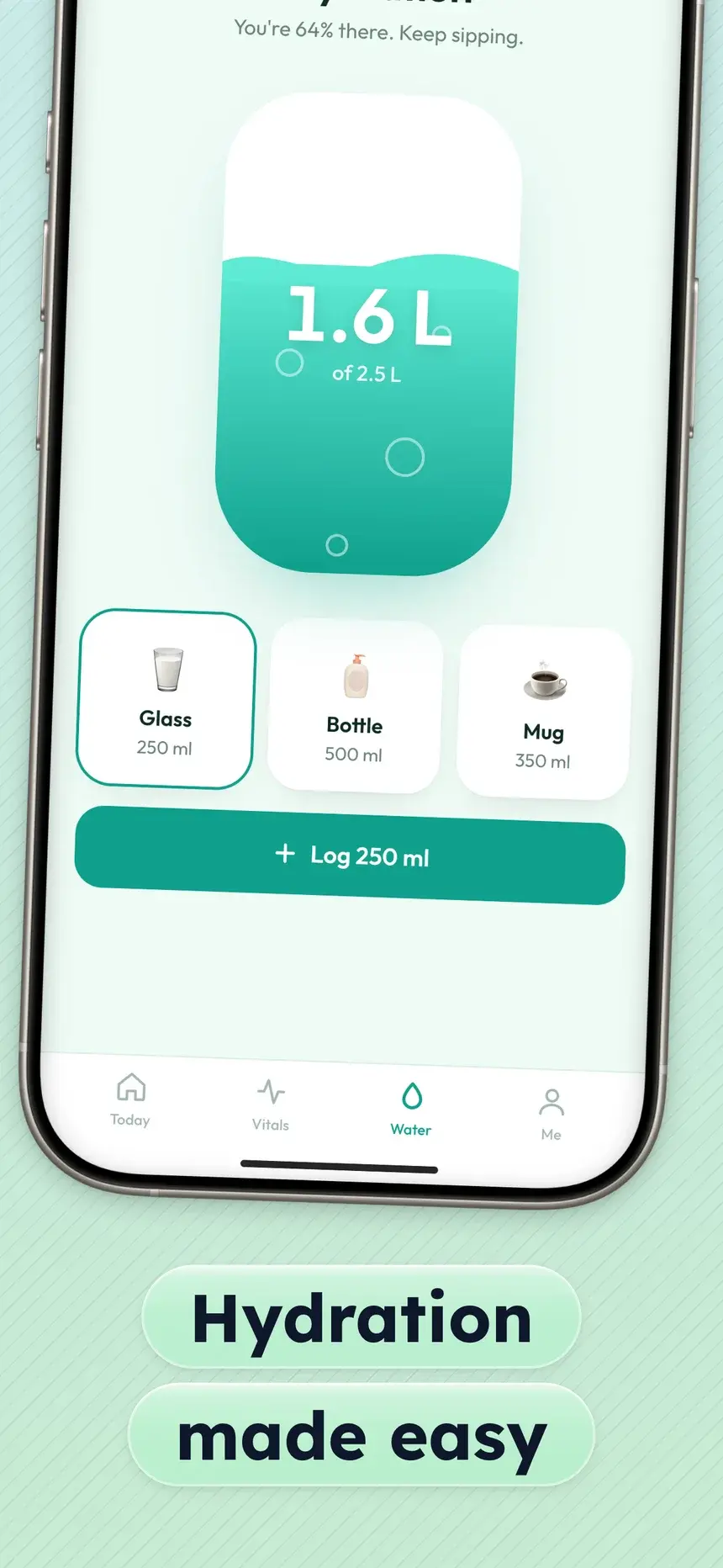
Whatever you are shipping, there is a preset that fits it. Here are 15 demo apps across 35 presets, every slide straight out of the Studio.

Features
Everything a designer would do, minus the designer.
The details that make a listing look expensive, built in and one click away.
Exact store sizes, zero rejections
Export at the pixels App Store Connect and Play Console accept. No alpha, no guessing, no re-uploads.
- iPhone 6.9" display1290 × 2796
- iPhone Duo inner display2007 × 2853
- iPhone 6.5" display1284 × 2778
- iPad 13" display2064 × 2752
- Android Phone1080 × 2160
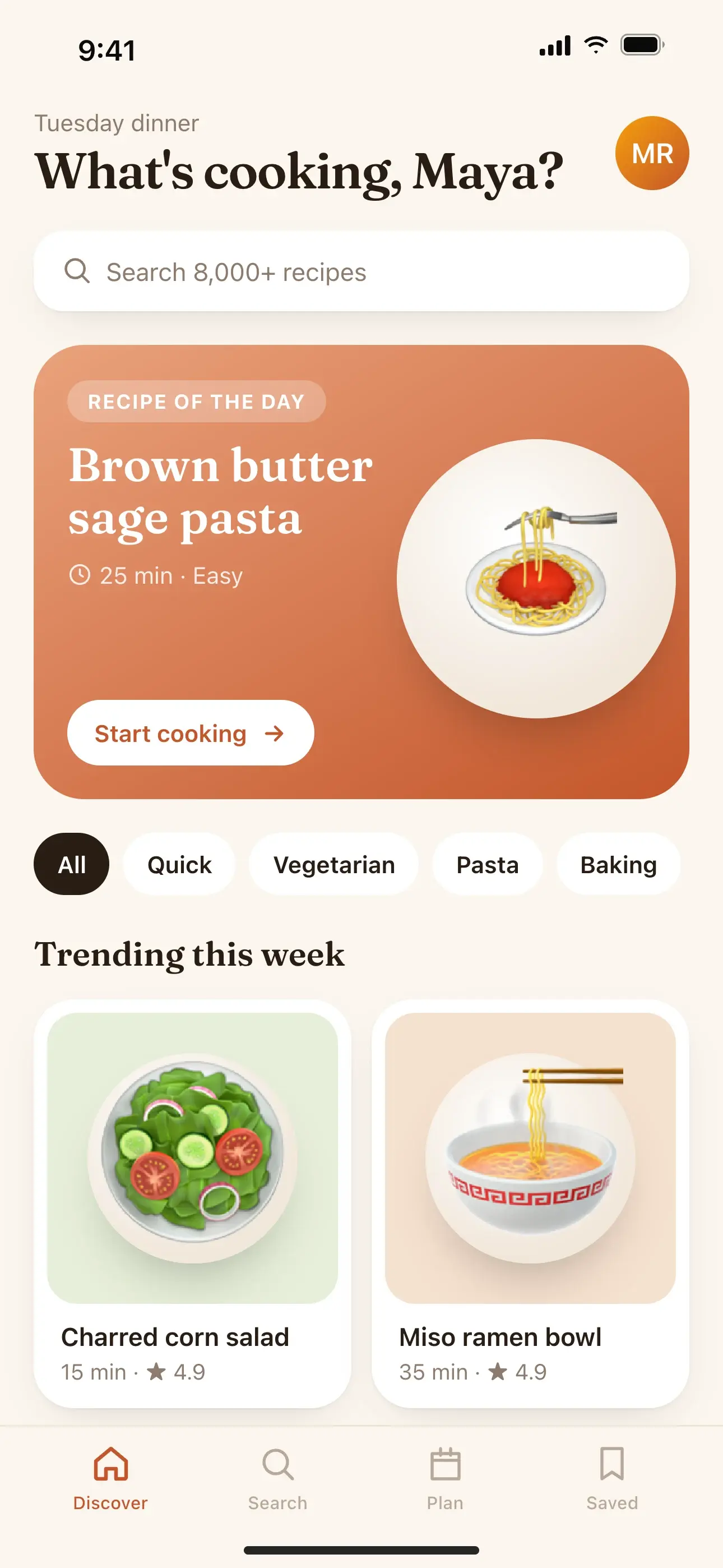
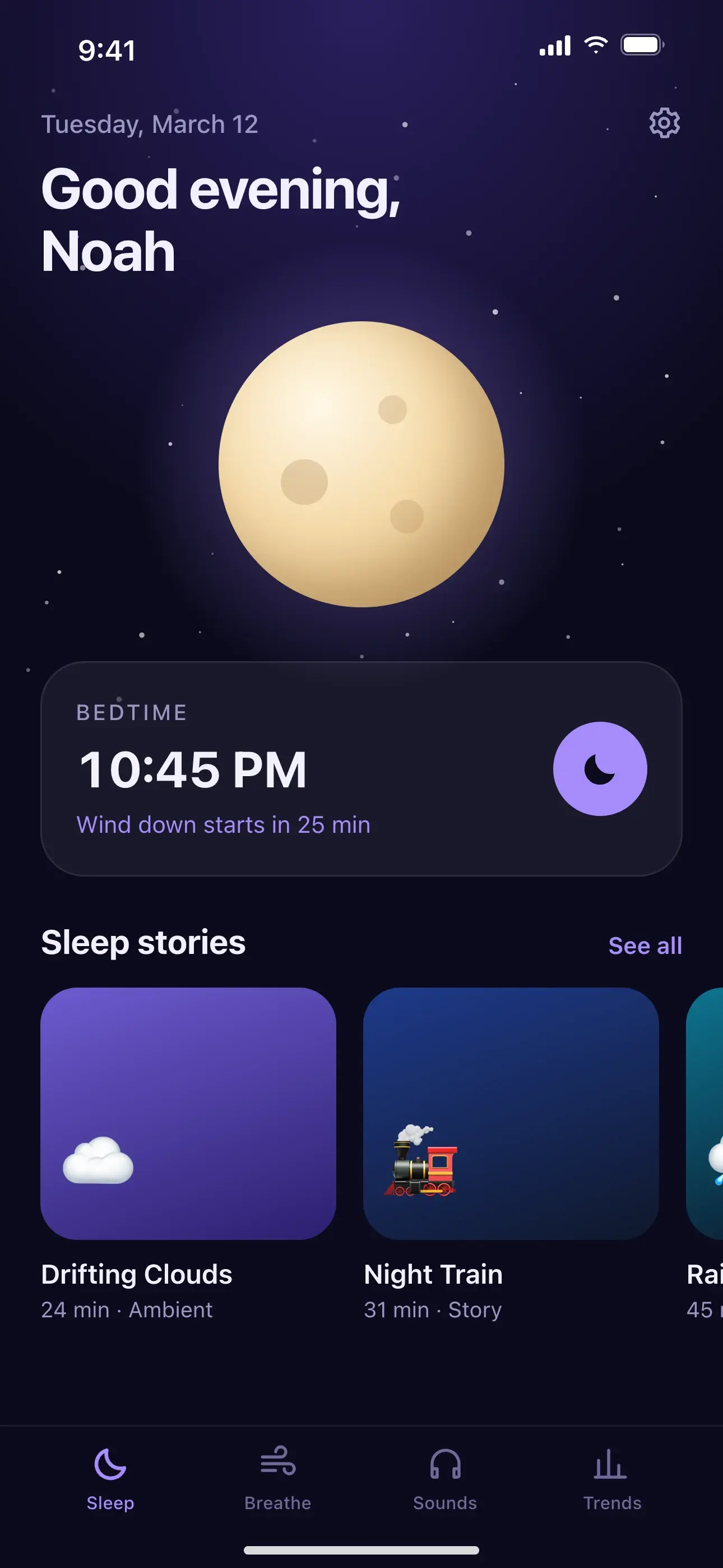
29 device frames
Realistic iPhone, iPhone Duo and Android hardware in every finish, or a clean bare screen when you want it minimal.
Every language, one pass
ProAdd locales, translate each headline and re-export the whole deck for every market in one click.
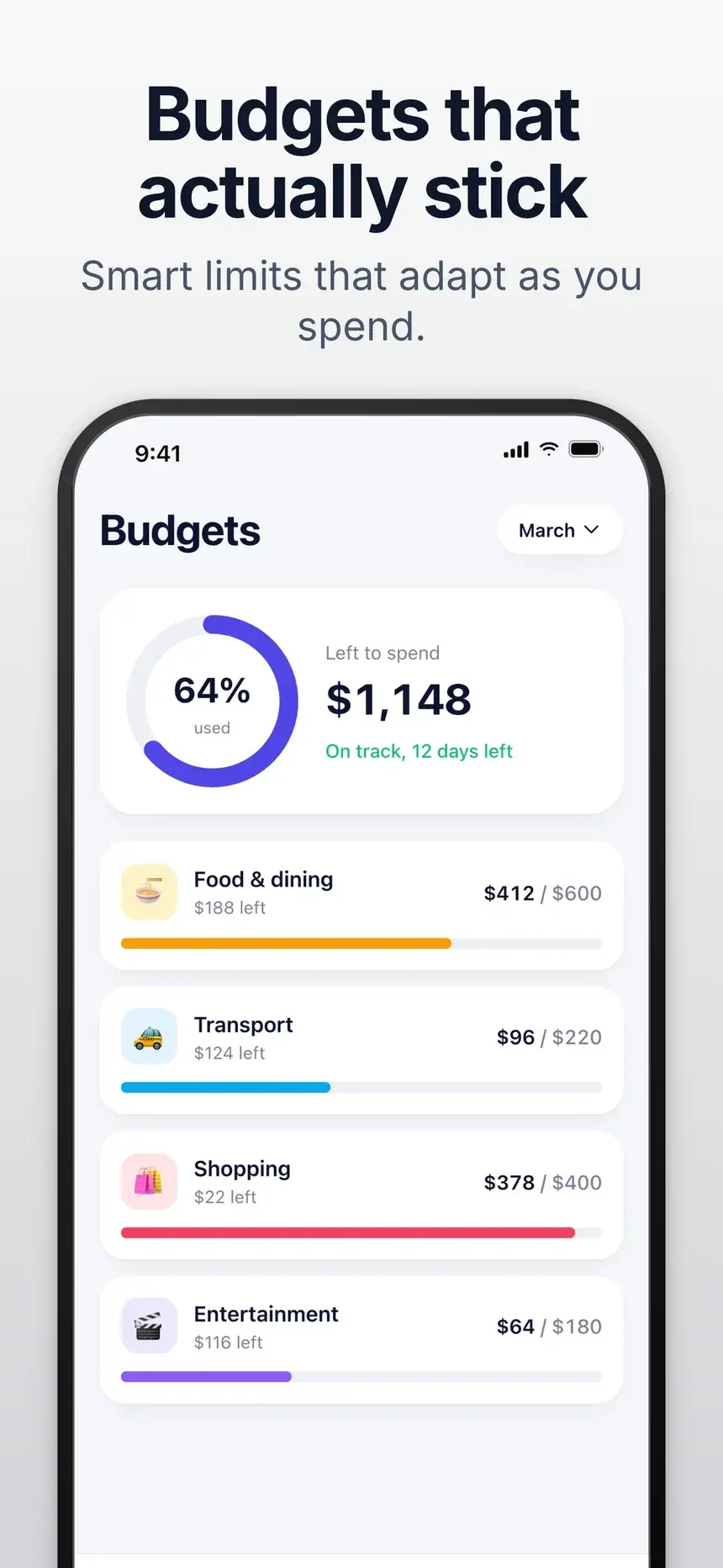
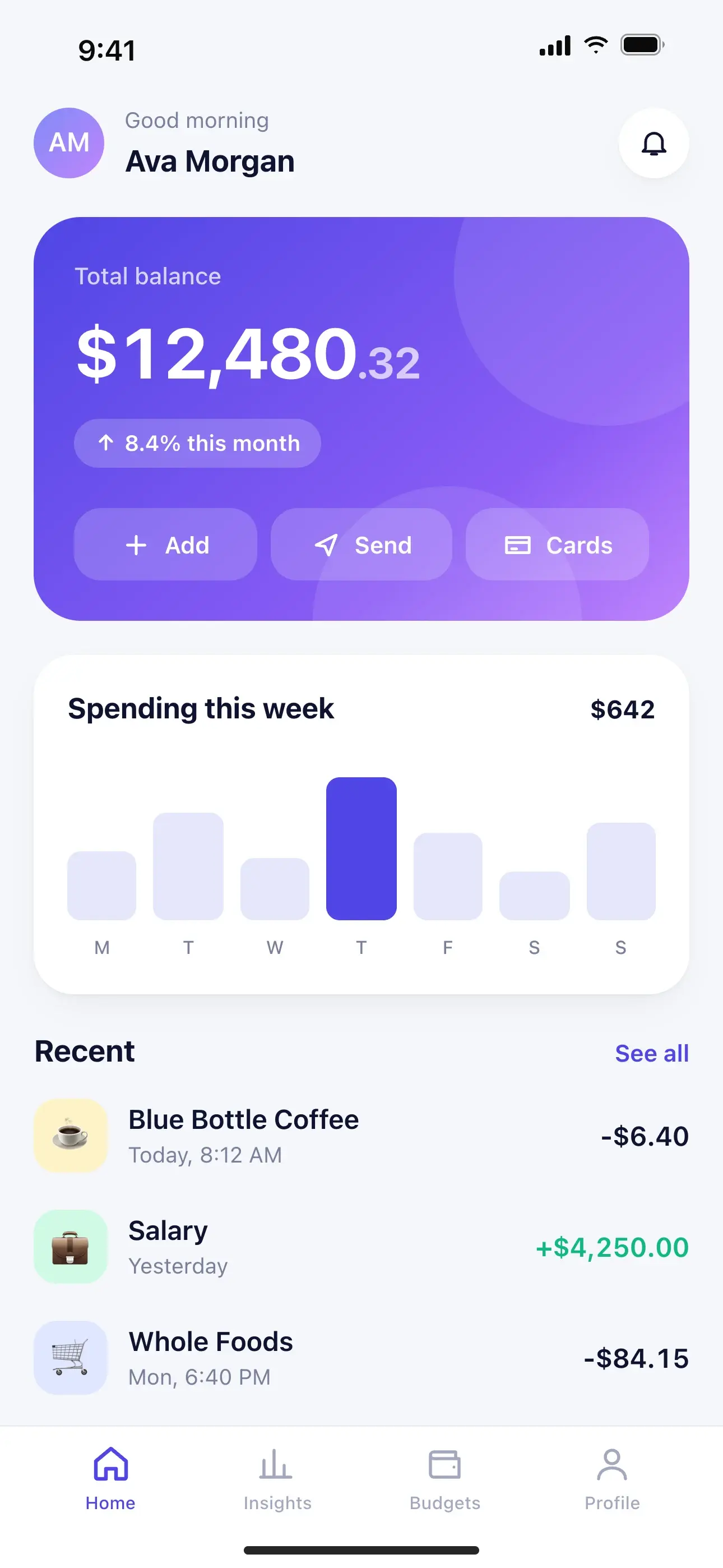
Budgets that actually stick
Smart limits that adapt as you spend.
Zoom callouts
ProMagnify the one detail that sells, right on the slide.
Private by design
Projects live in your browser's storage. Your unreleased app never touches our servers.
Stickers, badges and awards
ProDrop in laurels, ratings, emoji and 3D stickers to add proof and personality to any slide.


One-click ZIP export
Every slide, numbered in order and packaged by locale and store size. Grab single PNGs whenever you need them.
- en/ios_6_9/01.png
- en/ios_6_9/02.png
- en/ios_6_9/03.png
- en/ios_6_9/04.png
- en/ios_6_9/05.png
Pricing
Pay once. Own it forever.
Start free with no account. When you want every preset and power tool, Pro is a single payment, not another subscription. Sign in for a 48-hour free trial first.
Free
$0forever
Everything you need to ship a clean, compliant set.
- 3 hand-picked presets
- Classic iPhone and Android frames
- Every App Store and Google Play size
- PNG and ZIP export, no watermark
- 1 project, saved in your browser
Pro
Lifetime · Save $40$29$69
One-time payment · lifetime access · all future updates
- All 35 presets, plus every new one we ship
- Every device frame and font
- Zoom callouts to spotlight key UI
- Image layers, stickers and emoji
- Multiple mockups per slide
- Multi-locale decks, re-exported in one click
- Image backgrounds and custom colors
- Unlimited projects and saved presets
Secure checkout by Kelviq · Sign in for a 48-hour free trial first
FAQ
Questions, answered.
Sizes, privacy, pricing and the rest. Still stuck? We reply to every email.
[email protected]It is an online tool that turns raw app screens into polished App Store and Google Play listing visuals using device mockups, style presets, and text overlays. AppScreenPro lets you upload captures, customize the design, and export at the correct iPhone, iPad, and Android sizes without opening Photoshop or Figma.
See the comparison hub at https://appscreenpro.com/alternatives. We cover AppLaunchpad, Screenshots.pro, Previewed, Rotato, Placeit, MockUPhone, Smartmockups, Appure, Shotbot, AppMockUp Studio, AppScreens, Makeshots, ScreenshotWhale, and AppDrift, including where those tools still win.
Yes. You can open the Studio, build screenshot decks, and export PNG or ZIP files at no cost. If you sign in, you also get a 48-hour free Pro trial to test every Pro feature before buying.
No. Your screenshots, slide edits, style presets, and project files stay in your browser on your device. We do not receive or store your creative work on our servers. Only account and billing metadata is processed when you sign in or purchase Pro.
No account is required to open the Studio and build screenshot decks for free. Sign in is required to start your 48-hour Pro trial, purchase Pro, and keep plan status tied to your account across sessions and devices.
For current iPhone apps, upload a 6.9-inch set at 1260×2736, 1290×2796, or 1320×2868 pixels, JPEG or PNG with no transparency. iPad apps also need a 13-inch set. The full table is at https://appscreenpro.com/guides/app-store-screenshot-sizes.
Yes. AppScreenPro supports App Store device sizes for iPhone and iPad. Choose a size, add device frames, customize backgrounds and copy, then export high-resolution PNGs or a ZIP archive ready for App Store Connect.
Phone screenshots must be JPEG or 24-bit PNG with no transparency, 320 to 3840px per side, and no taller than twice the width. 1080×2160 is a valid tall phone canvas. You also need a 1024×500 feature graphic. The full table is at https://appscreenpro.com/guides/google-play-screenshot-sizes.
Yes. AppScreenPro includes an Android phone preset (1080×2160) with a dedicated device frame sized for Google Play listings. Upload your Android screens, style them with the same presets and mockups, and export PNGs or a ZIP ready for the Play Console. Sizes and the feature graphic are covered at https://appscreenpro.com/guides/google-play-screenshot-sizes.
Usually the pixels, a transparent PNG, or mixed sizes in one slot. JPEG or PNG only, no alpha, and one accepted size for the whole set. The checklist is at https://appscreenpro.com/guides/why-app-store-connect-rejects-screenshots.
The story can match. The files cannot. iPhone uses a 6.9-inch set such as 1290×2796, iPad needs 2064×2752 when the app runs on iPad, and Play phone uses 1080×2160. A full split is at https://appscreenpro.com/guides/iphone-vs-ipad-vs-android-screenshots.
Lead with the outcome on slide 1, then proof. Five slides is enough for most apps. Keep each headline short so it still fits after translation. The full walkthrough is at https://appscreenpro.com/guides/what-to-put-on-listing-screenshots.
No. AppScreenPro runs in your browser with ready-made style presets, drag-and-drop editing, and built-in device mockups. Upload your app screens and ship polished listing creatives in minutes. A step-by-step walkthrough is at https://appscreenpro.com/guides/app-store-screenshots-without-figma.
Pro is a one-time lifetime upgrade that unlocks advanced features: zoom callouts, image layers and stickers, multiple mockups per slide, multi-locale export, custom backgrounds and patterns, all device frames, and every Pro-only preset, including future releases. Sign in to get a 48-hour free Pro trial before purchase. Current pricing is shown in the upgrade dialog before checkout.
Pro checkout is handled by Kelviq, our payment partner and Merchant of Record. Kelviq collects payment, issues your receipt, and handles applicable taxes. Your bank statement will show Kelviq as the merchant. After a successful purchase, Pro access is activated on your AppScreenPro account automatically.
We do not offer refunds because every signed-in account gets a 48-hour free Pro trial to evaluate all Pro features before purchase. Please use the trial window to confirm fit before buying the lifetime Pro plan.
Yes. Drop PNG, JPG, or WebP files into the drop zone and we create one slide per image, sorted by filename.
Export each slide as a high-resolution PNG, or download the full deck as a ZIP archive. Exports use store-ready device sizes for App Store Connect and Google Play.
Because projects are stored locally in your browser, clearing site data or switching browsers can remove unsaved work. Export your deck before clearing data. Your Pro plan status is stored on your account and is not affected.
Style presets, headline and body copy, mockup placement, device frames, stickers, image overlays, backgrounds, gradients, patterns, and export settings including locale and device size.
We're here when you need us. Email [email protected] for product questions, billing help, or anything blocking your screenshot workflow. We typically respond within 24 hours on business days.
Your next update deserves better screenshots.
Most visitors decide from your screenshots alone. Make the first five count, starting right now, for free.
Tip: you can drop image files anywhere on this page.
